Last month I needed to clean up 47 product photos for a client's online store — remove backgrounds, fix wonky lighting, and sharpen details that a phone camera had blurred into soup. I had no budget for a professional retoucher and no time to learn Photoshop. So I went hunting for the best ai photo editor that could do the heavy lifting without costing a dime or demanding an email address.
What followed was two weeks of uploading the same batch of test photos to every tool I could find. I ranked each one on speed, editing quality, ease of use, and — critically — whether it actually delivered usable results or left me staring at AI artifacts. This guide covers the 8 best tools, starting with the best ai photo editor for anyone who wants results without barriers.
One tool stood out immediately: PhotoGPT. It is completely free, requires no sign-up, and uses GPT Image 2 alongside other advanced models for fast, accurate edits. But there are other strong contenders depending on what you need. Let us walk through each one.
How We Tested the Best AI Photo Editor
A best ai photo editor claim means nothing without real-world testing. For two weeks, I ran the same five test images through every tool: a product photo with a cluttered background, a portrait with harsh overhead lighting, a low-resolution landscape shot, a group photo needing facial retouching, and a vintage scan with visible damage. My evaluation criteria for the best ai photo editor were:
- Editing quality: Could the output pass as a professionally edited image?
- Speed: How fast from upload to finished result?
- No-sign-up access: Could I start editing immediately, or was there a registration wall?
- Free tier value: What did I actually get without paying?
- Ease of use: Could someone with zero editing experience figure it out?
- Output resolution: Was the result usable for web, print, or social media?
What Makes the Best AI Photo Editor for You
Finding the best ai photo editor depends entirely on what you are editing and how often. Here is what to consider before choosing.
Free vs paid. Most tools in this guide have free tiers, but the value varies wildly. The best ai photo editor for casual users should not require a subscription. PhotoGPT and Adobe Firefly both offer strong free access, though PhotoGPT removes the sign-up barrier entirely.
No sign-up access. If privacy matters or you simply hate creating yet another account, the best ai photo editor for you likely needs no registration. Very few tools in this roundup offer true no-sign-up access — it is one of the biggest differentiators.
Editing range. Some tools focus on one thing (background removal, facial retouching). Others cover generative fill, relighting, upscaling, and expression changes in one interface. The best ai photo editor for varied work should support multiple edit types without switching tools.
Output quality. AI editing can look plastic and unnatural if the model is not tuned well. The best ai photo editor preserves skin texture, fabric detail, and natural lighting rather than over-smoothing everything into a wax-doll look.
The Best AI Photo Editor — Top 8 Picks Compared
#1 PhotoGPT — Best Free AI Photo Editor with No Sign-Up
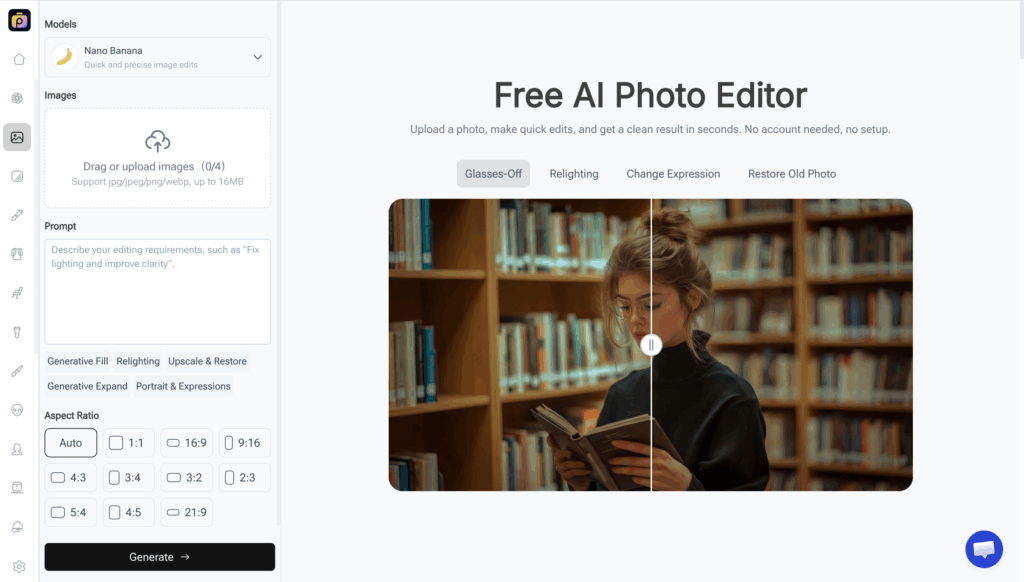
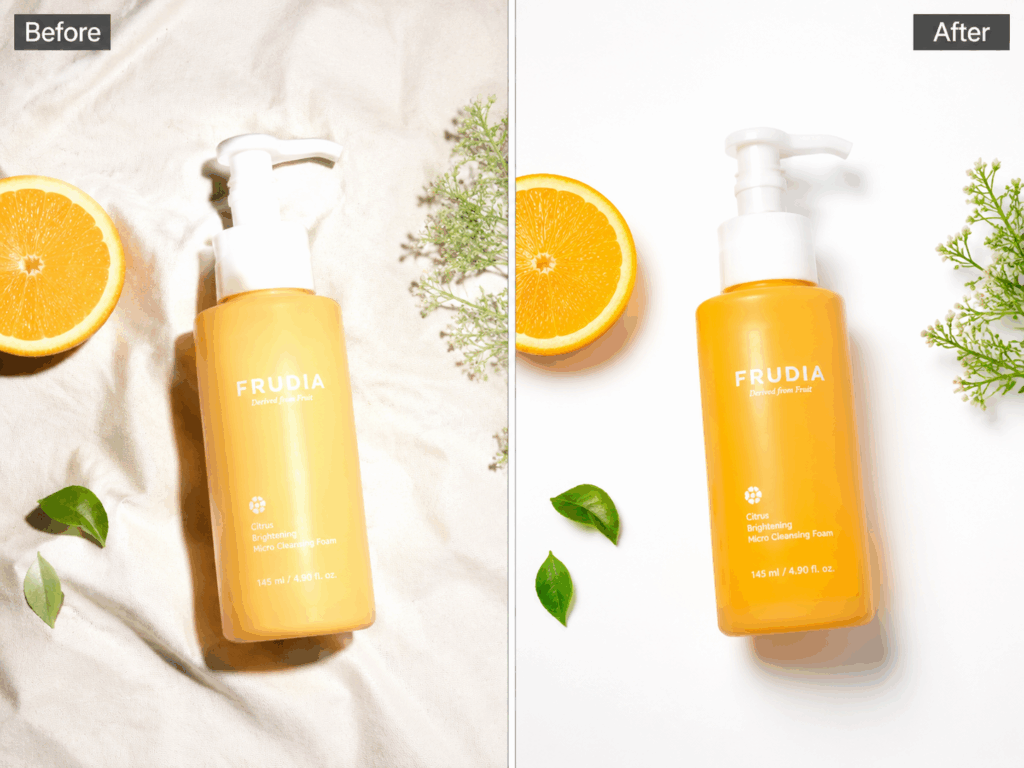
PhotoGPT is the best ai photo editor for anyone who wants to start editing immediately — no account, no credit card, no login screen. I uploaded a product photo with a messy background, typed "remove background, brighten the subject, add soft studio lighting," and had a clean, professional result in under 15 seconds. Powered by GPT Image 2, it handles generative fill, relighting, upscaling, portrait retouching, and old photo restoration — all through simple text prompts.
You can upload up to four images at once (JPG, PNG, or WebP, 16MB max each), and pick between Relaxed, Fast, or Turbo processing speeds. The interface is bare-bones by design: upload, describe what you want, download. No toolbars to learn, no layers panel to get lost in.
Pros: Completely free, no sign-up required. Three speed tiers for different needs. Covers generative fill, relighting, upscaling, portrait editing, and photo restoration. Uses GPT Image 2 model for fast, natural results. Handles up to 4 images simultaneously. Cons: Text-prompt interface may feel unfamiliar compared to traditional editors. No batch processing across multiple edits at once. Free tier may have processing queue during peak times.
Best for: Anyone who needs quick, professional AI photo edits without registration. This is the best ai photo editor for social media creators, online sellers, and casual users who value speed and simplicity.
#2 VisualGPT — Best AI Photo Editor with Multi-Model Flexibility
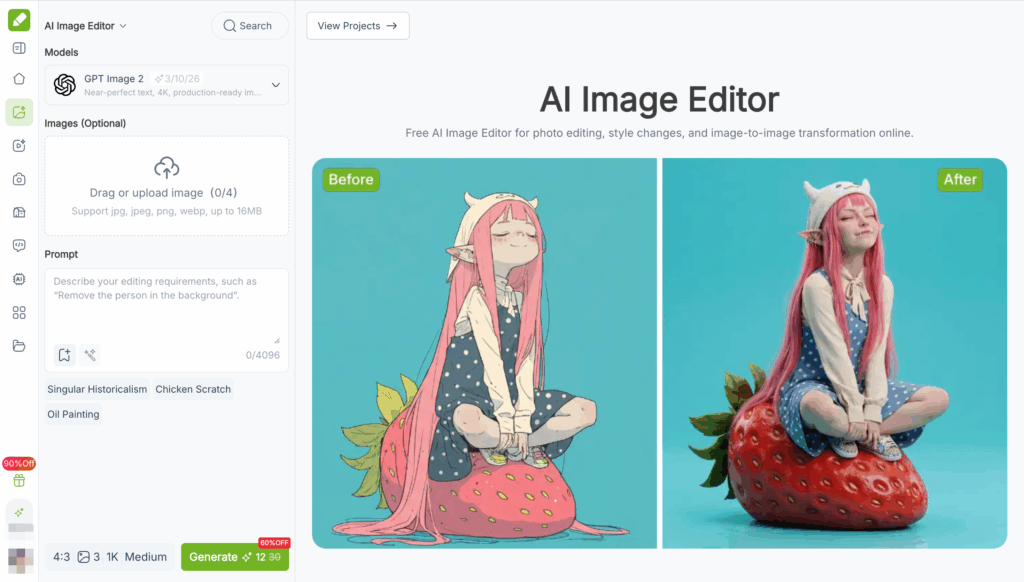
VisualGPT is a free AI image editor that lets you switch between multiple AI models depending on what your photo needs. It covers background removal, style transfer, clothing and hair changes, facial expression editing, object removal, and image enhancement — all from one page, with no sign-up needed for the first few edits. Built-in prompt templates and 4K output make it the best ai photo editor for newcomers who want professional-grade results with one-click shortcuts.
Pros: Free with no sign-up to start. 4K output available. Multi-model switching for different edit types. Built-in prompt templates for faster workflow. Supports style transfer. Handles up to 4 images at once. Cons: Limited free credits — prompts login after several uses. Processing speed varies by model selected. Less suited for complex generative edits.
#3 Adobe Photoshop — Best AI Photo Editor for Professionals
Photoshop's AI features — Generative Fill, Neural Filters, and the Remove Tool — are industry-standard for a reason. They work with surgical precision. But the $20.99 monthly subscription and steep learning curve mean this is only the best ai photo editor for people who already live in Adobe's ecosystem.
Pros: Unmatched editing precision. Generative Fill with contextual awareness. Professional-grade output. Cons: Expensive subscription. Requires installation and learning. No free tier beyond a 7-day trial.
#4 Canva Pro — Best AI Photo Editor for Beginners
Canva Pro integrates AI editing into its drag-and-drop design platform. Magic Edit, Background Remover, and Magic Eraser make it the best ai photo editor for marketers who need to edit photos and create designs in one place — but AI features are locked behind a $12.99/month paywall.
Pros: Integrated with full design suite. Excellent templates. Beginner-friendly. Cons: AI editing requires Pro subscription. Limited standalone editing capabilities. Processing can be slow on complex edits.
#5 Adobe Firefly — Best Free AI Photo Editor with Generative Tools
Firefly offers Generative Fill and Generative Expand for free (25 credits monthly), making it a strong best ai photo editor contender for occasional users. The output quality is high, but the credit limit runs out fast if you edit frequently.
Pros: High-quality generative AI editing. Free tier available. Integrates with Adobe ecosystem. Cons: 25 free credits per month is restrictive. Requires Adobe account. Limited to generative features only.
#6 Picsart — Best AI Photo Editor for Social Media Content
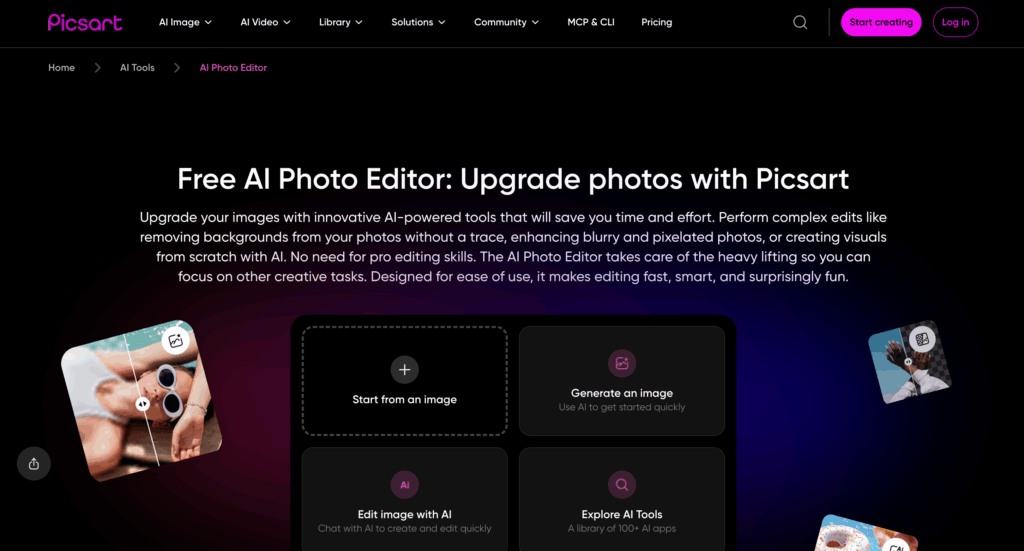
Picsart combines AI editing with a massive library of filters, stickers, and templates. It is the best ai photo editor for creating Instagram-ready content quickly, but the free version is ad-heavy and most AI tools cost credits.
Pros: Rich template library. Social-media-optimized exports. Fun creative tools. Cons: Free version is loaded with ads. AI editing costs credits. Output can feel overly filtered.
#7 Remini — Best AI Photo Editor for Mobile Users
Remini lives on your phone and excels at one thing: making bad photos look surprisingly good. Its AI photo enhancer is genuinely impressive, especially for faces. It is the best ai photo editor for quick mobile touch-ups, though the $6.99/week pricing is hard to justify for anything beyond occasional use.
Pros: Excellent face enhancement. Simple one-tap editing. Works offline after processing. Cons: Expensive subscription model. Limited editing breadth. Primarily mobile-only workflow.
#8 Krea AI — Best AI Photo Editor for Creative Experimentation
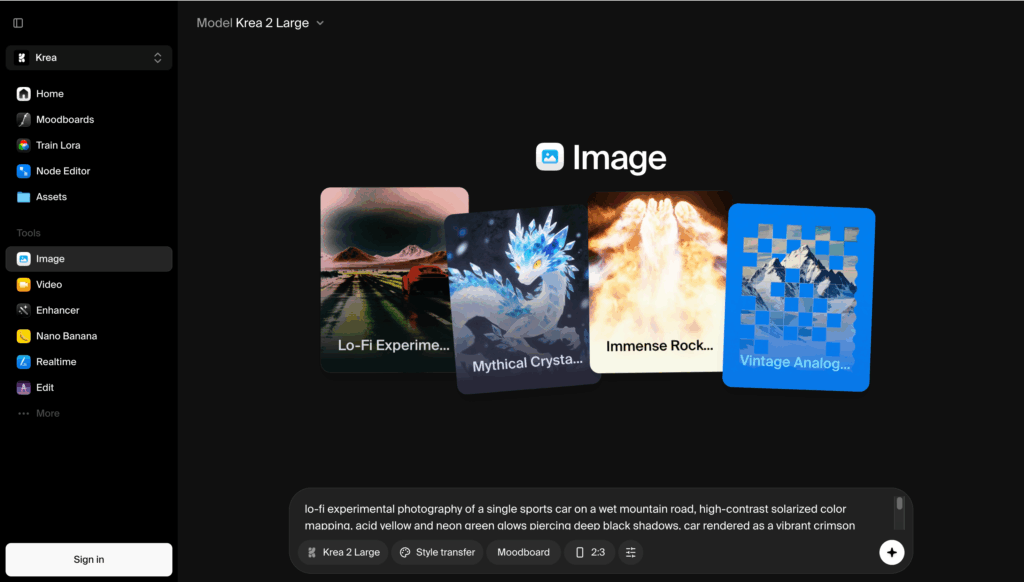
Krea AI is a creative playground that combines multiple AI models — Nano Banana Pro, Flux 2 Pro, Qwen Image Edit — under one roof. It is the best ai photo editor for creators who want to experiment with different models, though the interface can be overwhelming for beginners.
Pros: Multi-model access in one platform. Real-time generation previews. Strong creative flexibility. Cons: Steep learning curve. Free tier limited. Overkill for simple edits.
AI Photo Editor Comparison Table
| Tool | Best For | Free Tier | No Sign-Up | Starting Price |
| PhotoGPT | Instant no-sign-up editing | Free, unlimited | Yes | Free |
| VisualGPT Editor | Multi-model + 4K | Limited free | Yes (login after several uses) | Free |
| Adobe Photoshop | Professional workflows | 7-day trial | No | $20.99/month |
| Canva Pro | Beginners + design | Limited free | No | $12.99/month |
| Adobe Firefly | Generative AI editing | 25 credits/month | No (Adobe account) | $4.99/month |
| Picsart | Social media content | Ad-supported free | No | $2.59/5 AI uses |
| Remini | Mobile portraits | Limited free | No | $6.99/week |
| Krea AI | Creative experimentation | Limited free | No | $7/month |
If speed and no-barrier access are your priorities, it is the clear winner as the best ai photo editor for getting edits done without friction.
Tips for Getting the Best Results from an AI Photo Editor
Even the best ai photo editor produces underwhelming results if you do not know how to prompt it. After weeks of testing, here is what works.
Write specific prompts. Instead of "make this look better," describe exactly what you want: "remove the background, replace with a clean white studio backdrop, brighten the subject by 20%, and sharpen the product label." The best ai photo editor responds to precision.
Start with the best source image you have. AI upscaling can work miracles, but starting with a blurry thumbnail will never produce a crisp 4K result. Feed the tool the highest-resolution image available.
Use multiple generations. Most tools let you generate 2-4 variations per prompt. Generate at least two and pick the best. Tiny differences in lighting and texture can make or break an edit.
Match the speed setting to your patience. It offers Relaxed, Fast, and Turbo modes. Use Turbo for quick social media fixes, Relaxed for maximum quality on important edits.
Combine edits for complex jobs. Remove the background first, then relight the subject, then upscale the final result. Chaining edits in sequence produces far better results than trying to cram everything into one prompt.
FAQs
Is there a best ai photo editor that is completely free with no sign-up?
Yes. This tool is a free best ai photo editor that requires no account, no email, and no credit card. You upload your photo, describe the edit, and download the result — that is it.
Which best ai photo editor produces the most natural-looking results?
It uses GPT Image 2, which is tuned to preserve natural skin texture, fabric detail, and lighting — avoiding the over-processed, plastic look common in AI editing tools. This makes it the best ai photo editor for results that do not scream "AI."
Can I upscale photos to 4K with an AI photo editor?
Yes. VisualGPT supports 4K output on its AI image editor. PhotoGPT outputs at 1080P which is sufficient for web and social media use. Tools like Adobe Photoshop also offer 4K exports for professional workflows.
Do I need design skills to use an AI photo editor?
No. All eight tools in this guide work with text prompts or simple one-click edits. The best ai photo editor for absolute beginners is the one with the fewest steps between upload and download — which is this tool.
Which best ai photo editor is best for e-commerce product photos?
It excels at product photo editing — background removal, relighting, shadow generation, and detail sharpening — all without a subscription. For online sellers managing dozens of product images, this is the best ai photo editor that saves both time and money.
Conclusion: Finding Your Best AI Photo Editor
After testing eight tools across two weeks and nearly a hundred edited images, one thing is clear: there is no single best tool for everyone. Photoshop remains unbeatable for pixel-level professional work. Canva Pro is fantastic if you are already building designs on the platform. Remini handles mobile portraits beautifully.
But if you want to open a browser tab, upload a photo, get a professional edit, and download the result — without entering an email, starting a trial, or reaching for a credit card — PhotoGPT is the best ai photo editor I tested. It strips away every barrier between you and a finished image.
Head to PhotoGPT AI Photo Editor — upload a photo, type what you want, and have your first edit in under 30 seconds. No sign-up needed.