








Models

Media (Optional)

Add End Frame
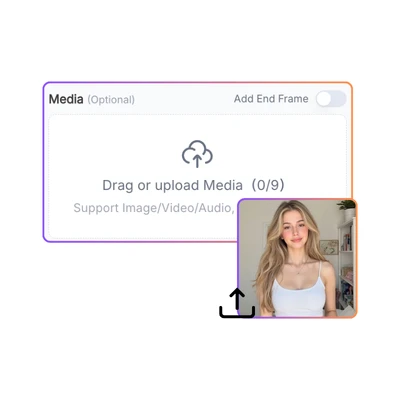
Drag or upload Media(0/9)
Drag or upload Media
Support Image/Video/Audio, up to 64MBMB
First Frame
First Frame (Optional)
Last Frame
Last Frame (Optional)

Prompt

Shot 1
0/512
Add Shot (1/6)
0/5000

Enable Sound (Optional)

Aspect Ratio

Duration

5s

Quality

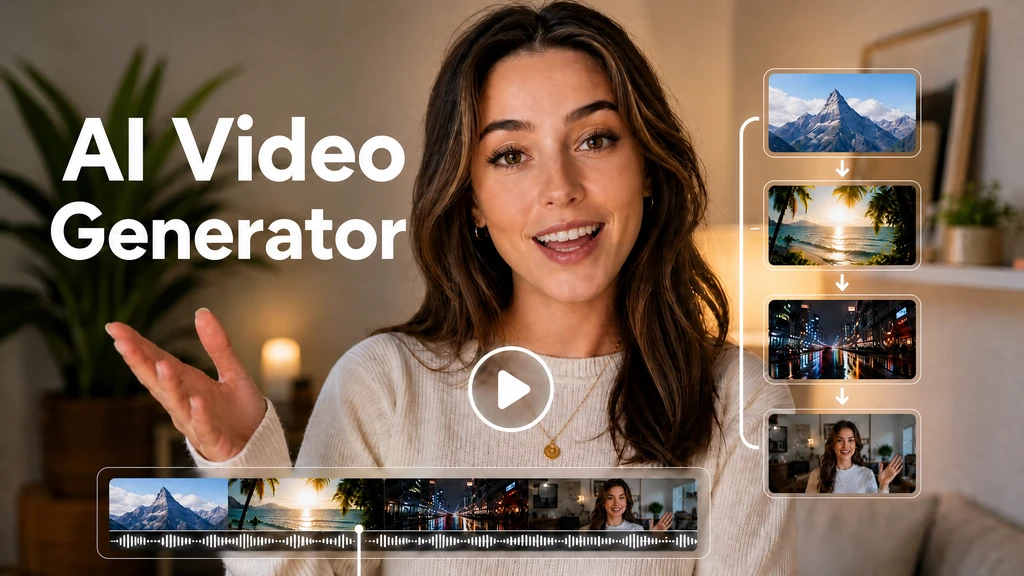
AI Video Generator

Powered by Kling, Seedance, and Veo, PhotoGPT turns text and images into short AI videos.

PhotoGPT - ★★★★★
★★★★★
Rated
PhotoGPT - ★★★★★
PhotoGPT - 50K+
50K+
Pictures Created
PhotoGPT - 50K+
PhotoGPT - 100+
100+
Organizations
PhotoGPT - 100+

Helping creators & businesses everywhere work easier

HARVARD
UNSPLASH
500PX
LINKEDIN
INDEED
GLASSDOOR

AI Video Generator - Kling, Seedance, Veo Top Models Online

PhotoGPT's AI Video Generator uses Kling, Seedance, and Veo to turn text and images into short videos. Create product demos, social clips, and animations.

Generate Video Now
AI Video Generator - Kling, Seedance, Veo Top Models Online

What Is AI Video Generator?

Describe a product in motion and PhotoGPT's AI Video Generator brings it to life as a short demo reel. Upload a product image and the AI turns it into a moving showcase with panning shots and subtle animations. Type a scene description — say, a coffee cup steaming on a rainy windowsill — and AI Video Generator creates the clip from scratch. From product demos and social media reels to animated creative projects, the AI generates motion from your descriptions or reference images without any editing tools or video skills. For more tools, try AI Photo Editor and AI Photo Enhancer.

What Is AI Video Generator?

How to Use AI Video Generator?

Using AI Video Generator on PhotoGPT is simple. Upload an image, describe the motion you want, and generate a short clip ready to share online.

AI Video Generator Step 1: Upload Your Media

Step 1 — Upload Your Media

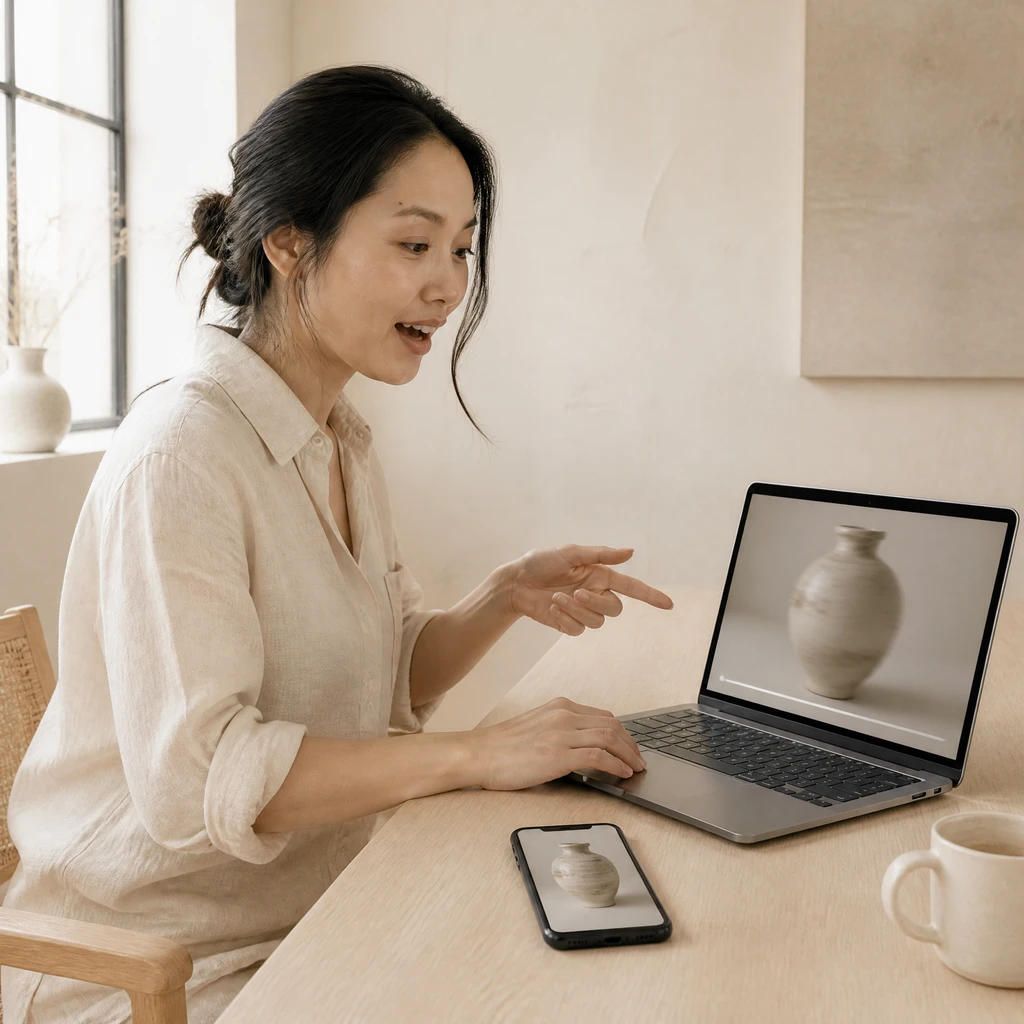
Start by uploading a product photo, landscape image, or portrait. PhotoGPT's AI Video Generator works with any static image you want to bring to life. Clearer images produce smoother motion output.

AI Video Generator Step 2: Describe the Motion You Want

Step 2 — Describe the Motion You Want

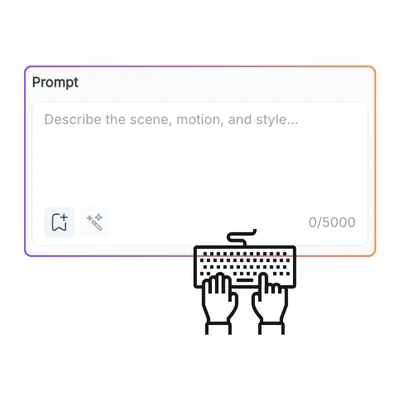
Tell the AI how you want your image to move. A slow product pan, a gentle zoom into a scene, or a flowing animation. PhotoGPT's AI Video Generator turns your instructions into a short video clip.

AI Video Generator Step 3: Generate and Download Your Video

Step 3 — Generate and Download Your Video

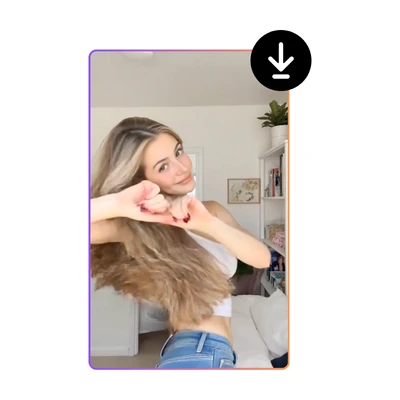
Click generate and let PhotoGPT's AI Video Generator create your video. The AI processes your input and delivers a ready clip. Preview it, then download for your product page or social media.

Shooting Product Demos by Hand Burns Hours You Could Spend Selling

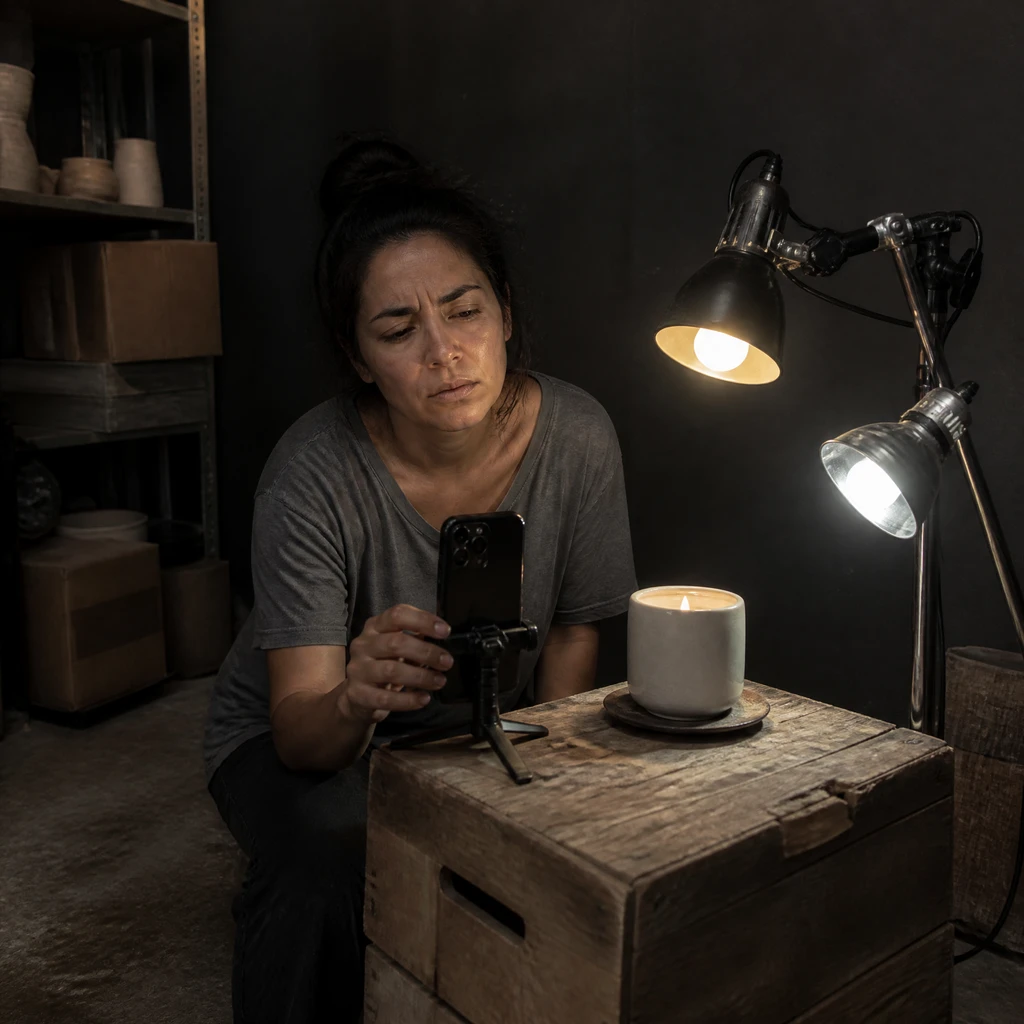
E-commerce sellers lose afternoons setting up lights for a quick clip. Hiring videographers costs too much per video, and phone footage rarely looks professional. Content creators hit the same wall — filming short social clips eats hours and depends on lucky lighting. PhotoGPT's AI Video Generator solves this. Upload an image, describe the motion, and generate a polished short video.

Shooting Product Demos by Hand Burns Hours You Could Spend Selling

Text Goes In, Motion Comes Out

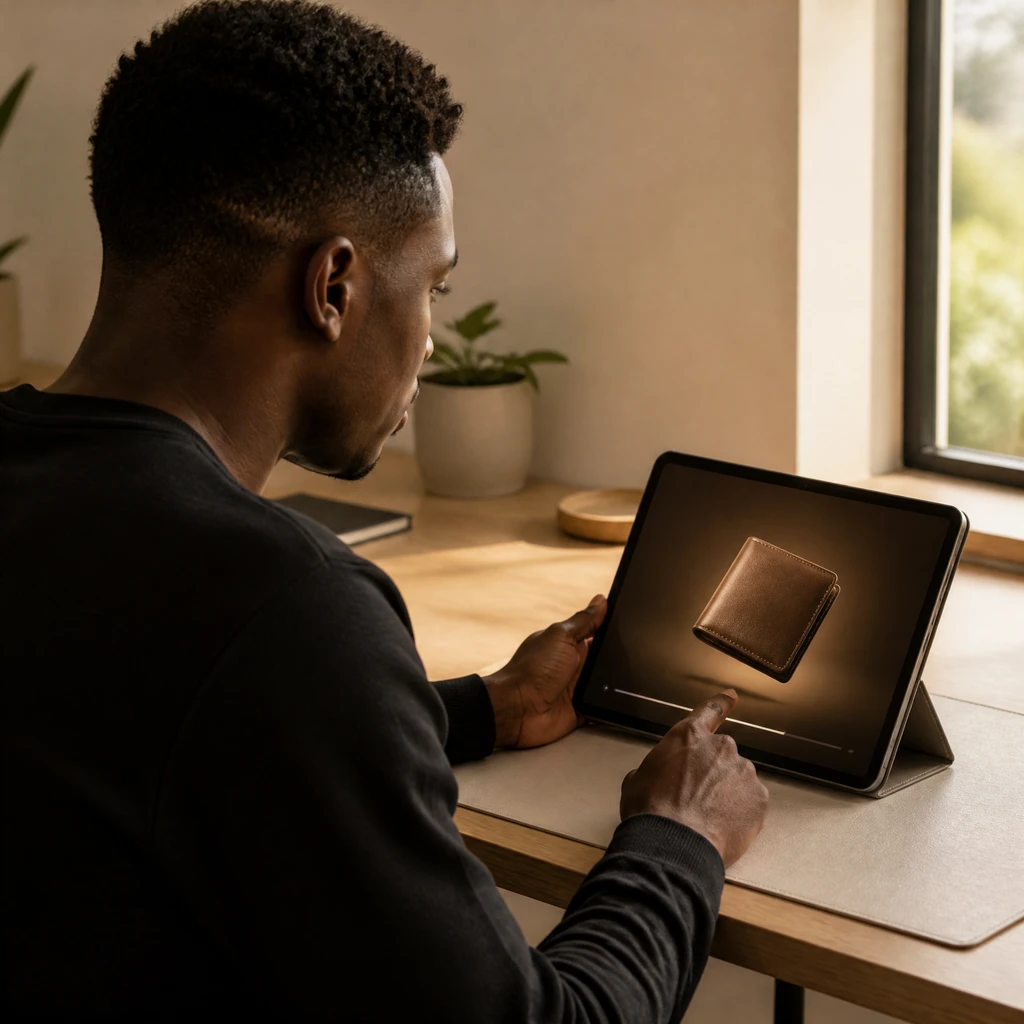
PhotoGPT's AI Video Generator turns images and descriptions into moving clips. The AI produces short videos with natural motion, smooth transitions, and consistent quality. A product photo gets a panning shot, a written scene becomes animation. No storyboards or camera gear. Just your idea, turned into motion.

Text Goes In, Motion Comes Out

Skip the Setup, Start Generating

AI Video Generator on PhotoGPT keeps the workflow simple and intuitive. Upload an image or type a prompt, describe the motion, and generate. Small business owners who have never edited video can produce professional-looking product demos and social media clips without a timeline or a single keyboard shortcut.

Skip the Setup, Start Generating

Every Clip Looks Ready to Publish

PhotoGPT's AI Video Generator delivers short clips with steady motion quality and clean framing. Clips are ready for TikTok, Reels, product pages, and YouTube Shorts. The AI keeps colors consistent and motion natural throughout. Whether you animate a product photo or bring a text concept to life, results land polished.

Every Clip Looks Ready to Publish

Start Creating AI Videos on PhotoGPT

Upload your product photo or describe your idea. PhotoGPT's AI Video Generator turns your vision into motion and delivers a ready-to-publish video clip.

Try AI Video Generator Now

What Creators Say About AI Video Generator

Elena V. Background
Elena V.Candle Brand Owner
"I sell handmade candles on Etsy and Shopify, but static photos were not driving sales. Hiring a videographer for every launch was too expensive. With PhotoGPT's AI Video Generator, I uploaded a shot of my lavender candle, described a gentle spin, and got a perfect 10-second clip. My listing engagement jumped immediately. Now every new scent gets its own AI video without production hassle."
Marcus J. Background
Marcus J.Marketing Agency Owner
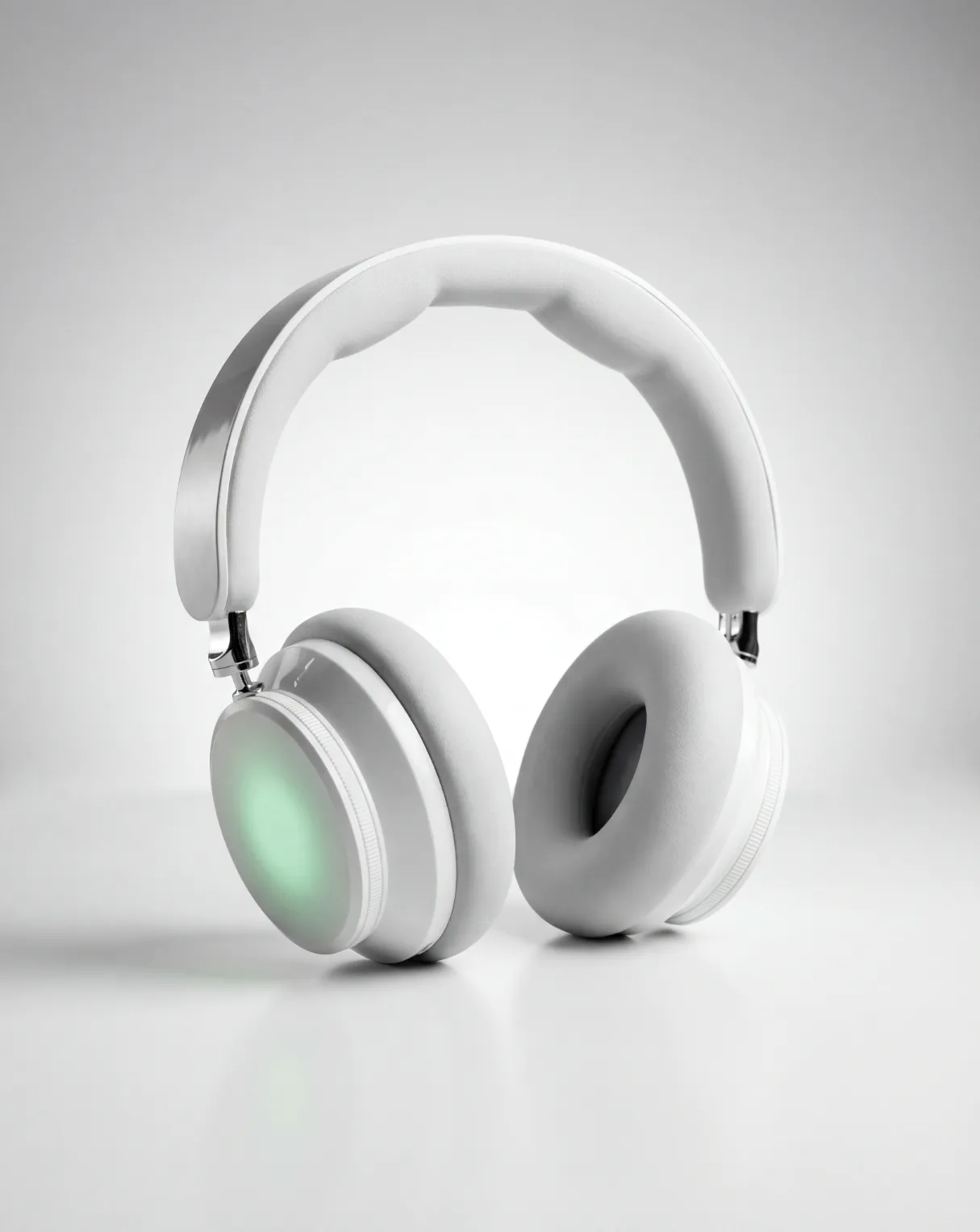
"My marketing agency gets constant requests for short video content. The old turnaround drained me — shoots, edits, revision rounds. PhotoGPT's AI Video Generator changed everything. I upload a client's product image, describe the motion, and send polished clips to clients faster. When a skincare client needed a Reel, the AI turned their packaging into a slick clip that beat their last campaign."
Samira K. Background
Samira K.Freelance Illustrator
"As a freelance illustrator, I needed my work to stand out online. Static posts kept getting buried. PhotoGPT's AI Video Generator let me add subtle motion — drifting clouds for landscapes, gentle waves for beach scenes. The AI enhanced my style instead of overpowering it. My engagement tripled and I started getting DMs asking how I did it. I recommend this to every creative I know."

FAQs about AI Video Generator

AI Video Generator is a video creation tool on PhotoGPT that turns text descriptions or static images into short animated videos. Upload a product photo, landscape image, or portrait, and the AI analyzes the content to generate natural motion like panning, zooming, or flowing animation. Alternatively, type a detailed scene description and the AI creates a video clip entirely from text. The generation process applies motion effects consistently across the frame, producing polished short videos that look professionally captured. AI Video Generator handles both text-to-video and image-to-video creation within a single interface on the PhotoGPT platform.
AI Video Generator produces short video clips suitable for multiple use cases. E-commerce sellers use it to turn static product photos into dynamic product demos with subtle panning and rotation effects. Social media creators generate short clips for TikTok, Instagram Reels, and YouTube Shorts from text descriptions or reference images. Artists and designers animate their static artwork with gentle motion like drifting clouds or flowing water. Marketers create quick promotional clips from brand images without scheduling a video production. The AI adapts its output based on your input type and motion description.
Yes, AI Video Generator is designed for product demo creation. Upload a clean product photo, describe the type of motion you want such as a smooth 360-degree rotation or a gentle zoom-in with bokeh background, and the AI generates a short product showcase video. These clips work on Shopify product pages, Amazon listings, Etsy shop fronts, and social media ads. Dynamic product videos typically increase conversion rates compared to static images alone, and AI Video Generator lets e-commerce sellers create these assets without hiring videographers or renting studio space.
AI Video Generator offers two input modes for different creative needs. Image-to-video mode takes a static photo you upload and adds motion to it — a product image gets a smooth rotating pan, a landscape photo gains drifting clouds, a portrait receives subtle lighting shifts. Text-to-video mode creates a video clip entirely from your written description without any reference image. You describe a scene in words, such as coffee pouring into a white ceramic mug on a wooden table in morning light, and the AI generates the video from scratch. Both modes produce ready-to-use short video clips within the same interface on PhotoGPT.
AI Video Generator produces short video clips depending on video duration and complexity. The AI processes your uploaded image or text prompt and generates smooth motion animations without lengthy rendering queues. After generation, you can preview the result immediately in your browser and decide whether to download or refine your prompt for another attempt. This streamlined workflow makes AI Video Generator practical for creating multiple product videos in a single session or producing social media content without traditional production delays.
PhotoGPT takes user privacy seriously when processing content through AI Video Generator. Your uploaded images and text prompts are analyzed by the AI in real time and are not stored permanently on our servers or shared with third parties. The video generation happens securely within PhotoGPT infrastructure, and no human reviewers access your uploaded content. You retain full control over your images and videos, and you can delete any uploaded content at any time. This privacy-first approach ensures businesses and creators can use AI Video Generator with confidence.