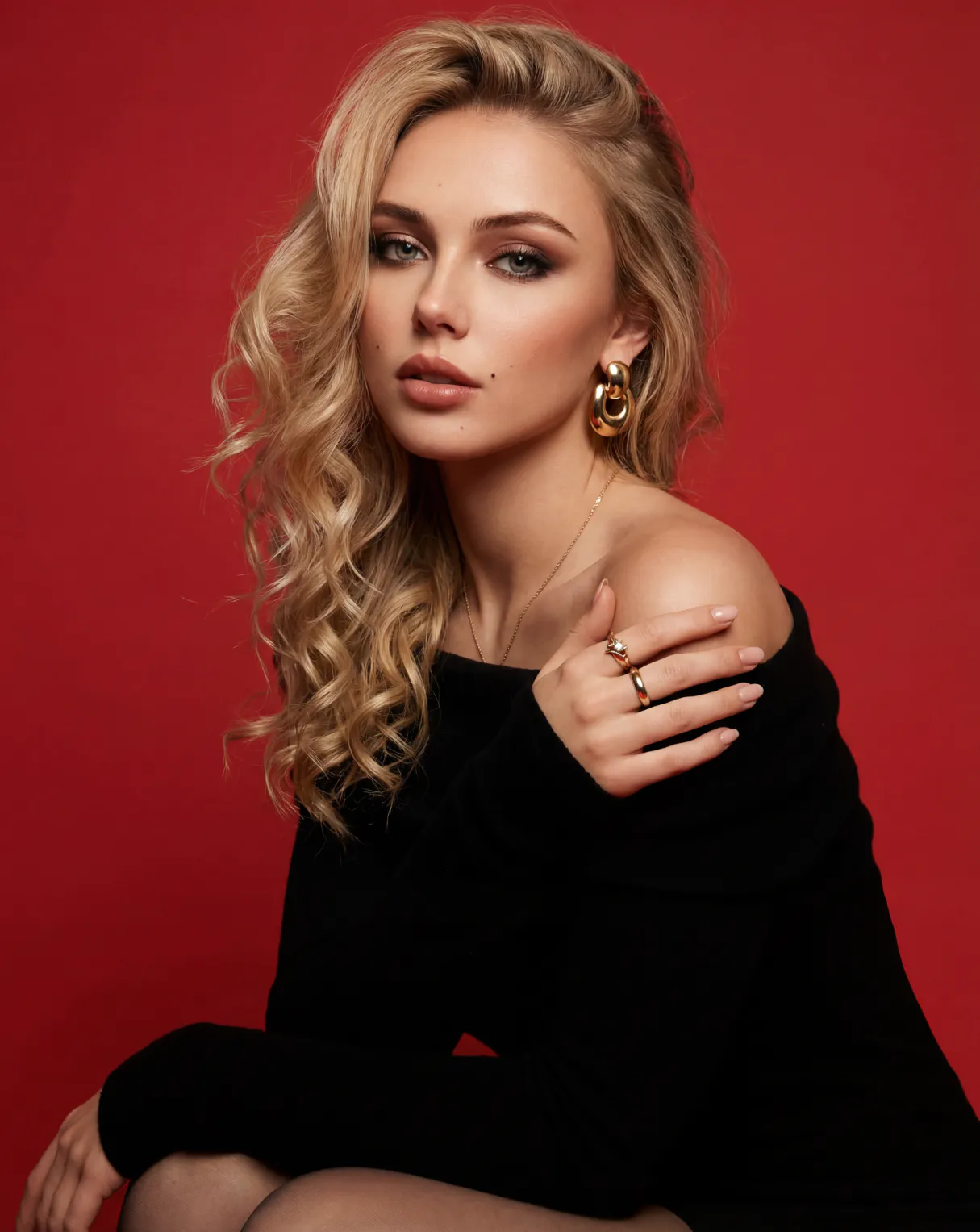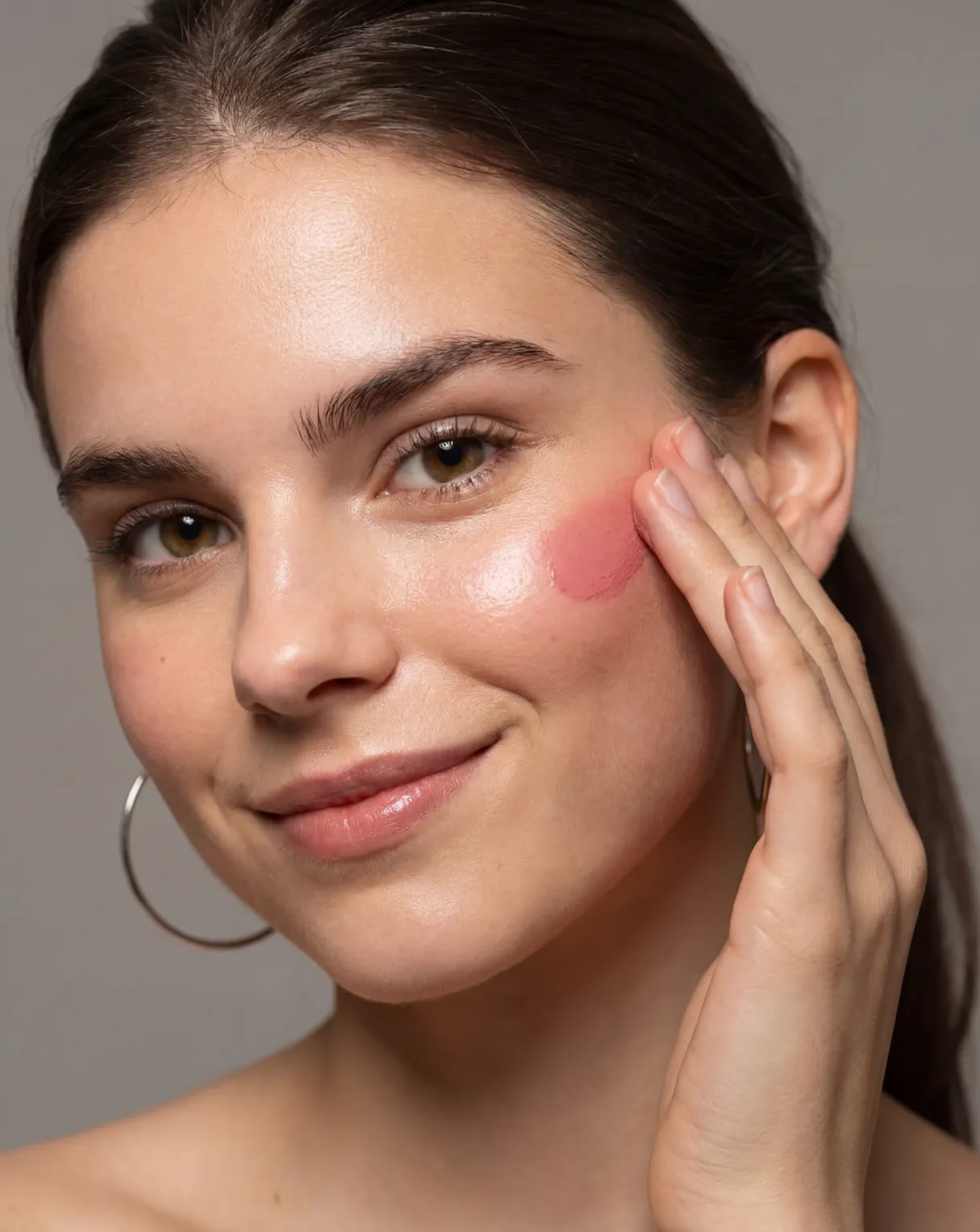








""I always struggled picking lipstick shades online. Half of them looked completely different once they arrived. With PhotoGPT's AI virtual makeup try on, I uploaded my selfie and tested about eight shades in under three minutes. The results matched my skin tone accurately and I finally stopped guessing. I now use it every time before buying anything from a new brand. Best free tool I've found for this.""
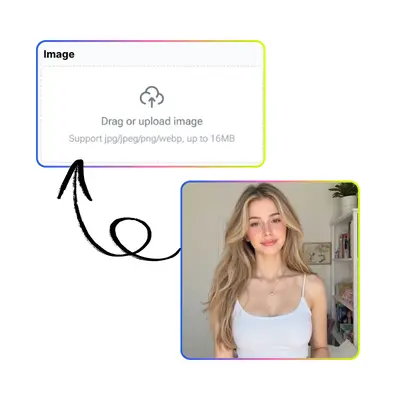
Support jpg/jpeg/png/webp, up to 16MB
Settings
Free AI Virtual Makeup Try On
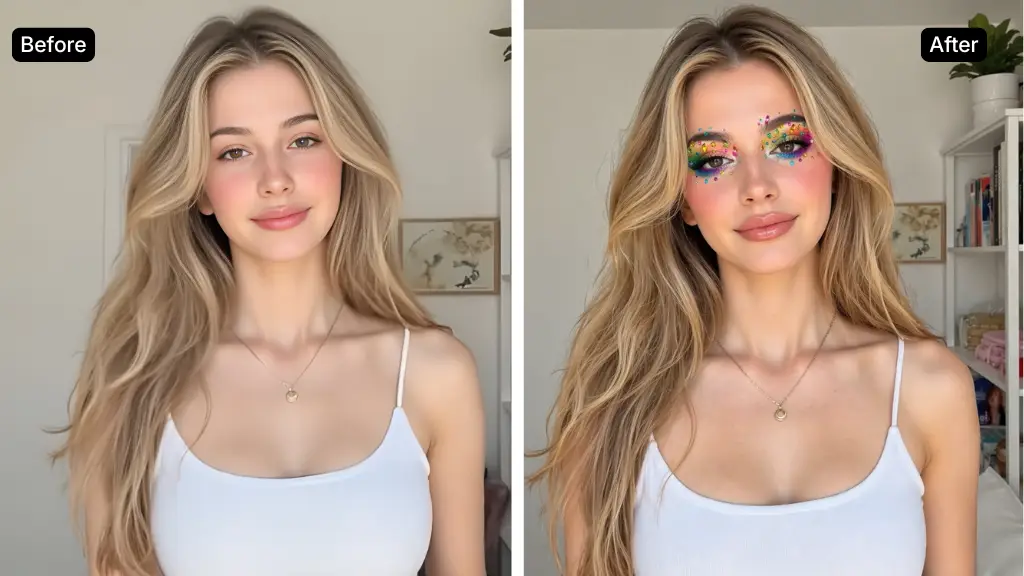
Try on any makeup style for free with PhotoGPT. No signup needed, no watermark, instant results.


Helping creators & businesses everywhere work easier
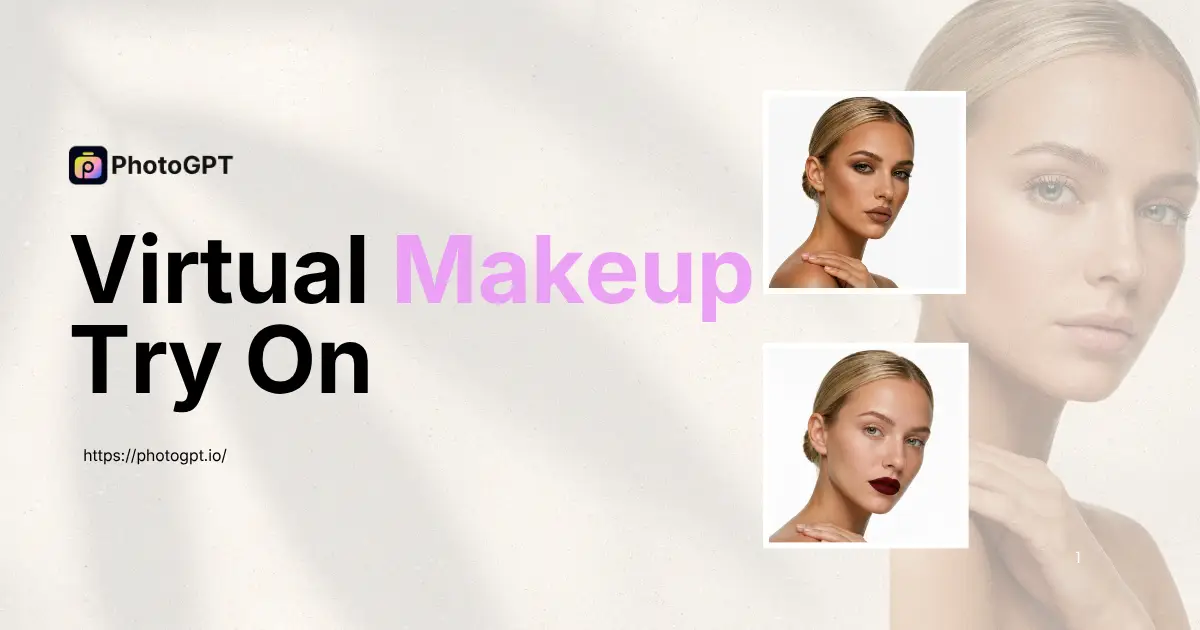
Virtual Makeup Try On – Free Try AI Makeup Filters Online
Try on any makeup style for free with PhotoGPT. No signup needed, no watermark, instant results.
Start Virtual Makeup Try On
What Is Virtual Makeup Try On?
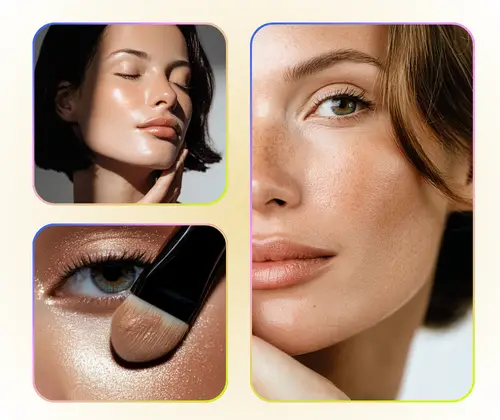
Virtual makeup try on is an AI-powered tool that lets you apply and preview makeup styles on your own photo without touching any product. On PhotoGPT, you can test lipstick, eyeshadow, foundation, blush, and full glam looks in seconds. The process is free, instant, and requires no account or app download. It is a practical tool for beauty decisions, content creation, and bridal preparation. For more options, you can try Virtual Ring Try On or Virtual Earring Try On.

How to Use PhotoGPT Virtual Makeup Try On
Learn how to try on any makeup look with PhotoGPT in a few simple steps. This guide shows how to go from a photo to a finished virtual makeup result using free AI tools.

Step 1: Upload Your Photo
Choose a clear front-facing selfie or portrait and upload it to PhotoGPT. JPG and PNG files from your phone or computer both work well for the best AI makeup results.

Step 2: Choose or Describe a Makeup Style
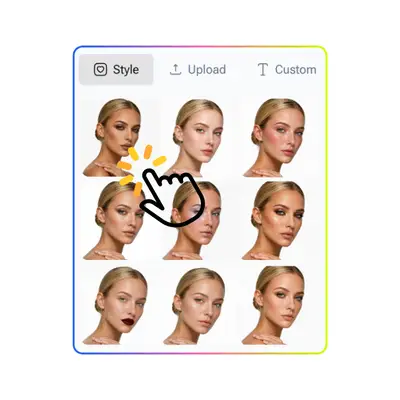
Select from preset styles like Natural, Glam, Bold Lip, Smoky Eye, or Bridal. You can also type a custom style in your own words and the AI will apply it to your photo.

Step 3: Preview and Download Your Look
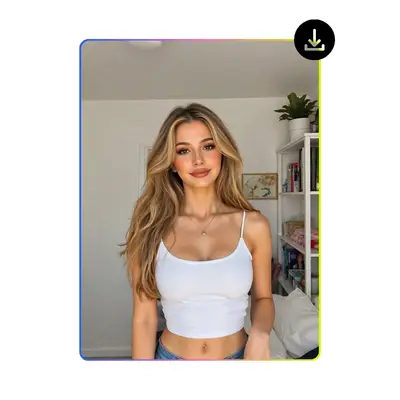
View the result instantly and download a clean, watermark-free image. Save it to your device, share it on social media, or send it to your makeup artist as a reference.
Makeup Shopping Still Feels Like Guessing?
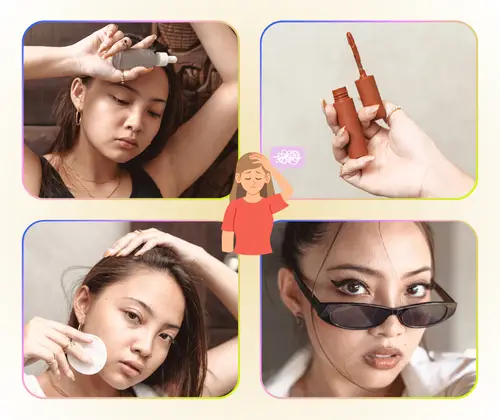
Shade mismatch is why so many beauty purchases get returned. You buy a lipstick, it arrives, and it's nothing like what you pictured. You wonder if smoky eye or bold lip suits your face, but there's no way to know. With PhotoGPT's free Virtual makeup try on, you upload your photo and see how any look lands on your actual face — not a stock model, not a flat overlay. Real results, zero cost.

Key Features of Virtual Makeup Try On
Discover what makes PhotoGPT the best choice for virtual makeup try on.
Try Any Style, Not Just Brand Colors
Unlike brand try-on tools built to sell specific SKUs, PhotoGPT is fully brand-neutral. You can explore any makeup style — a vintage red lip, a K-beauty glass skin look, or a dramatic smoky eye — just by describing it. The AI generates the result on your photo without limiting you to a brand catalog.
AI That Generates Looks, Not Just Swaps Colors
Most virtual try-on tools simply overlay a color layer on your lips or eyelids. PhotoGPT uses AI image generation to apply makeup that adapts to your facial structure, skin tone, and photo lighting. The result looks like a real application — with natural blending, realistic texture, and accurate color response to your unique face.
Free to Use, No Account, No Watermark
PhotoGPT's Virtual makeup try on is free with no login or subscription required. Upload your photo, choose a style, and download a clean, watermark-free result. No app download. No hidden steps. Just open the page and start trying on looks right away, on both desktop and mobile.
Start Your Free Virtual Makeup Try On Now
See your next look before you try it in real life. Upload a photo and let PhotoGPT show you how any makeup style lands on your face — free, instant, no account needed.
Try It Free NowWhat Users Say About PhotoGPT Makeup Try On
""As a content creator, I need to plan looks ahead of time before a shoot. PhotoGPT makes it easy to visualize different styles on my actual face without spending hours in front of a mirror or paying for a trial session with a makeup artist. I tested a full glam look, a natural dewy style, and a bold red lip all in one afternoon. The AI understood each style and the results looked genuinely realistic.""
""I was preparing for my wedding and had no idea which bridal makeup direction to go. My makeup artist showed me options on generic models, but that wasn't helpful. I used PhotoGPT's virtual bridal makeup try on and uploaded my own photo to test three different looks. It saved us at least two consultation sessions. I walked into the final fitting already knowing exactly what I wanted.""
""As a beauty blogger, I need to show my audience how products look on real skin, not just swatches. PhotoGPT's AI virtual makeup try on lets me demonstrate different lipstick shades and eyeshadow looks on my actual face. The results are so realistic that my followers trust my recommendations more. It's become an essential part of my content creation workflow.""
""I run an online cosmetics store and use PhotoGPT to show customers how different makeup looks would appear on their skin tone. The virtual makeup try on feature has significantly reduced our return rate since customers can preview products before purchasing. The AI accurately maps colors and textures to different face shapes and lighting conditions.""
""Before PhotoGPT, I had to book trial sessions with makeup artists just to explore different wedding makeup directions. Now I can test dozens of looks from home. The virtual makeup try on tool helps me communicate my preferences clearly to my HMUA and ensures we're aligned before the big day. Absolutely invaluable for wedding planning.""