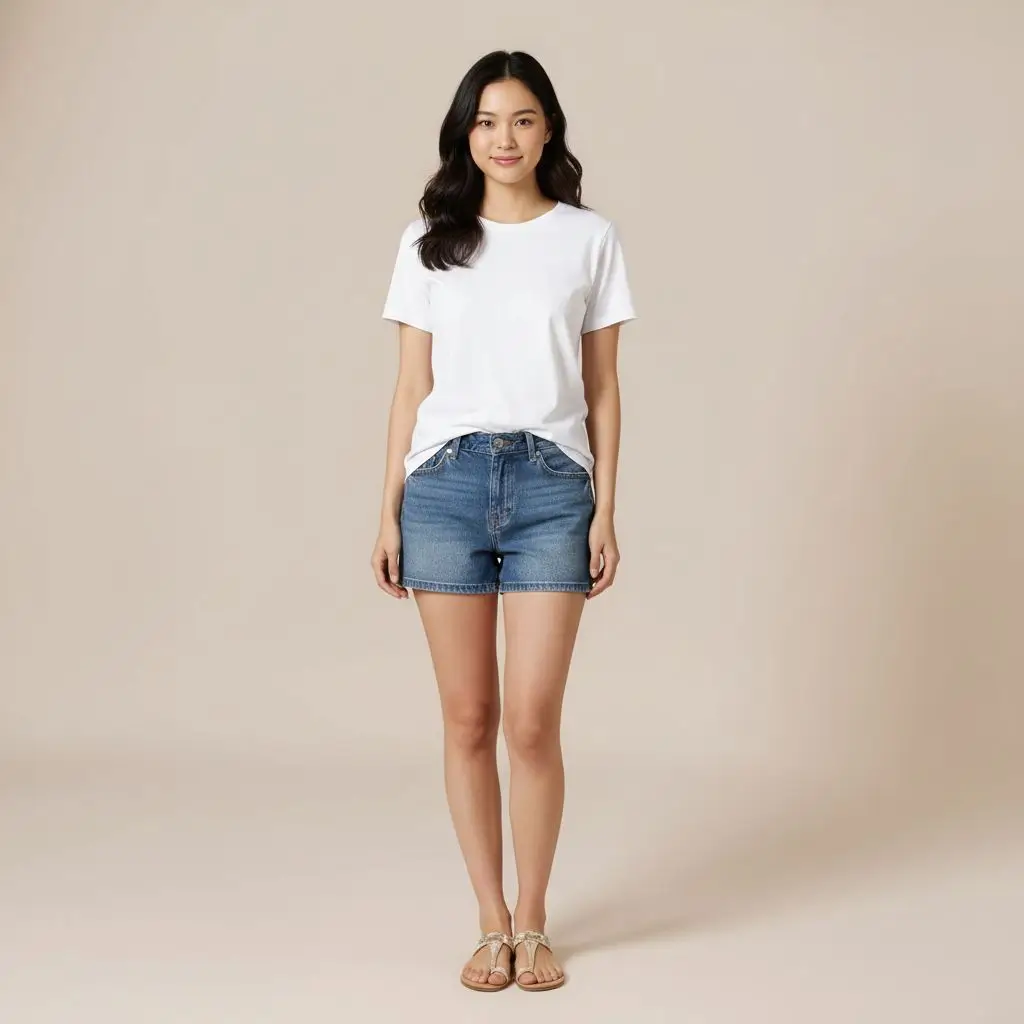
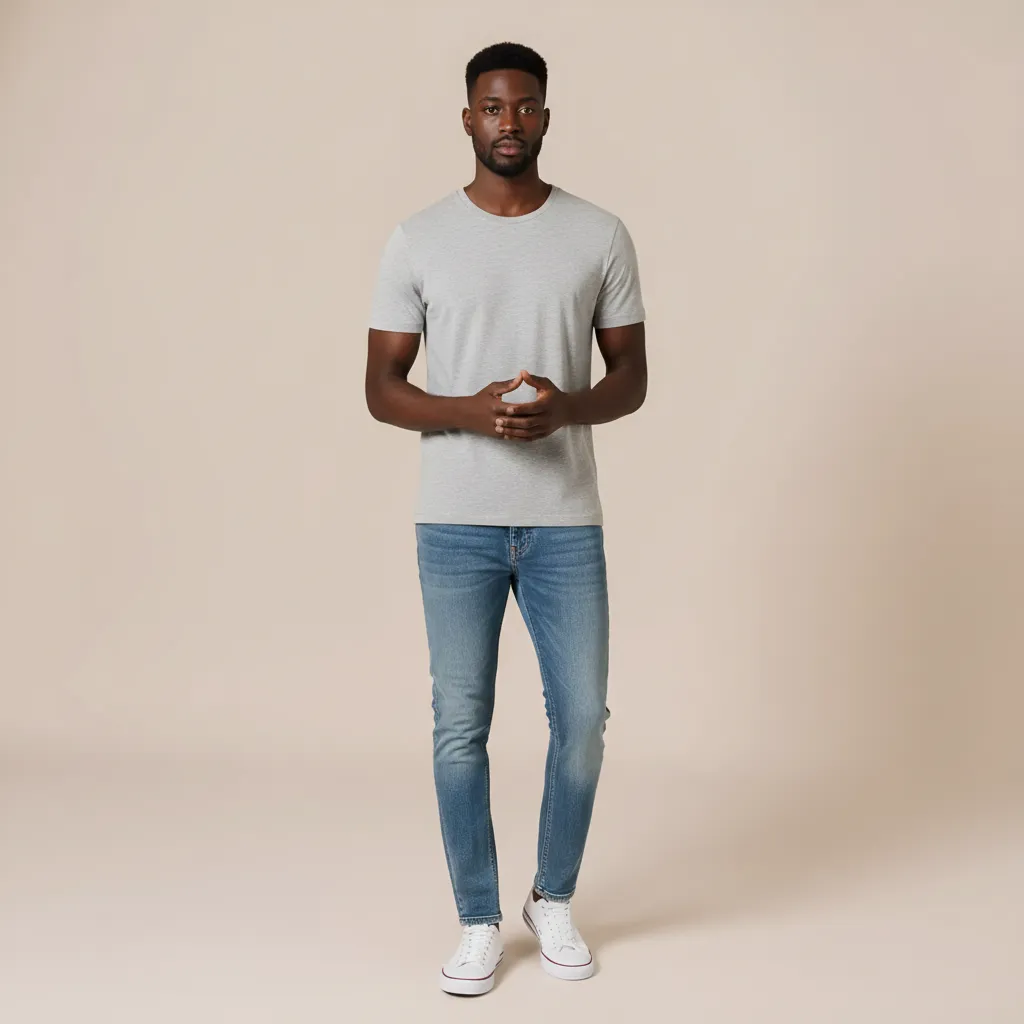
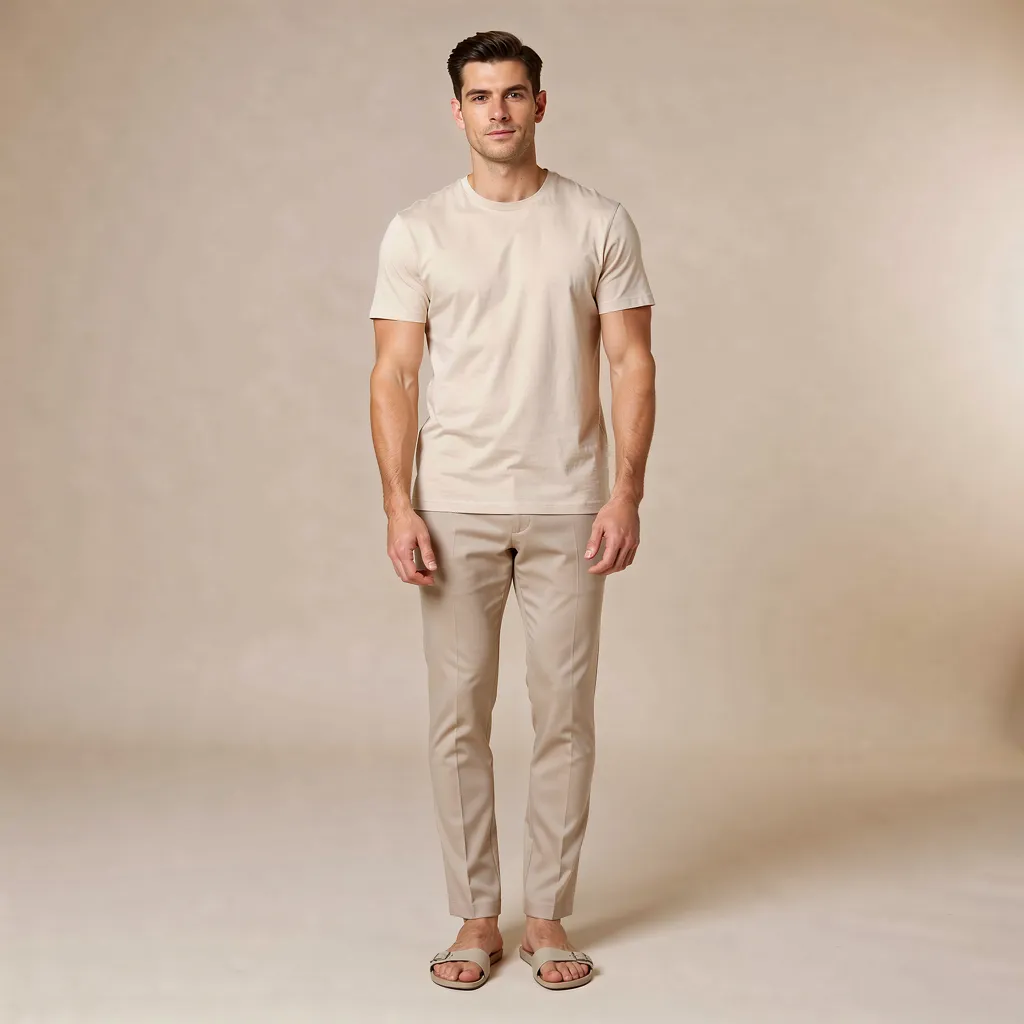









Person
Drag or Upload Your Person Photo

Support jpg/jpeg/png/webp, up to 16MB

Try a Model:
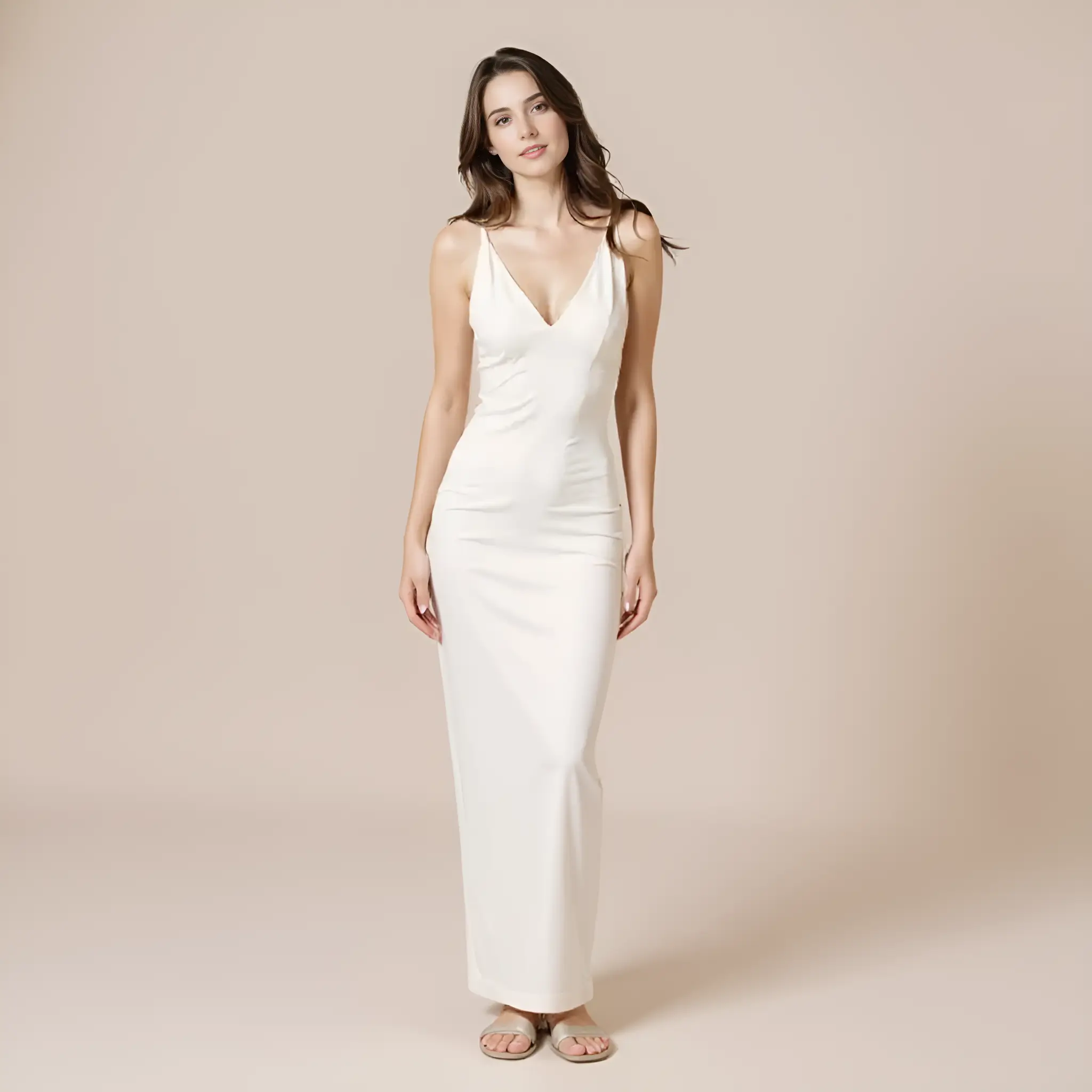
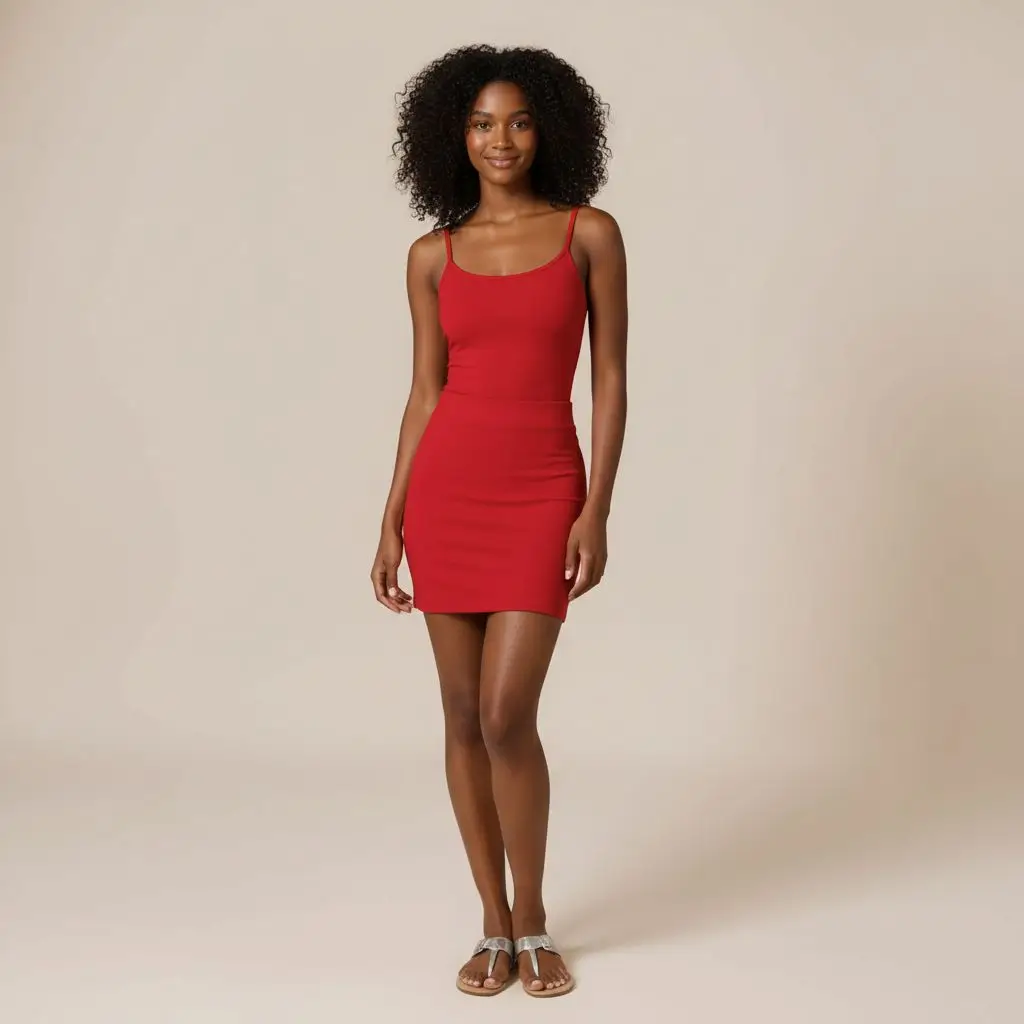
PhotoGPT Clothes ModelPhotoGPT Clothes ModelPhotoGPT Clothes ModelPhotoGPT Clothes ModelPhotoGPT Clothes Model
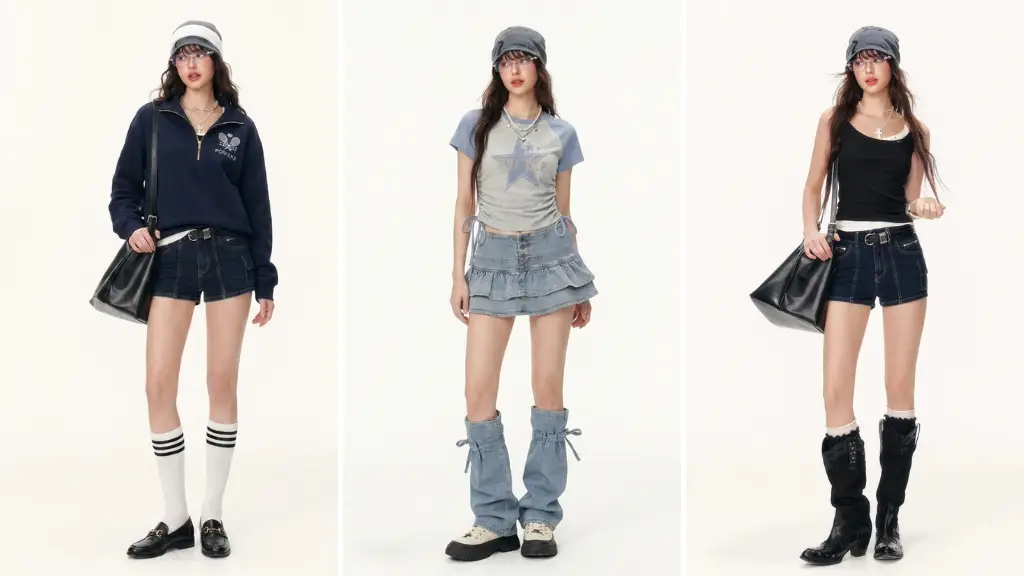
Clothes

Settings

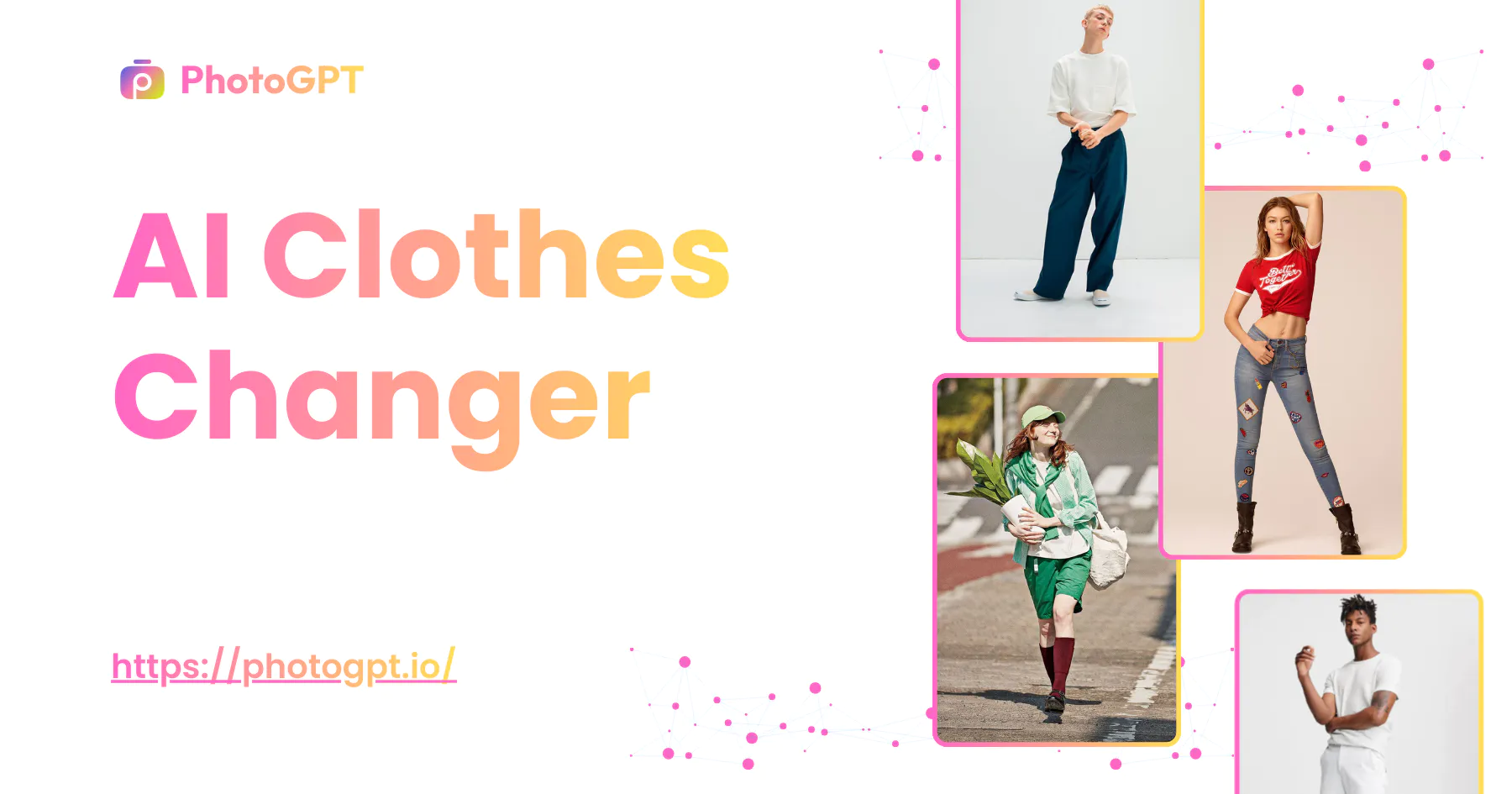
Free AI Clothes Changer

Upload a photo, try different outfits in seconds, and see realistic results without reshoots or manual edits.

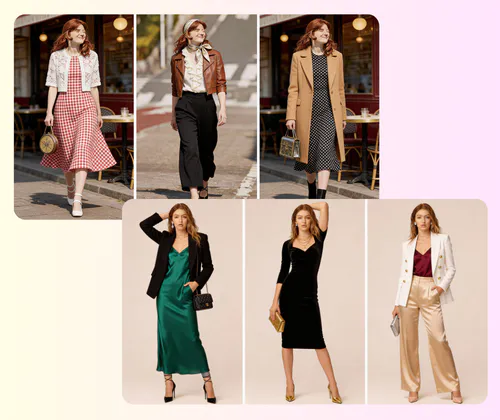
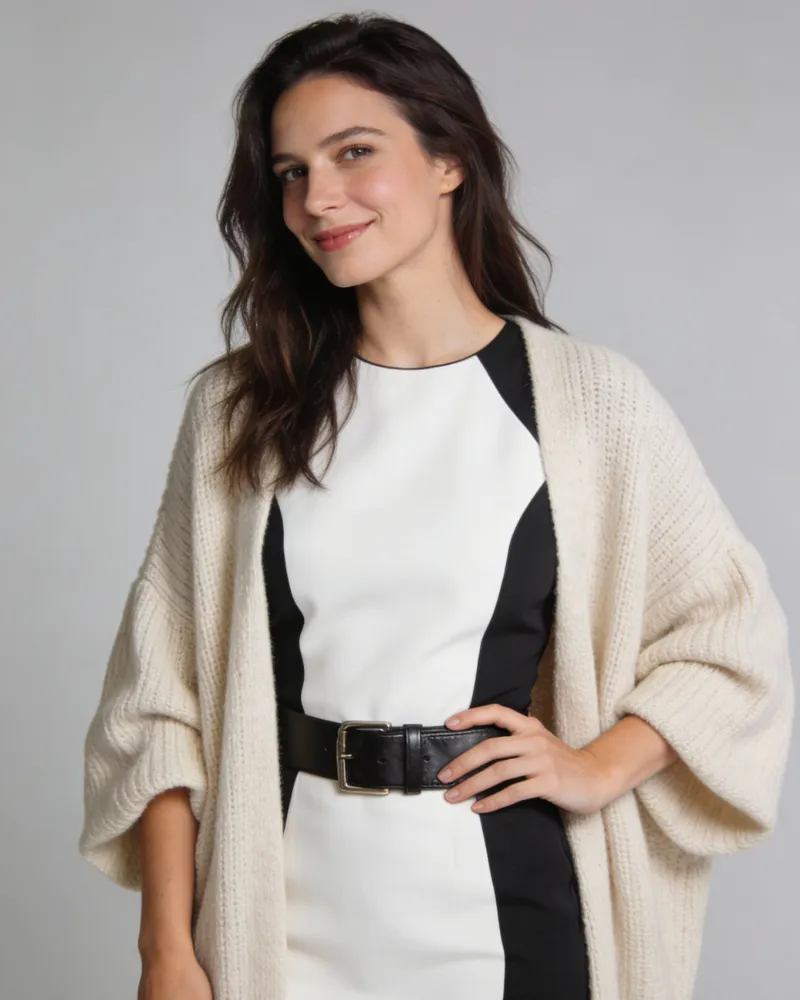
AI Clothes Changer Sample: Vintage outfit result
PhotoGPT - ★★★★★
★★★★★
Rated
PhotoGPT - ★★★★★
PhotoGPT - 50K+
50K+
Pictures Created
PhotoGPT - 50K+
PhotoGPT - 100+
100+
Organizations
PhotoGPT - 100+

Helping creators & businesses everywhere work easier

HARVARD
UNSPLASH
500PX
LINKEDIN
INDEED
GLASSDOOR

AI Clothes Changer – Free Change Clothes Online, No Sign-Up

AI Clothes Changer lets you swap outfits on any person photo while keeping the face, body, and pose unchanged—perfect for e-commerce, creators, and teams.

Change Clothes Now
AI Clothes Changer – Free Change Clothes Online, No Sign-Up

What is an AI Clothes Changer?

An AI Clothes Changer lets you replace outfits in a photo without reshooting or manual edits. You upload an image, select or describe clothing, and the tool updates the look while keeping body shape, pose, and lighting natural. It’s built for fast outfit testing, virtual try-ons, and clean results that work for product pages, catalogs, and daily use.

AI Clothes Changer - What is an AI Clothes Changer?

Why Use an AI Clothes Changer for Real Outfit Results?

An AI Clothes Changer is designed to replace clothing while keeping people real and consistent. It focuses on identity accuracy, fabric realism, and clean output, making it suitable for virtual try-on, eCommerce visuals, and professional presentation needs.

Same Person Before and After the Outfit Change

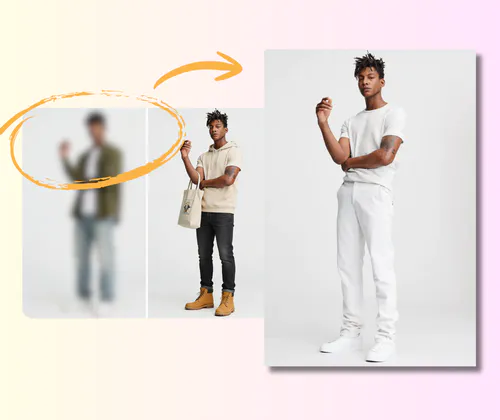
The AI Clothes Changer precisely locks onto the face, body shape, and posture. Even after switching outfits, the person remains clearly the same individual. This avoids common issues like face drift, body distortion, or pose changes that reduce trust in visual content.

Real Fabric Texture, Folds, and True Color

The tool keeps important clothing details such as texture, wrinkles, stitching, and material depth. Colors stay close to real products instead of looking flat or artificial. This helps users preview outfits in a way that feels natural and visually reliable.

High-Resolution Images Ready for Commercial Use

All generated images are clear, sharp, and suitable for real-world use. You can export results in high resolution for product pages, marketing materials, or client previews without extra edits or quality loss.

What Can an AI Clothes Changer Do for eCommerce Teams?

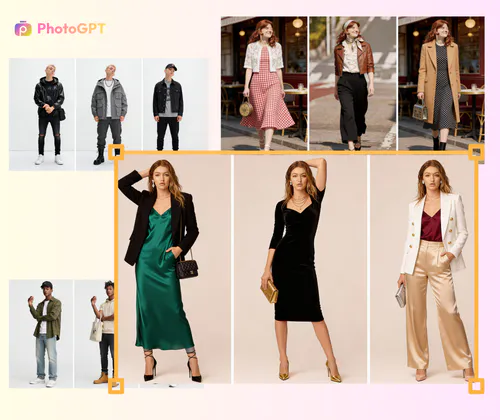
An AI Clothes Changer helps online sellers, brands, and creators update outfits on the same model without new photoshoots. It solves common visual problems in product pages, keeps style consistent, and saves time when managing large clothing collections.

Handle Too Many SKUs Without Repeated Photoshoots

After a model shoot, eCommerce teams often realize there are far more styles than expected. Changing clothes, fixing poses, and reshooting becomes expensive and slow. With an AI Clothes Changer, teams can keep one good model photo and switch outfits digitally. Small teams and solo sellers no longer need to hire models again or worry about studio costs.

AI Clothes Changer: Handle Too Many SKUs Without Repeated Photoshoots

Fix Low-Quality AI Outfit Results That Look Fake

Many users try AI tools but get blurry edges, broken hands, wrong body shapes, or clothes that look like flat stickers. An AI Clothes Changer focuses on clean edges, correct proportions, and realistic fabric details. The clothing fits the body naturally, with visible folds and proper depth. This helps images look trustworthy instead of obviously edited.

AI Clothes Changer: Fix Low-Quality AI Outfit Results That Look Fake

Keep Model Angles and Brand Style Consistent

When product photos come from different shoots, model angles and lighting often change. This makes a store feel messy and unprofessional. An AI Clothes Changer allows brands to reuse the same pose, camera angle, and visual tone. Every outfit looks part of one clear system, helping product pages feel clean, organized, and more premium.

AI Clothes Changer: Keep Model Angles and Brand Style Consistent

How to Use the AI Clothes Changer in Three Simple Steps

This AI Clothes Changer is built for speed and clarity. You don’t need design skills or complex settings. Just follow three clear steps to create realistic outfit swaps that look ready for eCommerce, catalogs, or online display.

AI Clothes Changer: Step 1: Upload a Clear Model Photo

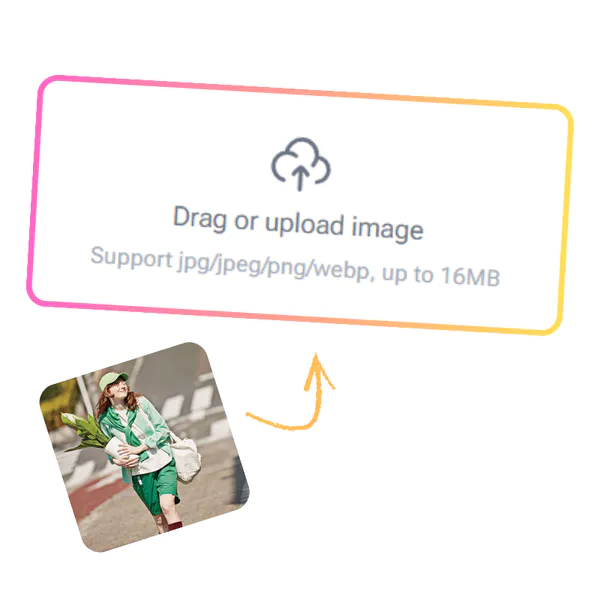
Step 1: Upload a Clear Model Photo

Start by uploading a photo of your model. The image should show the full outfit area and natural body posture. The tool will lock the face, body shape, and pose, so the person stays exactly the same before and after the clothing change.

AI Clothes Changer: Step 2: Choose a Clothing Template or Upload Your Own

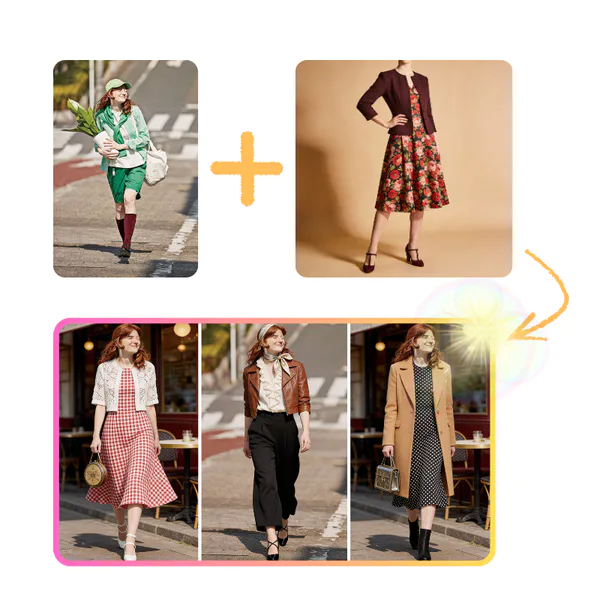
Step 2: Choose a Clothing Template or Upload Your Own

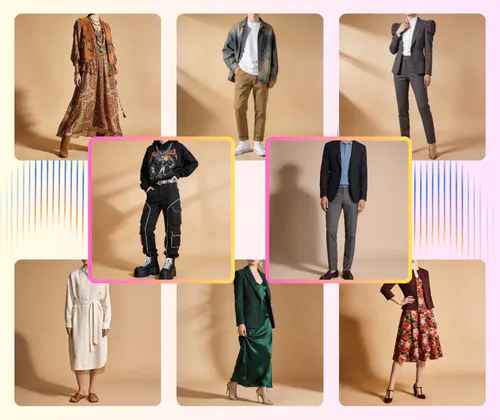
Pick a ready-made clothing template or upload your own outfit image. You can control the style, fit, and look without changing the model. The AI matches the clothes to the body while keeping fabric texture, folds, and colors natural.

AI Clothes Changer: Step 3: Preview and Download a 4K Commercial Image

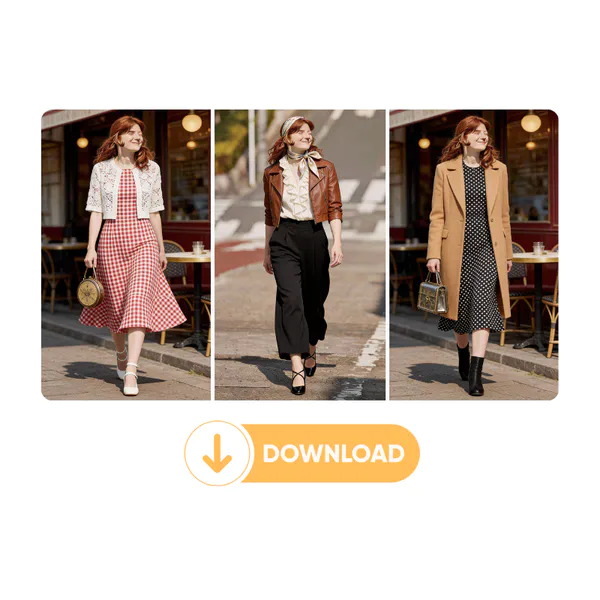
Step 3: Preview and Download a 4K Commercial Image

Preview the outfit change online to check details and balance. When ready, download a high-resolution 4K image. The final result is clean, sharp, and suitable for commercial use on product pages, ads, or brand materials.

Start Changing Outfits with AI Today

Turn one model photo into many outfit options in minutes. This AI Clothes Changer helps you create clean, realistic clothing images without reshoots or design skills. Save time, keep your brand style consistent, and get results ready for real business use.

Try AI Clothes Changer

Real Feedback from AI Clothes Changer Users

M.L. Background
M.L.E-commerce Seller
"As an online store owner, I use the AI Clothes Changer almost every week. Before this tool, I had to book models again and again just to show new colors or styles. Now I upload one model photo and test many outfits fast. The clothes look natural, the body shape stays the same, and the fabric feels real. This AI Clothes Changer saves cost and keeps my product pages clean and professional."
J.W. Background
J.W.Fashion Designer
"I work in a small fashion team, and speed matters a lot. The AI Clothes Changer helps us preview outfits before real production. We can see how designs look on a model without sewing samples first. The lighting and folds look believable, not fake. This makes our decision process much easier and reduces waste."
S.K. Background
S.K.Platform Operations Manager
"As a marketplace operator, visual quality is critical. Using the AI Clothes Changer, our sellers can keep the same model pose across many products. That makes the shop look more trusted. The images are clear enough for banners and listings. For teams without a photo studio, this tool fills a real gap."
A.R. Background
A.R.Brand Marketing Lead
"I manage product images for a clothing brand. The AI Clothes Changer helps us keep a consistent style across seasons. We no longer mix photos from different shoots. One good model photo can support many launches. The result feels realistic and works well for commercial use, not just testing."
D.H. Background
D.H.Digital Advertiser
"I was unsure about AI tools at first, but the AI Clothes Changer surprised me. The edges are clean, the clothes fit the body well, and colors stay true. I use it to prepare visuals for ads before spending money on full shoots. It helps me plan smarter and faster."
L.C. Background
L.C.Independent Online Seller
"As a freelance seller, I don’t have access to models or studios. The AI Clothes Changer lets me show outfits in a clear and professional way. Customers understand the product better, and my return rate dropped. For small teams, this tool feels practical and easy to use."

Frequently Asked Questions About AI Clothes Changer