








Model
Drag or upload image

Support jpg/jpeg/png/webp, up to 16MB

Angle

Settings

Free AI Shadow Maker

PhotoGPT's AI Shadow Maker creates stunning shadows instantly. Free, no signup needed.

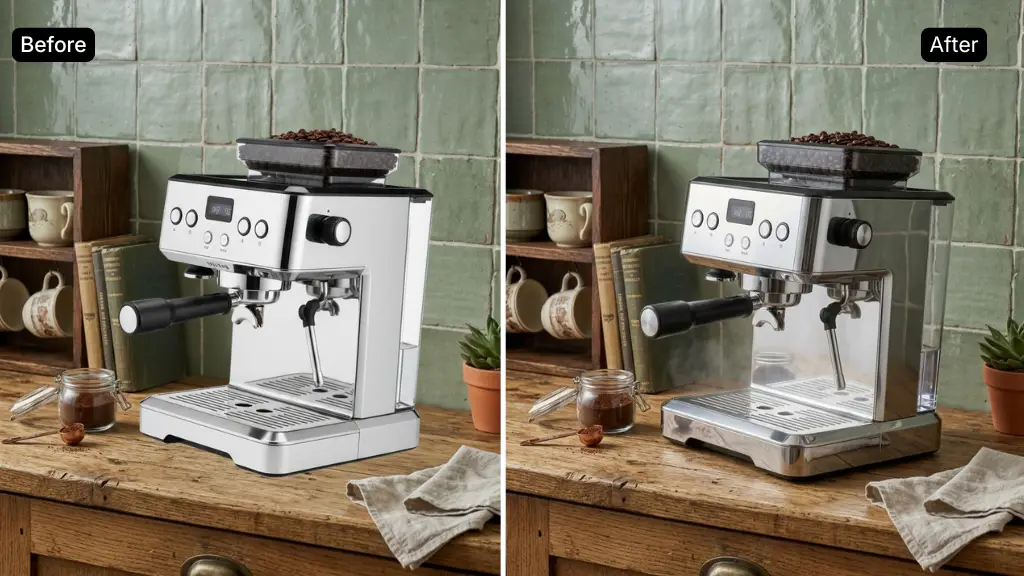
Shadow Maker Sample: Auto Background
PhotoGPT - ★★★★★
★★★★★
Rated
PhotoGPT - ★★★★★
PhotoGPT - 50K+
50K+
Pictures Created
PhotoGPT - 50K+
PhotoGPT - 100+
100+
Organizations
PhotoGPT - 100+

Helping creators & businesses everywhere work easier

HARVARD
UNSPLASH
500PX
LINKEDIN
INDEED
GLASSDOOR

Free Shadow Maker - Add Shadow to Photo Online with AI

PhotoGPT's free AI Shadow Maker lets you add realistic shadows to product photos and portraits instantly. No signup required, no watermark. Try it free online!

Create Shadow Now
Free Shadow Maker - Add Shadow to Photo Online with AI

What is Shadow Maker?

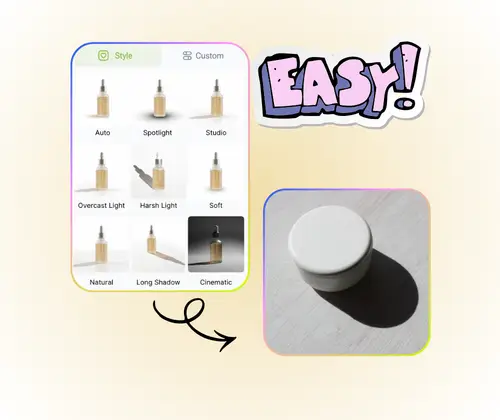
Shadow Maker is a free AI-powered online tool on PhotoGPT that adds realistic shadows to any photo in seconds. Upload a product image or portrait, and the AI automatically detects the subject outline and generates a natural shadow. Choose from multiple shadow styles including drop shadow, contact shadow, and soft ambient shadow, or type a custom prompt. Adjust shadow angle, blur, and opacity in real time. Supports PNG, JPG, and WEBP. No software or signup needed. Also explore AI Background Changer and AI Photo Enhancer on PhotoGPT.

shadow-maker.whatSectionContent.image.alt

How to Use Shadow Maker on PhotoGPT

Add professional shadows to your photos in three simple steps. Works for product images, portraits, and any design project, with no prior editing experience required.

Shadow Maker Step 1: Upload Your Photo

Step 1: Upload Your Photo

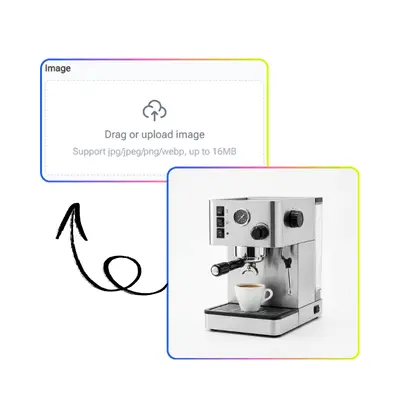
Go to PhotoGPT Shadow Maker and upload your image. Drag and drop or click to select a PNG, JPG, or WEBP file. Transparent PNG cutouts work best for e-commerce product shots.

Shadow Maker Step 2: Choose Shadow Style

Step 2: Choose Shadow Style or Enter a Prompt

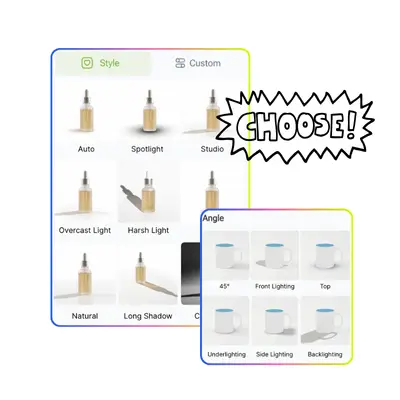
Select a shadow style preset, such as drop shadow or contact shadow, or enter a custom prompt like soft left shadow. The AI applies the right effect based on your input automatically.

Shadow Maker Step 3: Preview and Download

Step 3: Adjust, Preview, and Download Free

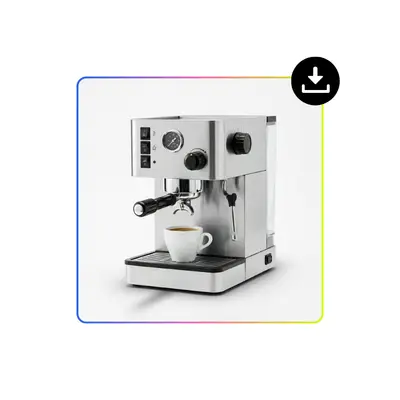
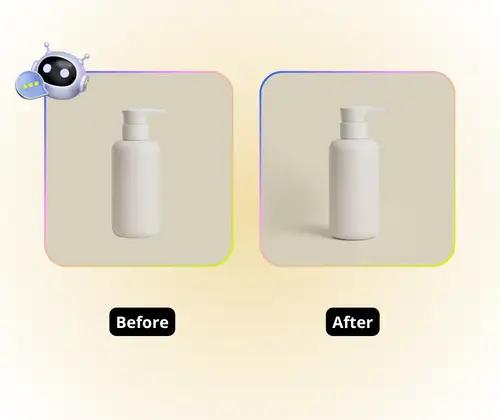
Fine-tune shadow angle, blur, and opacity with live sliders. Use the before-and-after comparison to check the result in real time, then download your full-resolution image for free with no watermark.

Why Your Product Photos Still Look Flat

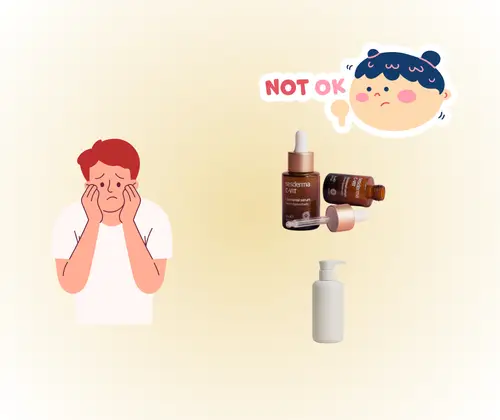
You shoot your product on white but it looks like it is floating. That is what happens without a shadow. Photoshop can fix it, but adding a drop shadow manually takes real skill. Most free shadow maker tools online add watermarks or cap downloads. PhotoGPT Shadow Maker solves this. Upload any product photo or portrait and AI builds a natural shadow. No signup, no watermark.

Shadow Maker Pain Point

AI Shadows That Match Real Studio Lighting

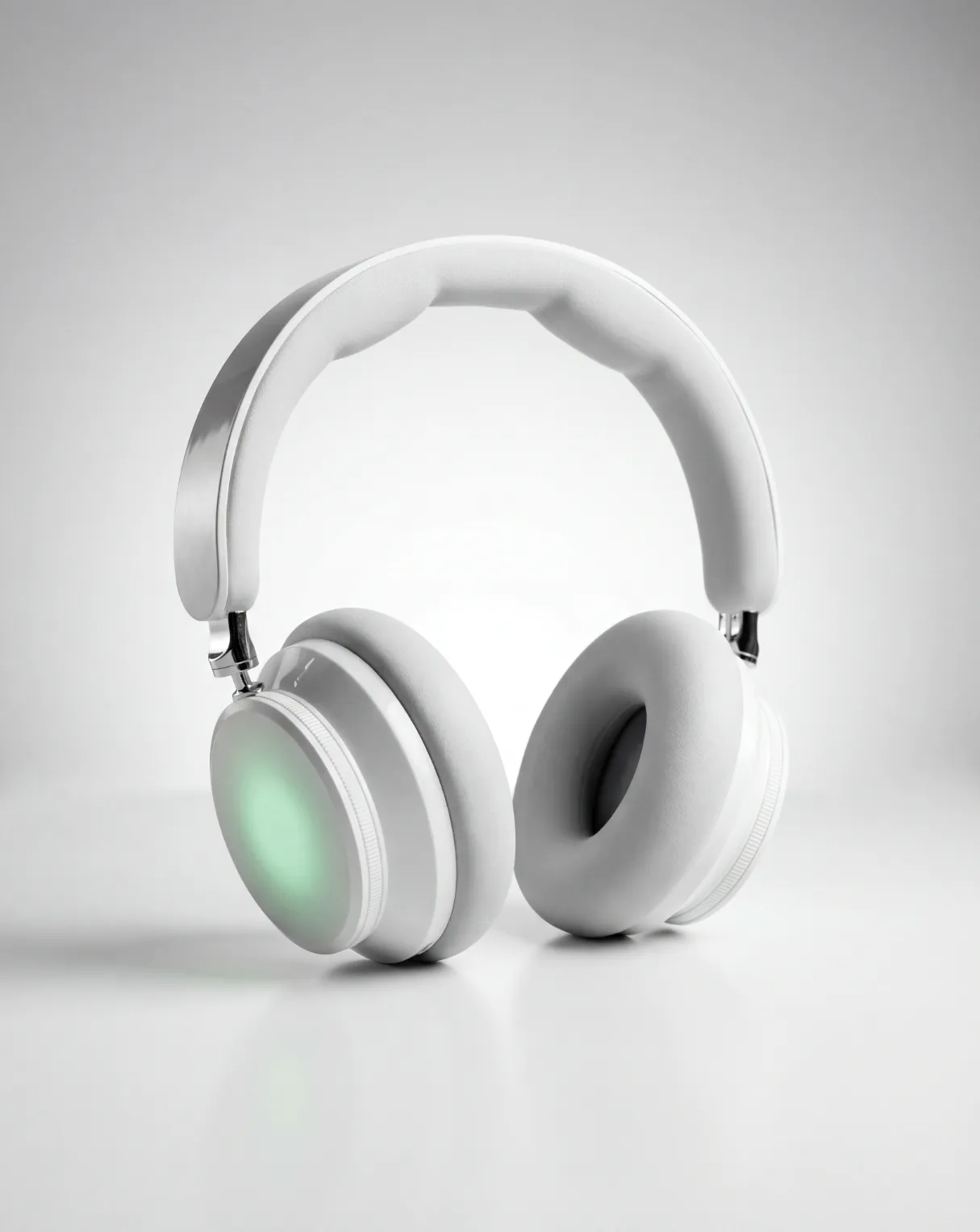
PhotoGPT Shadow Maker uses AI to analyze how light falls on your subject and generates a shadow that fits naturally. Choose drop shadow, contact shadow, or soft ambient effects. Works on product photos, portrait cutouts, and social graphics. The output looks like the photo was shot under proper studio lights, adding real depth to your images.

AI Shadows That Match Real Studio Lighting

Full Control with Simple Sliders

Adjust shadow angle, blur, distance, and opacity with live preview sliders. Type a custom prompt for the exact effect you want, or pick a one-click preset. The built-in before-and-after comparison lets you check the result before downloading. No blend modes or layer masks needed. Professional shadow output anyone can produce in under a minute.

Full Control with Simple Sliders

Batch Processing — Scale Up Without the Grind

Shadow Maker lets you upload multiple images together, apply the same shadow preset and angle across all of them, and download the results in one go. Whether it is a handful of product shots or a small batch, you set it once and PhotoGPT handles the rest. Unlike standalone shadow generators, PhotoGPT gives you a real batch workflow. Upload once and go from raw photos to polished, ad-ready images.

Batch Processing — Scale Up Without the Grind

Add Realistic Shadows to Your Photos for Free

Start using PhotoGPT Shadow Maker now. Upload any product photo or portrait, choose your shadow style, and download a clean high-resolution result instantly. No signup required, no watermark.

Try Shadow Maker Free

What Users Say About PhotoGPT Shadow Maker

L.K. Background
L.K.E-commerce Seller
"I run a Shopify store and used to hire someone for product photo retouching. After trying PhotoGPT Shadow Maker, I do it myself in seconds. I upload a PNG with a transparent background, choose the contact shadow preset, and it is done. The AI shadow generator matches the light angle every time. Batch processing saves me hours each week. It has become a core part of my daily product listing workflow."
M.K. Background
M.K.Social Media Manager
"As a social media manager, flat photos with no depth just do not perform in a feed. PhotoGPT shadow maker adds that realism quickly. I tested several free shadow maker tools online and most had watermarks or limited downloads. PhotoGPT gives clean full-resolution files every time. The before-and-after comparison is a nice touch too. I use the custom prompt feature to describe the exact shadow style I need. My go-to add shadow to image tool."
J.T. Background
J.T.Photographer & Visual Designer
"I work on product photography and sometimes need a quick shadow fix without opening Photoshop. PhotoGPT AI Shadow Maker handles it well. The angle slider and blur control are responsive and the result looks studio-clean. I have used it for both product cutouts on white backgrounds and portrait composites. The multiple shadow styles cover everything I need. Great free shadow maker for anyone handling commercial product images."
D.L. Background
D.L.Marketing Designer
"Our design team produces a lot of ad banners every week and flat images just do not convert well. Shadow Maker by PhotoGPT lets us add depth to every product visual without touching Photoshop. The batch upload feature is the real game changer for us. We process entire product sets in one go, and the results are clean, consistent, and ready for paid campaigns. No watermarks and no signup is exactly what a fast-moving team needs."
M.R. Background
M.R.Content Creator
"I create content for Pinterest and Instagram and visual quality directly affects my click-through rate. Before PhotoGPT Shadow Maker, my flat-lay product shots always looked dull. Now I add a soft ambient shadow in seconds and the images instantly look more premium. The custom prompt input is a great bonus when I want something specific. The free plan gives me everything I need for daily content creation."
A.W. Background
A.W.Commercial Photographer
"I was skeptical that an online shadow maker could match what I do manually in Photoshop. After testing PhotoGPT for a client's jewelry catalog, I was genuinely impressed. The AI correctly detected fine edges on reflective metal objects and applied a natural ground shadow with accurate falloff. The control over angle and blur gives me professional-level output in a fraction of the time. I now recommend it to other photographers who need quick commercial-ready results."

FAQs About PhotoGPT Shadow Maker