





Models

Images (Optional)

Drag or upload images(0/4) Drag or upload image

Support jpg/jpeg/png/webp, up to 16MB

Prompt

Settings

Free GPT Image 2

Create stunning images with GPT Image 2 on PhotoGPT. Free, no signup, no watermark.

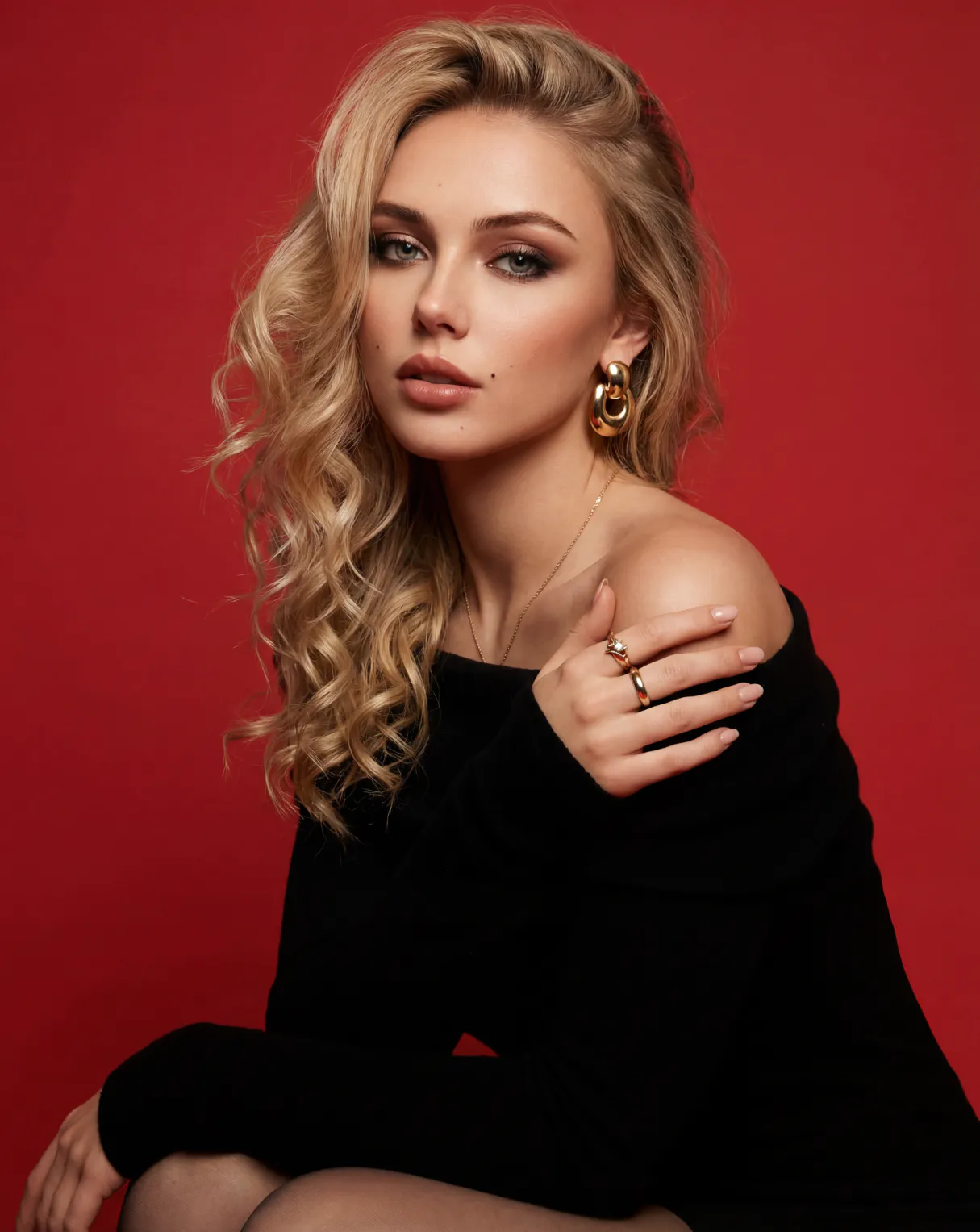
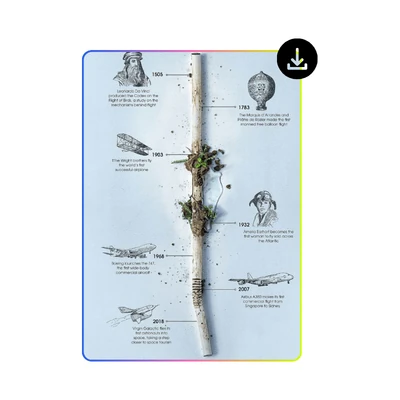
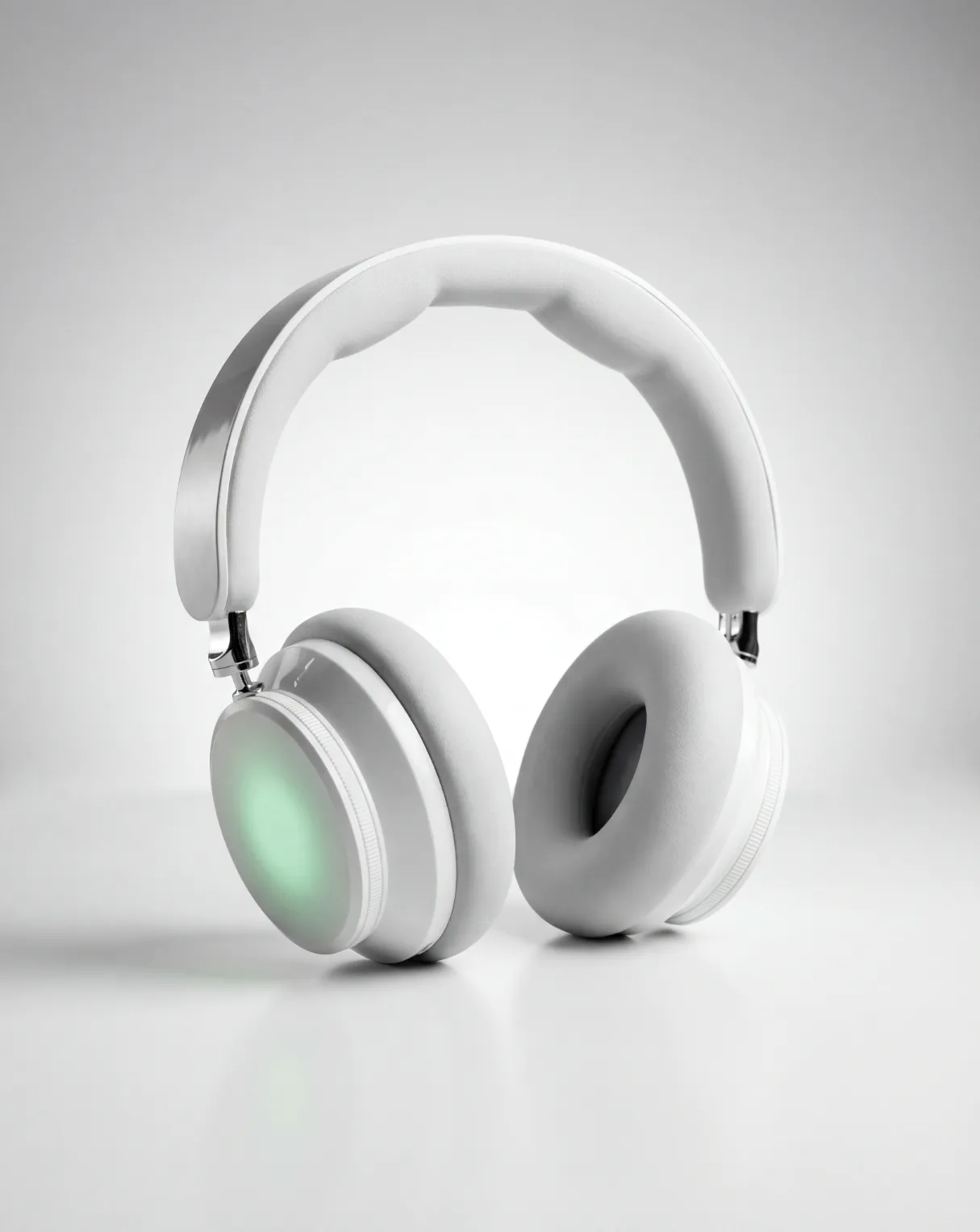
GPT Image 2 Sample: Photorealistic Product Photo
PhotoGPT - ★★★★★
★★★★★
Rated
PhotoGPT - ★★★★★
PhotoGPT - 50K+
50K+
Pictures Created
PhotoGPT - 50K+
PhotoGPT - 100+
100+
Organizations
PhotoGPT - 100+

Helping creators & businesses everywhere work easier

HARVARD
UNSPLASH
500PX
LINKEDIN
INDEED
GLASSDOOR

GPT Image 2: Try ChatGPT Images 2.0 Free Online, No Sign-up

PhotoGPT brings GPT Image 2 online for free. Create photorealistic images with near-perfect text rendering. No signup, no watermark. Start generating instantly.

Try GPT Image 2 Free
GPT Image 2: Try ChatGPT Images 2.0 Free Online, No Sign-up

What Is GPT Image 2?

GPT Image 2 is OpenAI's most advanced image model. It generates photorealistic visuals, renders text with near-perfect accuracy, and understands complex prompts. Compared to earlier models, GPT Image 2 handles multilingual text, creates infographics, UI mockups, product photos, and posters in seconds. On PhotoGPT, you can use GPT Image 2 free without signing up. For more options, you can try AI Photo Editor or AI Photo Enhancer.

What Is GPT Image 2

How to Use GPT Image 2 on PhotoGPT

Create stunning images in three simple steps. No design skills or software needed, just type what you want and let GPT Image 2 do the rest.

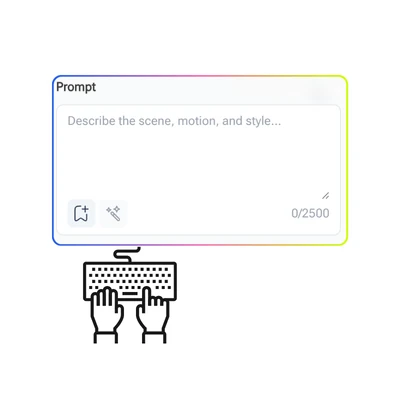
GPT Image 2 Step 1: Describe What You Want

Step 1: Describe What You Want

Type a prompt describing the image you have in mind. Be specific about style, content, or text you want included. GPT Image 2 on PhotoGPT understands natural language, so plain words work just as well as detailed prompts.

GPT Image 2 Step 2: Choose Your Settings

Step 2: Choose Your Settings

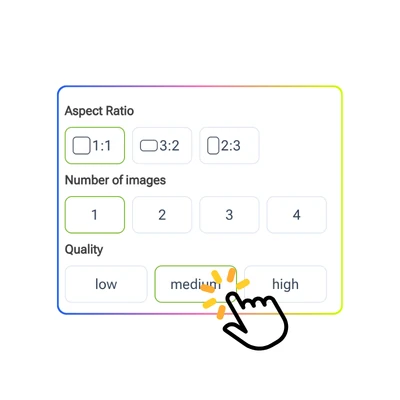
Select the image size, aspect ratio, and style options that fit your project. Whether you need a square post, a landscape banner, or a portrait photo, GPT Image 2 on PhotoGPT supports the format you want.

GPT Image 2 Step 3: Generate and Download

Step 3: Generate and Download

Click Generate and GPT Image 2 will process your prompt in seconds. Preview the result, make adjustments if needed, and download the image without a watermark. No account required to get started.

Why Creating the Right Image Still Takes Too Long

Most people who need a photorealistic image for a poster, ad, or product page run into the same wall. Stock photos never quite fit. Hiring a designer takes days. Older AI image generators blur text or misread prompts. GPT Image 2 on PhotoGPT changes that. It renders readable multilingual text, follows complex instructions, and delivers clean results. No signup, no wait, no extra editing needed.

GPT Image 2 Pain Point

Near-Perfect Text in Every Image

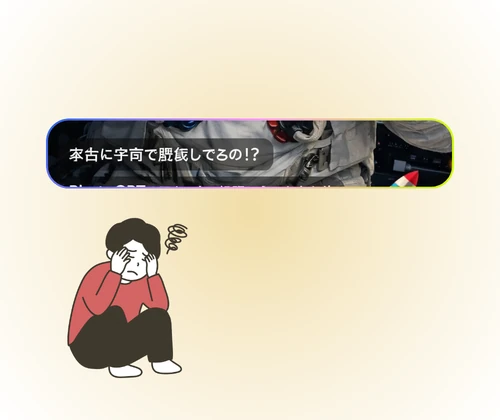
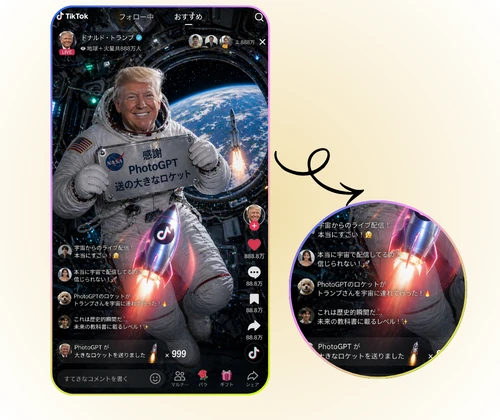
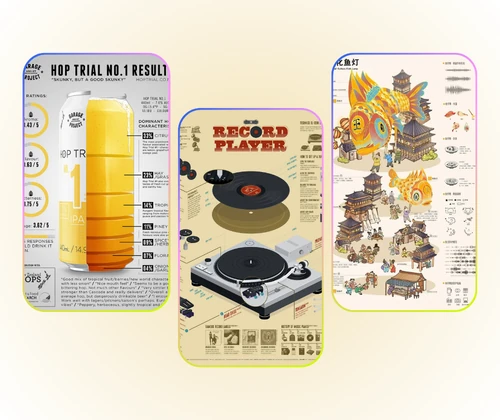
GPT Image 2 on PhotoGPT renders readable text inside images with precision. Whether you need a product poster, an ad banner, or a social media graphic with words, the output stays clean and accurate. It supports English, Chinese, Japanese, Korean, and more. No more unreadable AI-generated fonts.

Near-Perfect Text in Every Image

Photorealistic Output from Any Prompt

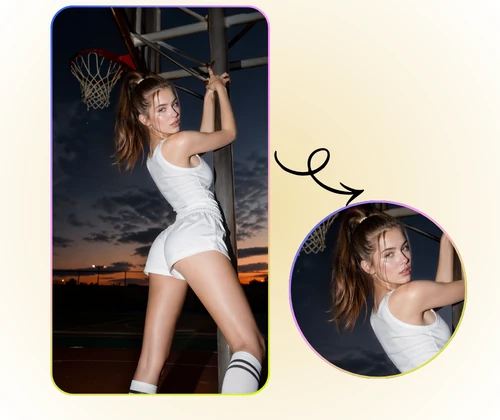
GPT Image 2 generates studio-quality images that look like real photographs. From product shots and portraits to interior renders and infographics, the results carry natural color, fine detail, and correct lighting. On PhotoGPT, you get this quality for free without a watermark or sign-up.

Photorealistic Output from Any Prompt

World Knowledge Built Into Every Scene

GPT Image 2 is built on OpenAI's GPT architecture, which means it understands context, brands, and real-world references. Ask it to generate a product on a shelf, a branded poster, or a UI screenshot — it gets the details right. PhotoGPT makes this powerful model available online without barriers.

World Knowledge Built Into Every Scene

Start Creating with GPT Image 2 for Free

PhotoGPT makes GPT Image 2 available online right now. Generate photorealistic images, design posters, and render text in any language. No signup. No limits to your creativity.

Generate Images Now

What Users Say About GPT Image 2

L.K. Background
L.K.Content Creator
"GPT Image 2 on PhotoGPT is the only tool I use now for social media banners. The text inside the image actually looks clean and readable, which was a huge problem with other AI image generators I tried before. I can type a quick prompt and get a photorealistic result with sharp fonts in under a minute. No signup was the biggest reason I stayed — I just wanted to try it without creating another account. It works great for daily content work."
M.K. Background
M.K.Digital Marketer
"I tested several AI image generators before landing on PhotoGPT for GPT Image 2. What stood out was how well it handles multilingual text. I create marketing materials in English and Japanese, and other tools always scramble the characters. GPT Image 2 on PhotoGPT gets both right, which saves me time and editing effort. The photorealistic quality is solid too, and I appreciate that there is no watermark on the output."
J.T. Background
J.T.AI Enthusiast
"As someone who tests AI tools regularly, GPT Image 2 on PhotoGPT genuinely surprised me. The world knowledge built into the model means I can ask for something like a product on a store shelf or a branded poster, and it understands the context. The photorealistic output is consistent, and the free access without sign-up removes all friction. This is one of the strongest free AI image generators I have come across for both creative and practical use."

FAQs About GPT Image 2