








Images

Drag or upload images(0/1)

Upscale To

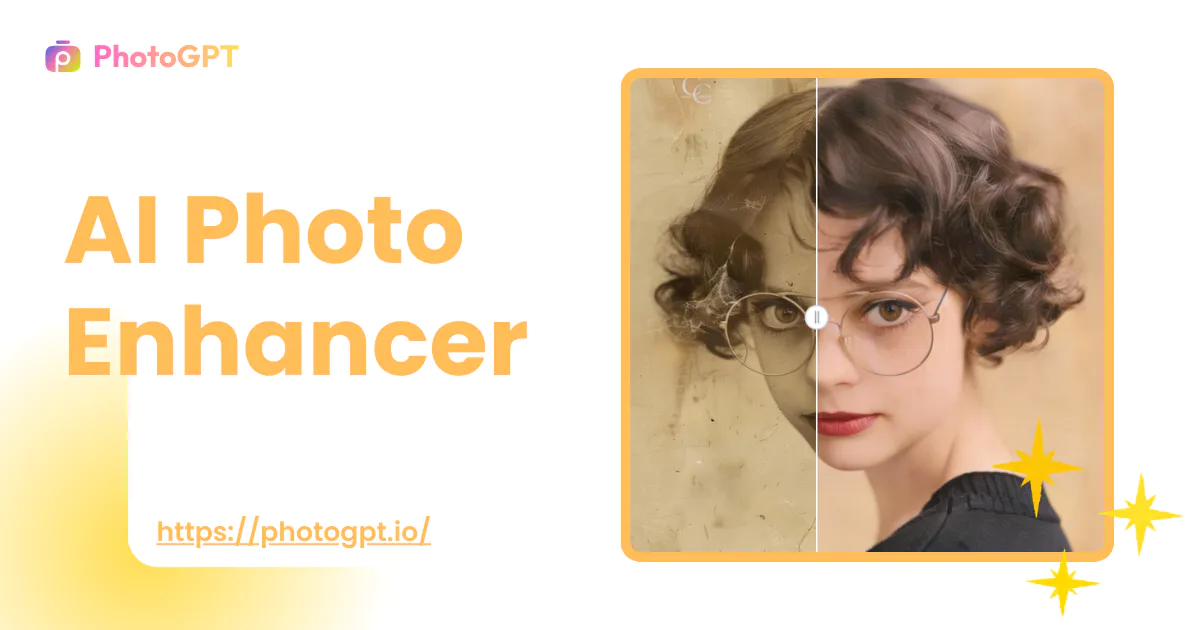
Free AI Photo Enhancer

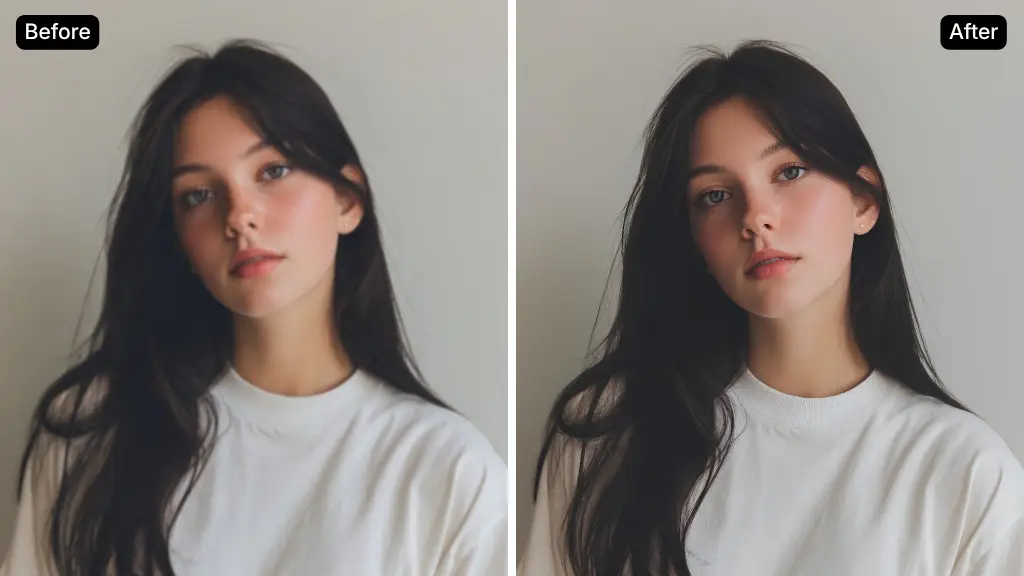
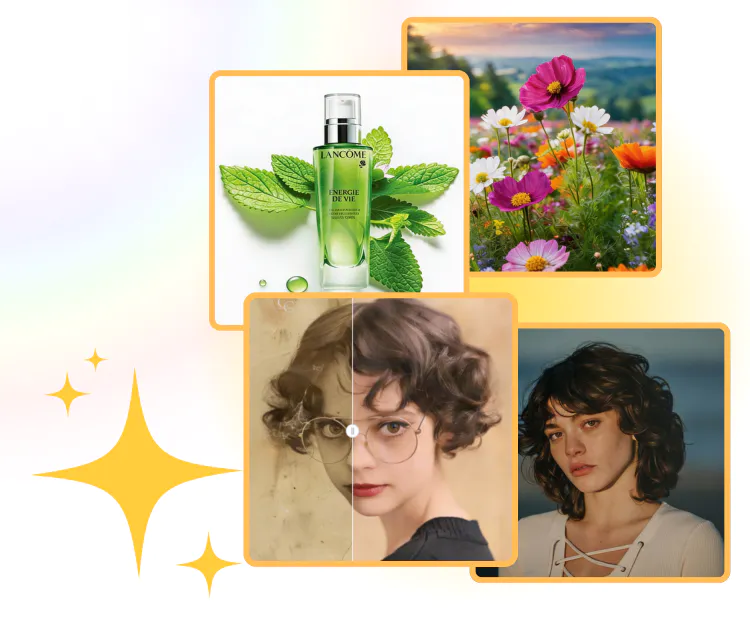
For photos that need enhancement, use our AI Photo Enhancer to elevate them to professional quality with a single click.

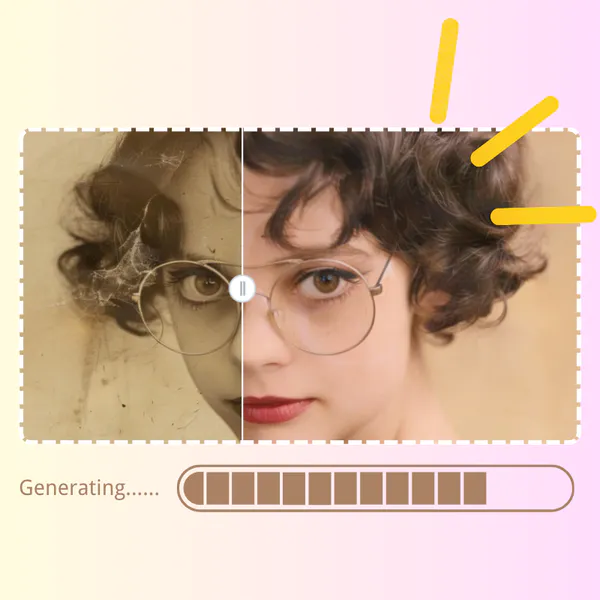
AI Photo Enhancer Sample: Portrait after
PhotoGPT - ★★★★★
★★★★★
Rated
PhotoGPT - ★★★★★
PhotoGPT - 50K+
50K+
Pictures Created
PhotoGPT - 50K+
PhotoGPT - 100+
100+
Organizations
PhotoGPT - 100+

Helping creators & businesses everywhere work easier

HARVARD
UNSPLASH
500PX
LINKEDIN
INDEED
GLASSDOOR

AI Photo Enhancer for 4K Images – Free Online, No Sign-Up

AI Photo Enhancer can improve photo quality in seconds. Fix blurry and low-resolution images automatically—no editing skills needed. No sign-up required.

Enhance 4K Images with AI
AI Photo Enhancer for 4K Images – Free Online, No Sign-Up

What is AI Photo Enhancer?

AI Photo Enhancer is a tool designed to improve the quality of existing photos using AI. It focuses on making images clearer by reducing blur and improving visible details, while keeping the original photo unchanged. It works well for low-quality, compressed, or old images and does not require manual editing or professional experience.

AI Photo Enhancer - What is AI Photo Enhancer?

Why AI Photo Enhancer for Real Photos?

AI Photo Enhancer is built to improve image quality with clear, practical results. It focuses on fixing real problems found in everyday photos, not on visual tricks.

Works Even on Very Low-Quality Photos

AI Photo Enhancer remains effective when images are heavily compressed, blurry, or small. It analyzes what is missing and improves clarity without changing the original structure. This makes it useful for old photos, chat images, and files that cannot be replaced.

True High Resolution with No Watermarks

The enhanced result is provided in real high quality, not a preview-style output. There are no forced marks added to the image, so the file stays clean. Users can download the result and use it directly without extra steps or restrictions.

Designed for Real Use, Not for Fun Effects

AI Photo Enhancer focuses on practical needs such as work images, profile photos, documents, and archives. The output stays natural and consistent, making it suitable for commercial and professional use instead of casual or entertainment-only purposes.

What Can AI Photo Enhancer Be Used For?

AI Photo Enhancer helps improve image quality in common, real-life situations where photos cannot be taken again. It is designed for restoring clarity and fixing blur.

Fix Old, Blurry, or Heavily Compressed Photos

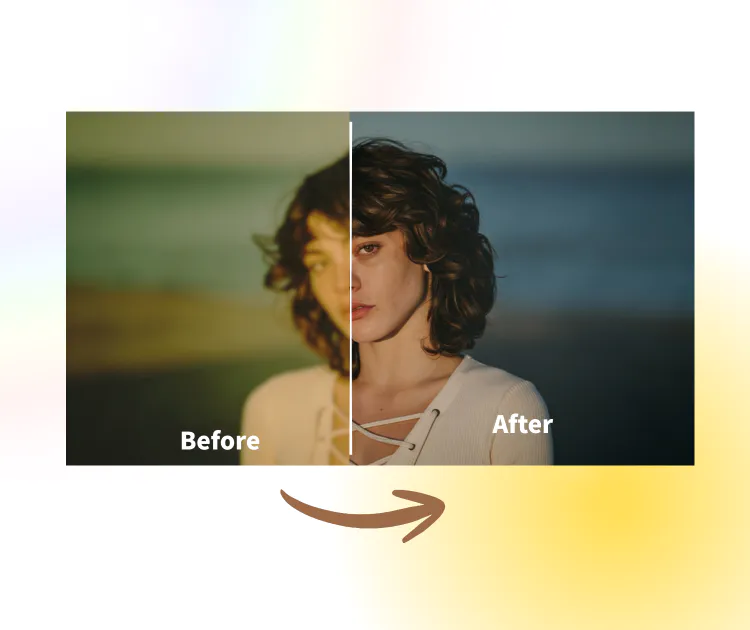
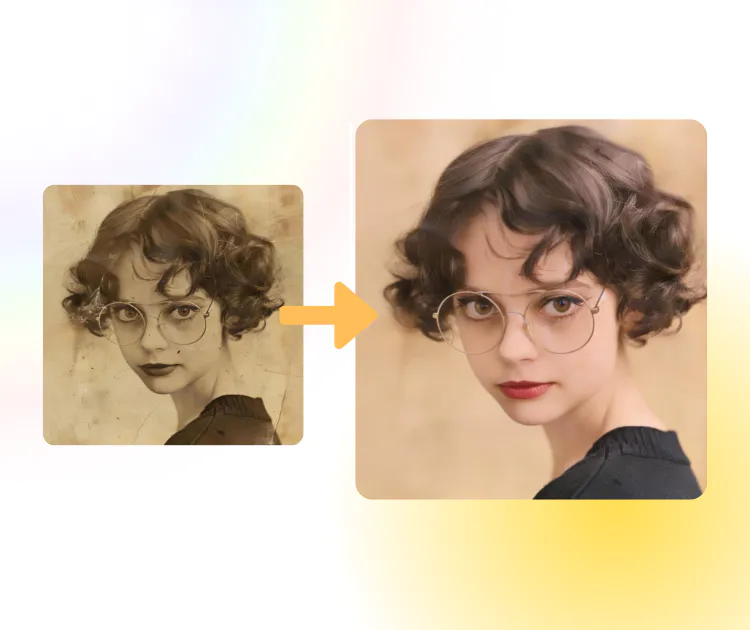
Many photos saved years ago, received from others, or downloaded from chat apps lose detail over time. AI Photo Enhancer helps recover visible details and improve sharpness while keeping the original look. This makes old memories or small files easier to view and save.

AI Photo Enhancer: Fix Old, Blurry, or Heavily Compressed Photos

Improve Finished Photos That Cannot Be Retaken

Photos such as ID images, work photos, or travel shots are often discovered to be blurry after the moment has passed. AI Photo Enhancer helps clean up these images by reducing blur and improving clarity, allowing them to look more polished and usable without changing content.

AI Photo Enhancer: Improve Finished Photos That Cannot Be Retaken

Restore Quality of Images Downloaded from Social Platforms

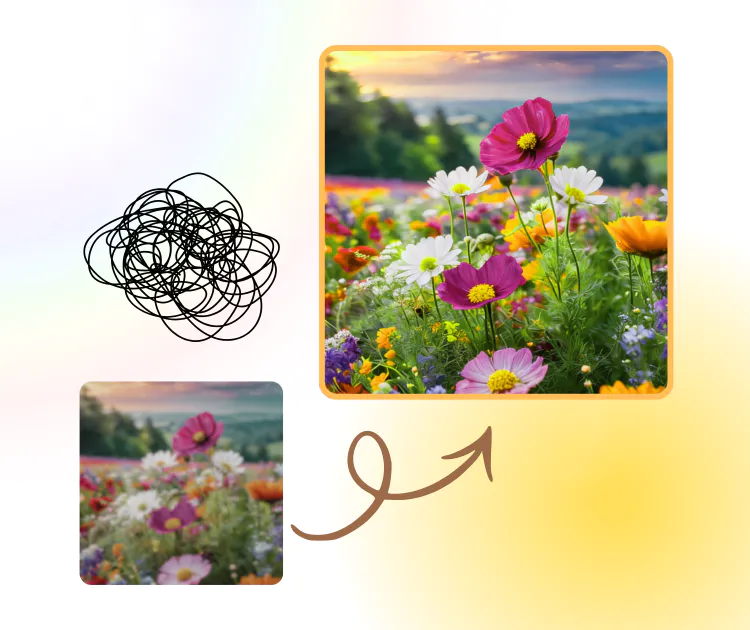
Images downloaded from WhatsApp, LINE, or Instagram are often compressed automatically. AI Photo Enhancer helps improve these files by refining edges and details, making them suitable for presentations, documents, or long-term storage without looking over-processed.

AI Photo Enhancer: Restore Quality of Images Downloaded from Social Platforms

How to Enhance Photos with AI Photo Enhancer

AI Photo Enhancer is built for simple and fast photo improvement. The process is designed to remove extra steps and avoid complex settings.

AI Photo Enhancer: Step 1: Upload Your Photo

Step 1: Upload Your Photo

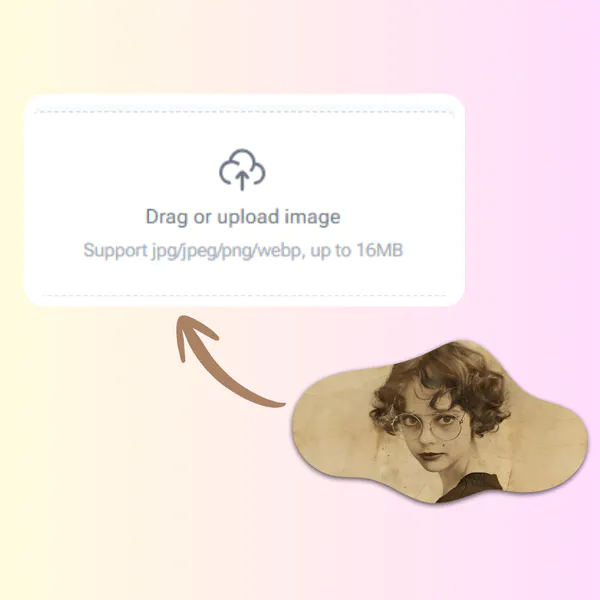
Start by uploading the image you want to improve. This can be an old photo, a compressed picture from a chat app, or any low-quality image stored on your device. The upload process is quick and works directly in the browser, with no technical preparation needed.

AI Photo Enhancer: Step 2: Select Quality Level and Enable Enhancement

Step 2: Select Quality Level and Enable Enhancement

Choose the quality level you want to improve and turn on the photo enhancement option. The system will analyze the image automatically and apply the best enhancement based on its condition. No manual adjustments are required during this step.

AI Photo Enhancer: Step 3: Preview the Enhanced 4K Result and Download

Step 3: Preview the Enhanced 4K Result and Download

Preview the enhanced photo online to check the clarity and details. Once satisfied, download the high-resolution 4K image instantly. The file can be saved, shared, or sent to family and friends without extra processing.

Enhance Your Photo in Minutes

Start improving your image quality with AI Photo Enhancer today. Upload a photo, let the system handle the hard work, and get a clear result you can actually use.

Start Enhancing Now

What Users Say About AI Photo Enhancer

M.K. Background
M.K.Family Archivist
"AI Photo Enhancer helped me fix several old family photos that were blurry and low quality. I had tried basic editing tools before, but they only made the images look sharp in a fake way. This tool was different. The results looked natural and clear, especially on faces. I didn’t need to adjust anything, and the enhanced photos were ready to save and share right away."
J.L. Background
J.L.Marketing Coordinator
"I often receive compressed images from clients through messaging apps, and the quality is usually not usable. AI Photo Enhancer made a big difference for my daily work. It improved clarity and detail without changing the original look of the photo. The process was simple, and the output quality was good enough for professional use."
S.T. Background
S.T.Content Manager
"As someone who manages online content, image quality matters a lot. AI Photo Enhancer allowed me to improve low-resolution photos quickly without learning complex tools. I liked that the enhanced images looked clean and realistic. It saved me time and helped keep a consistent visual standard across projects."
R.N. Background
R.N.Travel Blogger
"I used AI Photo Enhancer to restore travel photos that were taken years ago on an old phone. Many of them were dark and unclear. After enhancement, the details were much easier to see, and the photos looked closer to how I remembered them. The process was smooth and didn’t require any editing skills."
D.W. Background
D.W.Operations Analyst
"For work documents and presentations, blurry images can be a problem. AI Photo Enhancer helped improve screenshots and downloaded images so they looked clean and readable. The tool focused on clarity instead of visual effects, which made the results suitable for business use."
L.H. Background
L.H.Freelance Consultant
"I needed a quick way to improve profile photos without changing how they looked. AI Photo Enhancer did exactly that. The images became clearer, but still felt natural. I appreciated that the results were high quality and did not include watermarks, making them easy to use anywhere."

AI Photo Enhancer FAQs