













"I run a small online store, and I often receive product photos with logos or marks from suppliers. AI Watermark Remover saved me so much time. I simply upload the image, remove watermark online, and download a clean, high resolution file in minutes. The results look natural, and the texture stays sharp. This AI Watermark Remover works great for ecommerce and marketing images without lowering quality."

Images
Support batch upload, up to 10 images at a time
Free AI Watermark Remover
Remove watermark from image online fast with PhotoGPT’s AI Watermark Remover, no login needed.


Helping creators & businesses everywhere work easier
Free AI Watermark Remover from Image – Online & No Sign-up
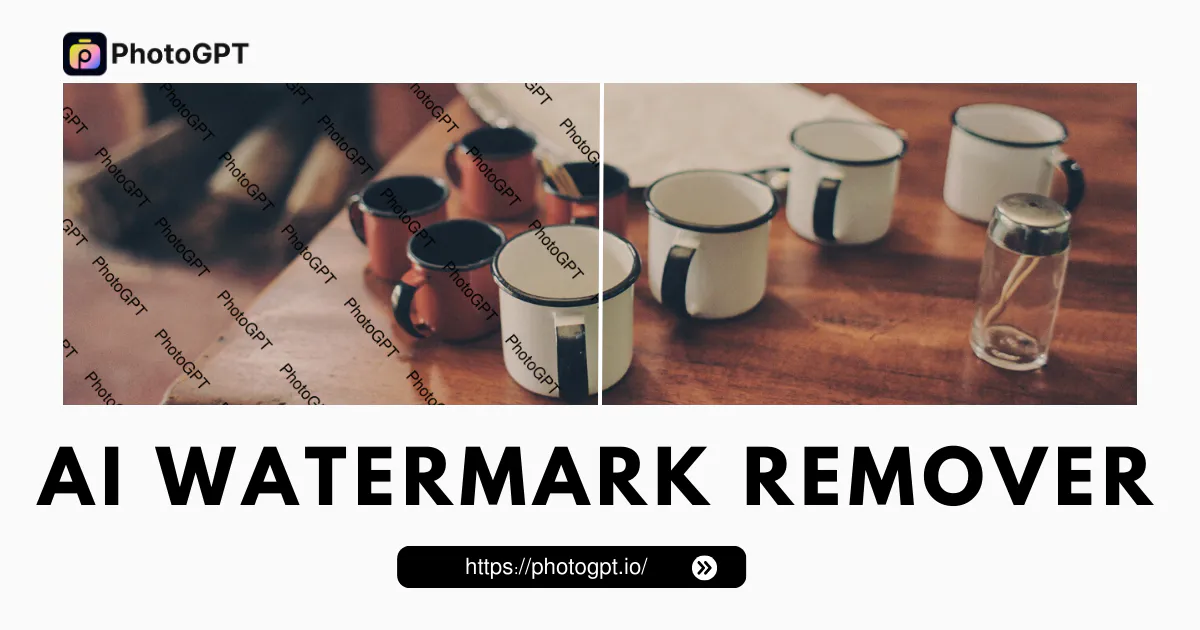
AI Watermark Remover by PhotoGPT let you remove watermark from image online free. Get clean, natural results with no login and no quality loss. Fast and simple.
Remove Watermark Free
What is AI Watermark Remover?
PhotoGPT’s AI Watermark Remover is free online tool designed to remove watermark from image files in seconds. AI Watermark Remover scans selected area, studies nearby pixels, and fills space with natural texture and light balance. Result looks clean and smooth instead of blurred or patched. Remove watermark online without login or software. AI Watermark Remover keeps original resolution and fine detail, so images stay sharp for e‑commerce, marketing, or social media use.

How to Use AI Watermark Remover Online in 3 Easy Steps
Use AI Watermark Remover to remove watermark online fast. This tool helps clean logos, text, and stamps in seconds. No software or skills needed. The steps are simple and smooth.

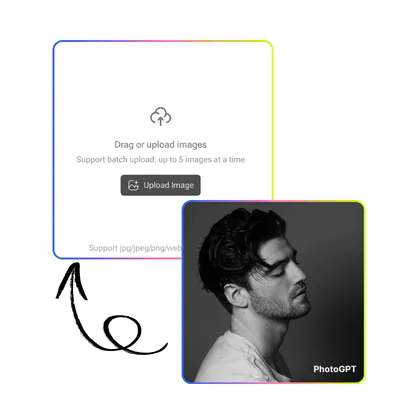
Step 1: Upload Your Photo to Start
Choose the image with a visible mark. PhotoGPT’s AI Watermark Remover supports common formats and keeps the original size. Upload and let the system scan the unwanted area automatically.

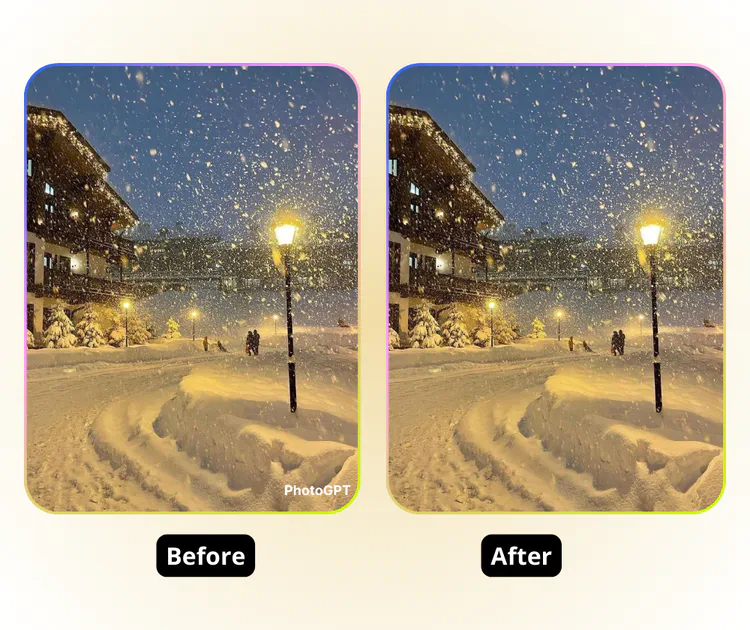
Step 2: Preview the Clean Result
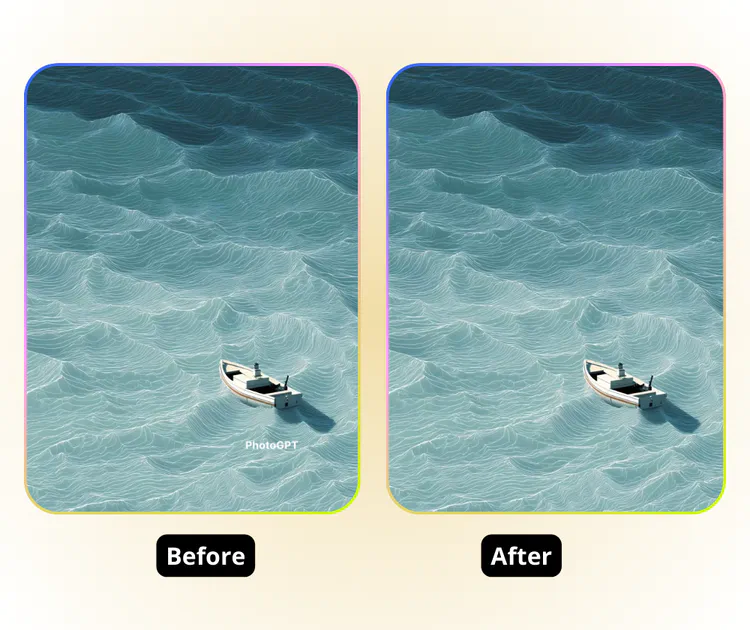
After processing, PhotoGPT’s AI Watermark Remover shows a before and after view. Check edges, light, and texture to confirm the watermark removal looks natural and balanced.

Step 3: Download the Final Image
Click download to save your file. PhotoGPT’s AI Watermark Remover exports a high‑quality image with no extra watermark, ready for sharing or business use.
Watermarks Ruin Great Photos at the Worst Time
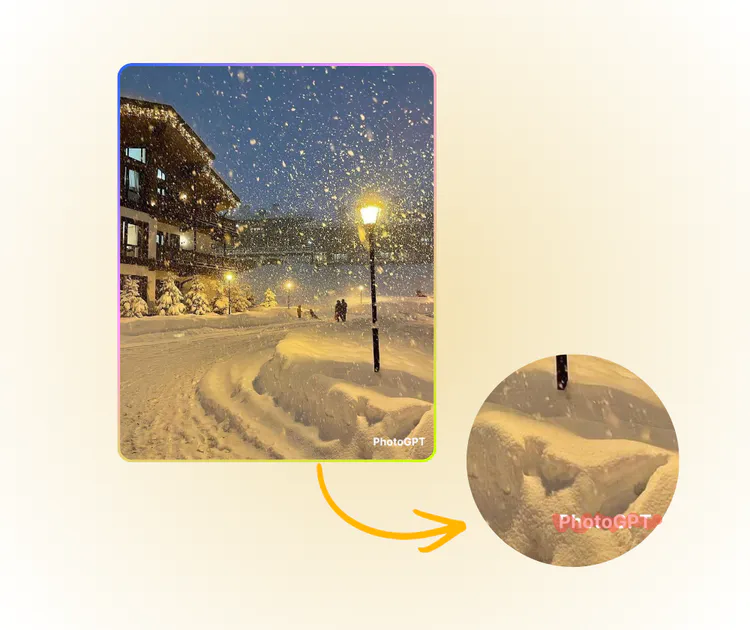
You find a great photo for your store or blog, but a big logo covers the center. Cropping cuts out details. Manual tools leave blur and patches. Many users search for PhotoGPT’s AI Watermark Remover to remove watermark online without losing quality. AI Watermark Remover clears text or logos in seconds, keeps texture natural, and exports clean, high resolution images ready for e commerce and marketing use.

One Click Clean Removal, No Trace Left
PhotoGPT’s AI Watermark Remover scans the area around the logo, text, or stamp and rebuilds the missing part with matching texture and light. The result looks natural, not patched. Edges stay smooth, colors stay balanced, and the original resolution is preserved. You get a clean image without blur, cuts, or strange marks.

No Skills Needed, Done in 30 Seconds
PhotoGPT’s AI Watermark Remover works fully online. No software to install and no complex tools to learn. Upload your photo, mark the unwanted area, and let the system handle the rest. The whole process takes less than a minute. Even beginners can remove watermark online with simple clicks.

High Quality Output Ready for Business
PhotoGPT’s AI Watermark Remover keeps fine details sharp and clear. After removing watermark, you can download high resolution files for e commerce, ads, or social media. There is no extra watermark added and no drop in clarity. Your final image looks professional and ready for commercial use.

Remove Watermark Online in Seconds
AI Watermark Remover helps you clean images fast without design skills. Upload your photo, erase unwanted marks, and download a clear, high resolution result ready for sharing or business use.
Start Removing NowWhat Users Say About AI Watermark Remover
"As a social media manager, I need fast tools that do not slow down my workflow. AI Watermark Remover helps me remove watermark from image online without opening heavy software. The smart fill blends the background smoothly, and the final picture looks ready to post. This AI Watermark Remover is simple, quick, and perfect for daily content tasks."
"I design posters for local events, and sometimes I need to clean stock previews before layout tests. AI Watermark Remover makes that easy. I can remove watermark online in seconds and keep the original resolution. The image stays clear, and there is no extra logo added. For anyone looking for a reliable AI Watermark Remover, this tool is practical and easy to use."