









Models

Images (Optional)

Drag or upload images(0/4) Drag or upload image

Support jpg/jpeg/png/webp, up to 16MB

Prompt

Settings

Free AI Photo Editor

Upload a photo, make quick edits, and get a clean result in seconds. No account needed, no setup.

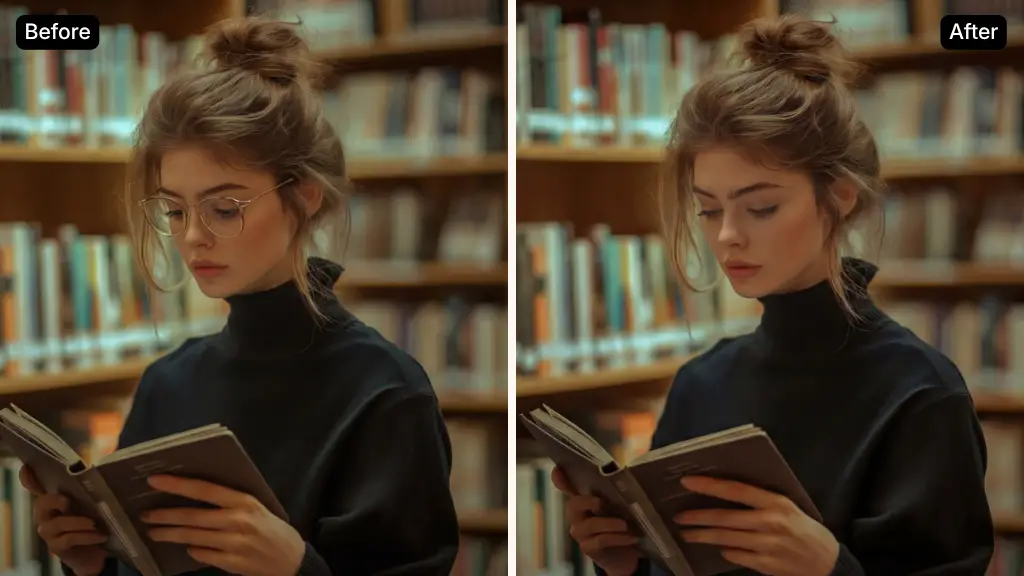
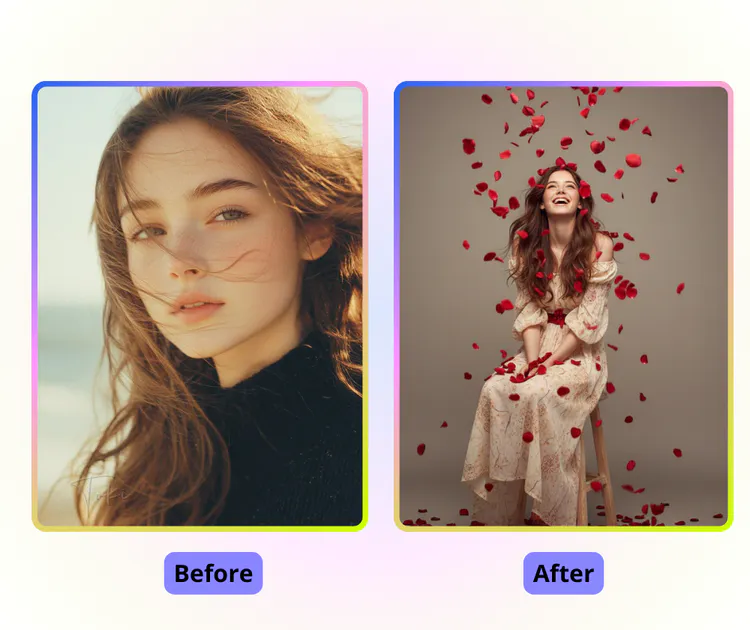
AI Photo Editor Sample: Restore Old Photo after
PhotoGPT - ★★★★★
★★★★★
Rated
PhotoGPT - ★★★★★
PhotoGPT - 50K+
50K+
Pictures Created
PhotoGPT - 50K+
PhotoGPT - 100+
100+
Organizations
PhotoGPT - 100+

Helping creators & businesses everywhere work easier

HARVARD
UNSPLASH
500PX
LINKEDIN
INDEED
GLASSDOOR

Free AI Photo Editor - Edit Images Fast & Online, No Sign-up

Use this AI photo editor to edit photos online for free. No sign-up required. Fast and simple for everyday photo editing and image improvement.

Start Editing Photos
Free AI Photo Editor - Edit Images Fast & Online, No Sign-up

What is AI Photo Editor?

AI Photo Editor is an online tool that helps users edit photos with minimal effort. Users only need to upload an image, and ai photo editor will automatically improve lighting, clarity, and overall quality without complex settings. It is designed for everyday photo editing, so even people with no experience can get natural results quickly. As a free online ai photo editor, it runs smoothly on most devices, requires no sign-up, and saves time by reducing repeated adjustments. This makes it ideal for social media images, ecommerce visuals, and fast photo improvement needs.

AI Photo Editor – What is AI Photo Editor?

How to Use AI Photo Editor in Three Simple Steps

This guide explains how to edit photos online using ai photo editor. You only need to upload an image, describe your edit needs, and download the result. No experience or complex tools are required.

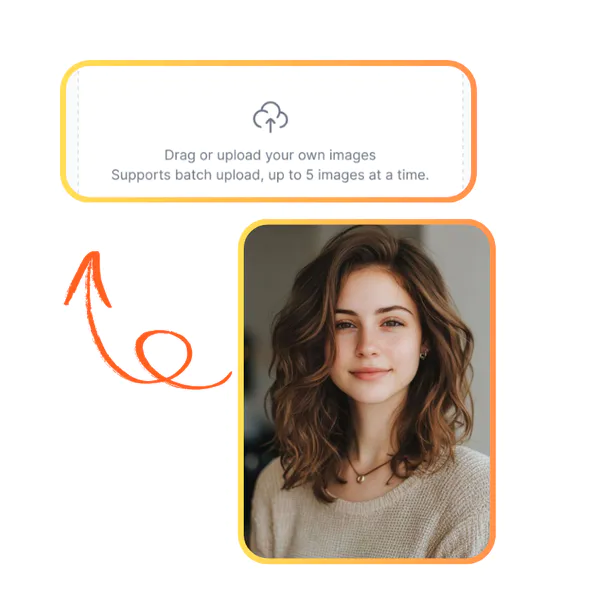
AI Photo Editor: Step 1: Upload Your Photo

Step 1: Upload Your Photo

Upload one photo from your device to start editing. The ai photo editor supports common image formats and works best with clear photos. The upload process is fast and requires no setup.

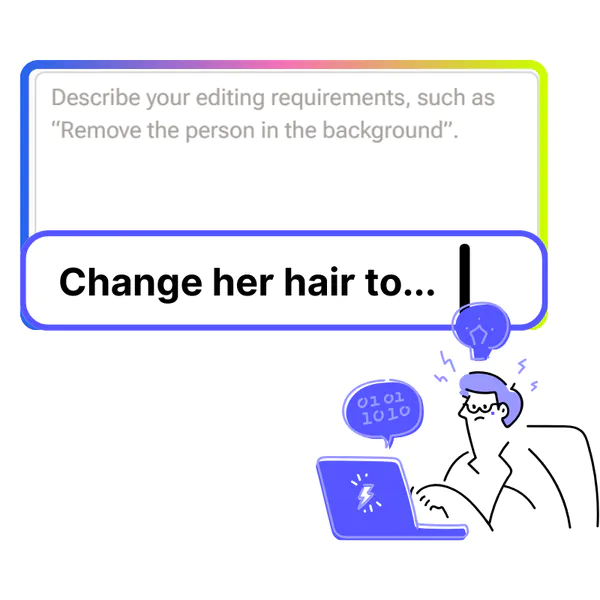
AI Photo Editor: Step 2: Enter an Edit Prompt

Step 2: Enter an Edit Prompt

Write a short prompt to describe the changes you want, such as fixing details or improving quality. The ai photo editor reads your text and applies edits automatically based on your request.

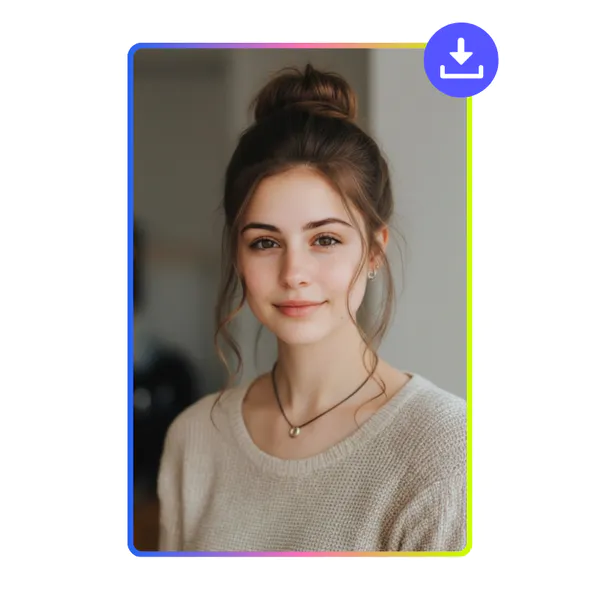
AI Photo Editor: Step 3: Preview and Download

Step 3: Preview and Download

Preview the edited image once processing is complete. If the result looks right, download it instantly. You can also return and try a new prompt to adjust the final image.

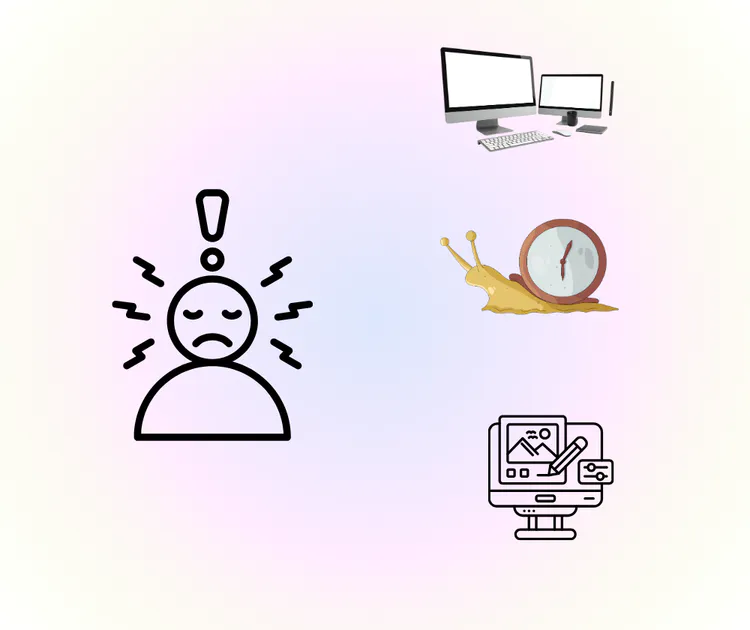
Editing Photos Should Be Simple, Not Stressful

Many users search ai photo editor because editing feels slow and stressful. Desktop tools are complex, while online ai photo editor options often force sign-up or give fake results. People want ai photo editor that works fast, runs online, keeps photos natural, and helps finish daily edits like posts, product images, or quick fixes without learning curves.

AI Photo Editor – Editing Photos Should Be Simple, Not Stressful

Easy Editing for Everyone

This ai photo editor lets users edit photos fast without learning complex tools. Upload a photo and start editing immediately. No confusing settings or panels, so users save time and focus on improving images. It works for everyday edits, social posts, and simple projects without stress.

Easy Editing for Everyone

Realistic Results on First Try

The ai photo editor automatically enhances and fixes photos with natural results. Users get clean, realistic images on the first attempt. It reduces trial-and-error and ensures balanced edits. Unlike other tools, this ai photo editor keeps images looking genuine while saving time on corrections.

Realistic Results on First Try

Fast Online Editing on Any Device

As an online ai photo editor, it works smoothly on most devices with no heavy hardware needed. Users can edit one or multiple images quickly. It suits social media, product photos, and quick fixes, giving speed and flexibility without installation or sign-up.

Fast Online Editing on Any Device

Start Editing Your Photos Instantly

Use ai photo editor to enhance, fix, and improve your images online with ease. No sign-up is needed, and you can see results fast. Perfect for social media, product photos, or quick daily edits.

Edit Photos for Free

What Users Say About AI Photo Editor

M.T. Background
M.T.Freelance Blogger
"AI photo editor made editing my photos so much easier. I uploaded a few images and quickly enhanced colors, fixed details, and improved clarity without any complex tools. The results looked natural and professional, which saved me a lot of time compared to traditional software. This ai photo editor works well for social media posts, blog images, and even quick edits for personal projects, making photo improvement accessible for everyone."
J.L. Background
J.L.E-commerce Seller
"Using ai photo editor was a great experience. I could fix and enhance product photos online in seconds. The tool gave clear, realistic results on the first try, and I didn’t need to learn complicated editing techniques. It works perfectly for daily content creation and saves hours compared to manual editing. I recommend this ai photo editor for anyone who wants fast, natural edits without hassle or downloads."
S.K. Background
S.K.Social Media Manager
"I tried multiple online tools, but ai photo editor stood out for its speed and simplicity. Uploading a photo and applying automatic edits took only minutes, and the outcome looked clean and professional. This ai photo editor is ideal for casual users, social media enthusiasts, and small business owners who need efficient, reliable photo enhancement without complex software or extra costs."

FAQs About AI Photo Editor