



Image

Drag or upload image(0/1)

Free AI Photo Cleaner

Make messy photos usable again. Upload an image and let AI clean what doesn’t belong.

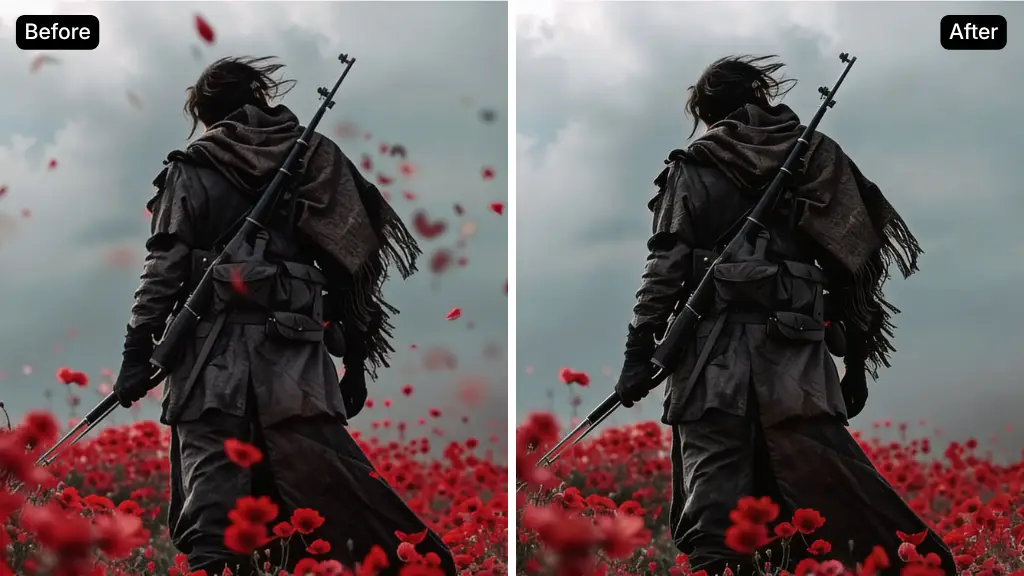
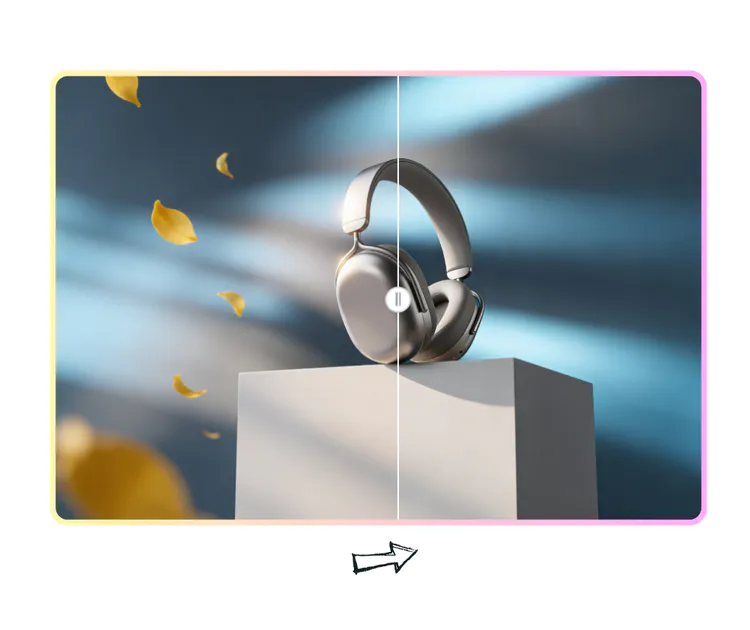
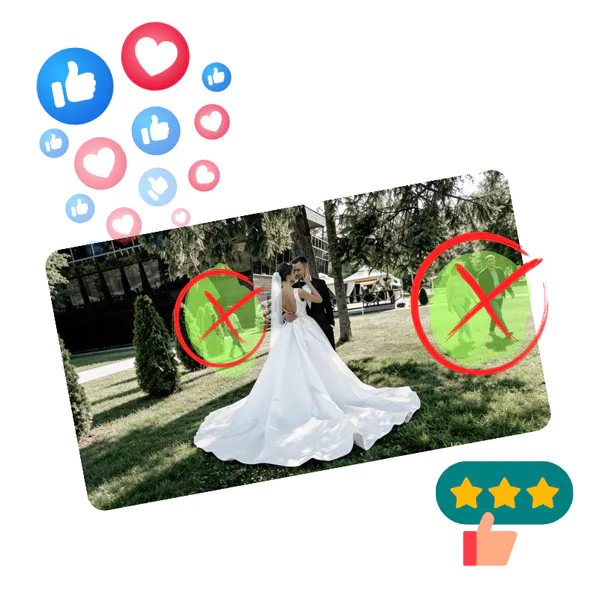
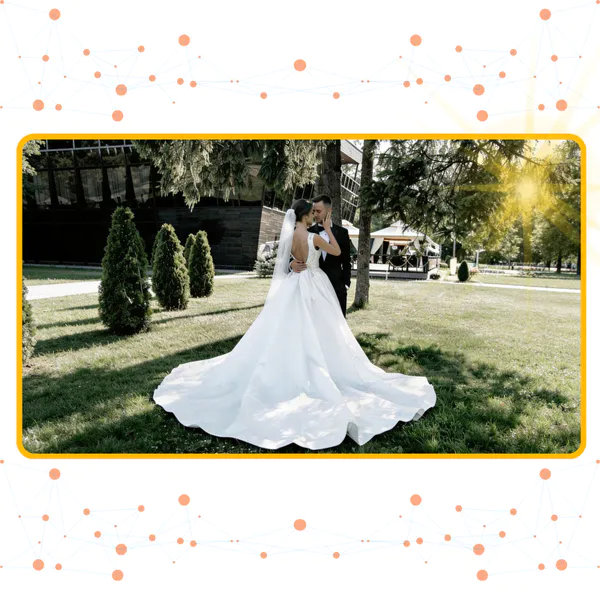
AI Photo Cleaner Sample: Portrait after
PhotoGPT - ★★★★★
★★★★★
Rated
PhotoGPT - ★★★★★
PhotoGPT - 50K+
50K+
Pictures Created
PhotoGPT - 50K+
PhotoGPT - 100+
100+
Organizations
PhotoGPT - 100+

Helping creators & businesses everywhere work easier

HARVARD
UNSPLASH
500PX
LINKEDIN
INDEED
GLASSDOOR

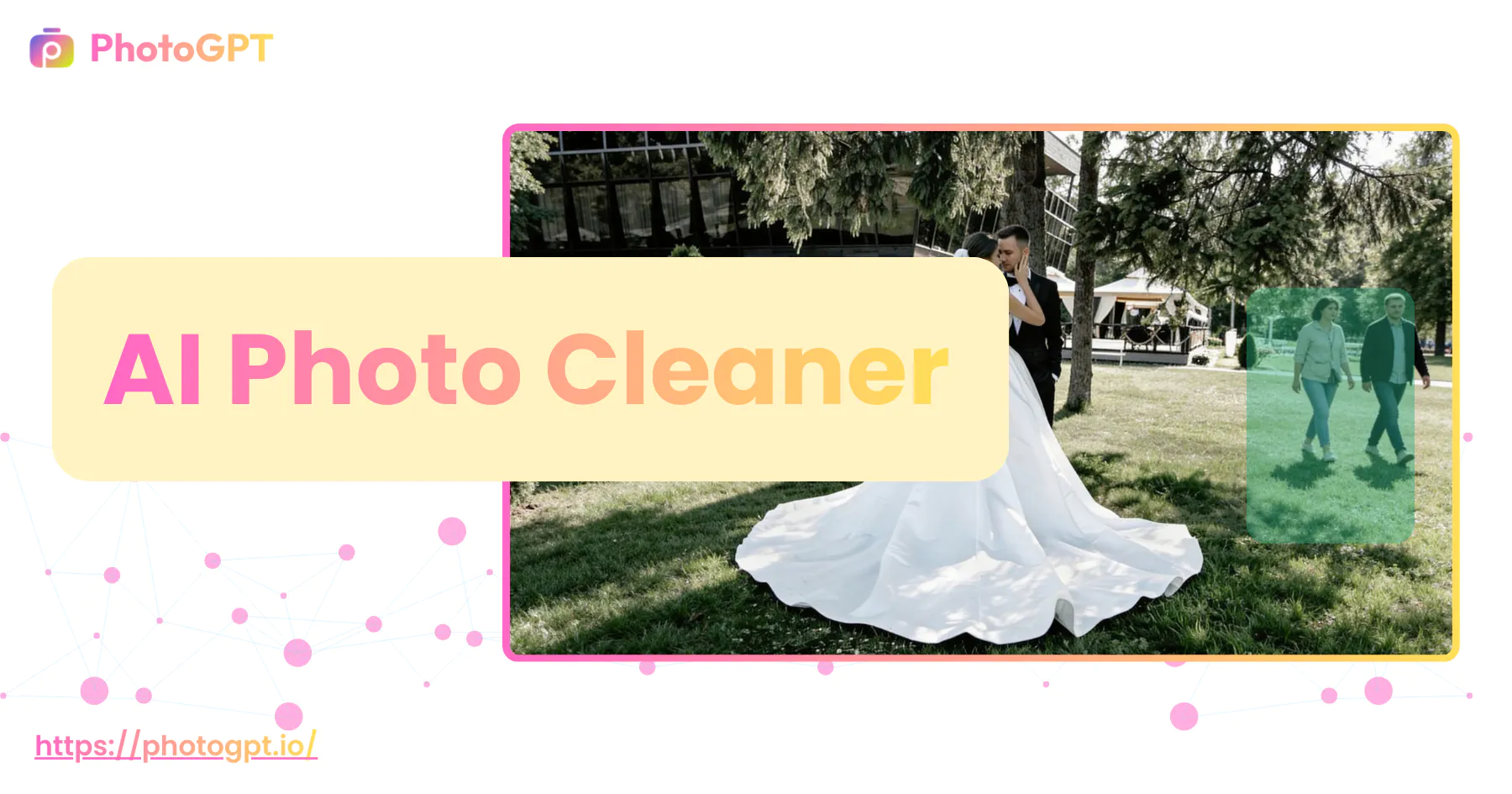
AI Photo Cleaner: Free Clean Up Photos Online, No Sign-Up

PhotoGPT's AI Photo Cleaner clean up photos with AI in seconds. Remove unwanted objects, background clutter, noise, and small imperfections while keeping photos natural.

Create AI Photo Cleaner
PhotoGPT's AI Photo Cleaner: Free Clean Up Photos Online, No Sign-Up

What is AI Photo Cleaner?

PhotoGPT's AI Photo Cleaner is a sophisticated image restoration tool designed to remove unwanted elements from any picture instantly. By leveraging advanced generative algorithms, this feature identifies distractions like random tourists, messy power lines, or ugly watermarks and erases them without leaving a trace. Unlike basic blurring apps, our AI Photo Cleaner analyzes the surrounding environment to intelligently reconstruct the missing pixels, ensuring the background looks natural and cohesive.

PhotoGPT's AI Photo Cleaner - What is AI Photo Cleaner?

How to Use This AI Photo Cleaner in Three Simple Steps

Achieve flawless results in seconds with our streamlined editing workflow. This intuitive process allows anyone to transform messy images into professional assets without needing any previous design experience.

PhotoGPT's AI Photo Cleaner: Step 1: Upload Your Target Image

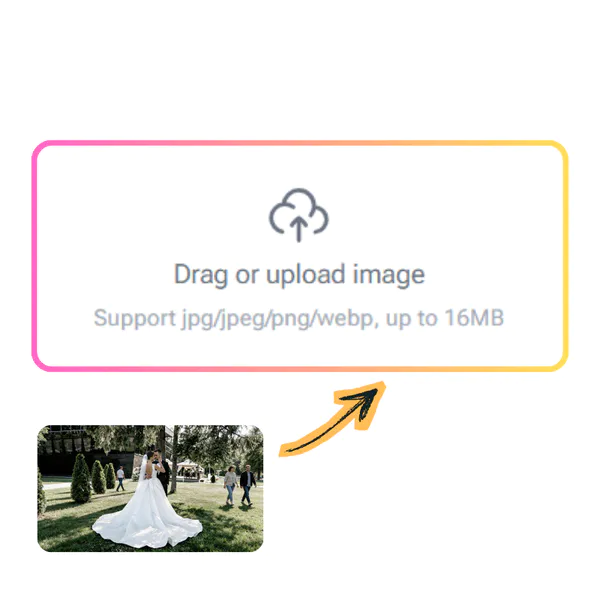
Step 1: Upload Your Target Image

Begin by selecting the file you wish to improve. You can drag and drop your photo directly into the workspace or click the upload button to browse your local folders and choose a specific picture for editing.

PhotoGPT's AI Photo Cleaner: Step 2: Highlight the Elements to Remove

Step 2: Highlight the Elements to Remove

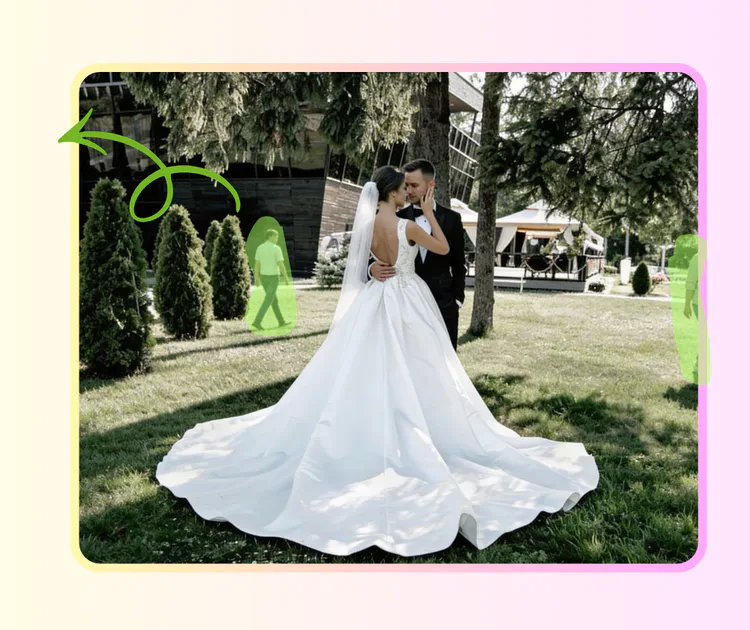
Use the smart PhotoGPT's AI Photo Cleaner to paint over the objects or people you want to disappear. The interface is highly responsive, allowing you to easily mark distractions like text, trash, or strangers with just a few strokes.

PhotoGPT's AI Photo Cleaner: Step 3: Preview the Result and Download in HD

Step 3: Preview the Result and Download in HD

Once the processing is complete, check the live preview to ensure everything looks perfect. If you are happy with the clean background, simply save the high-definition version back to your device instantly.

Why Choose This AI Photo Cleaner for Your Images?

Transform messy shots into professional portraits using our advanced object removal technology. This smart system identifies visual clutter and restores clarity to your favorite memories without any manual effort.

Smart One-Click Cleanup for Instant Results

Forget about identifying complex layers or selecting specific brush types. Our intelligent engine scans the entire frame to find distractions and fixes them automatically, making your photos look pristine in seconds.

Seamless Blending That Keeps Reality Intact

The PhotoGPT's AI Photo Cleaner doesn't just cut holes; it understands context. By removing only the unnecessary parts and regenerating the background, it ensures the final edit looks untouched and perfectly authentic.

Zero Learning Curve for a Stress-Free Experience

Skip the complicated tutorials and expensive software. Simply upload your file and let the algorithm do the heavy lifting. It is the easiest way to get high-quality results without any technical knowledge.

What Can AI Photo Cleaner Be Used For?

AI Photo Cleaner helps improve image quality in common, real-life situations where photos cannot be taken again. It is designed for restoring clarity and fixing blur.

Clean Up Portraits and Enhance Visual Focus

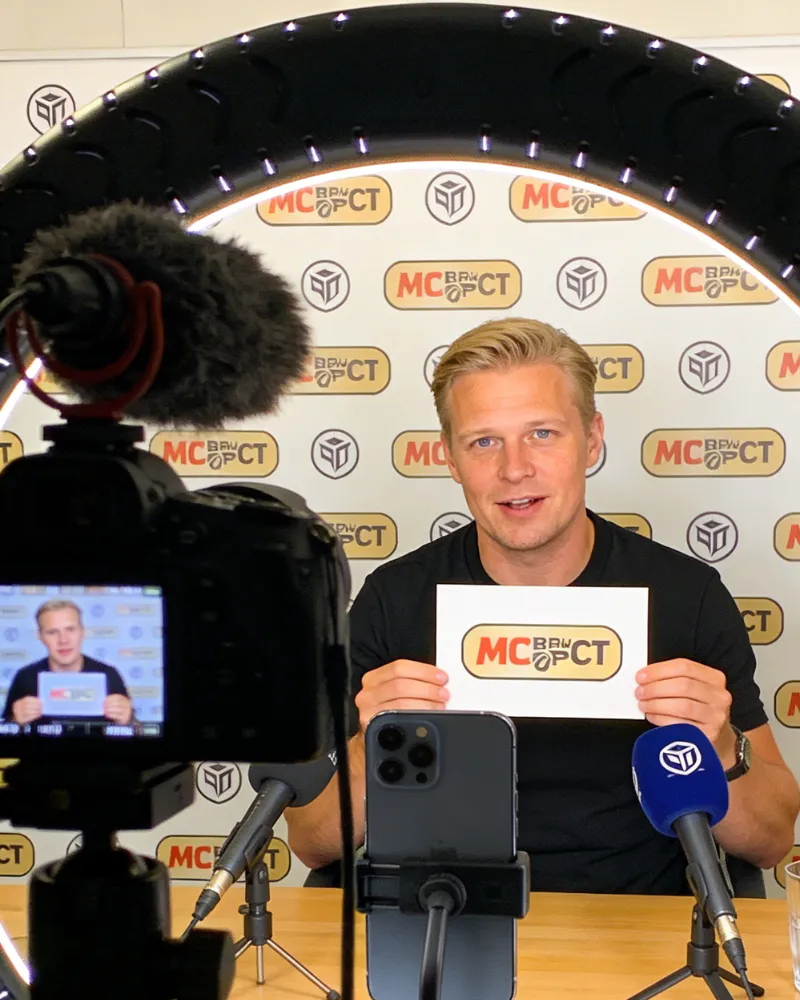
Portrait photos often look dull or cluttered when the background is filled with messy objects. This AI Photo Cleaner allows you to strip away distracting non-essential elements that draw the eye away from the person. By simplifying the environment, you create a sharp contrast that makes the subject stand out with a premium, high-quality feel.

PhotoGPT's AI Photo Cleaner: Clean Up Portraits and Enhance Visual Focus

Optimize Indoor Shots and Professional Profiles

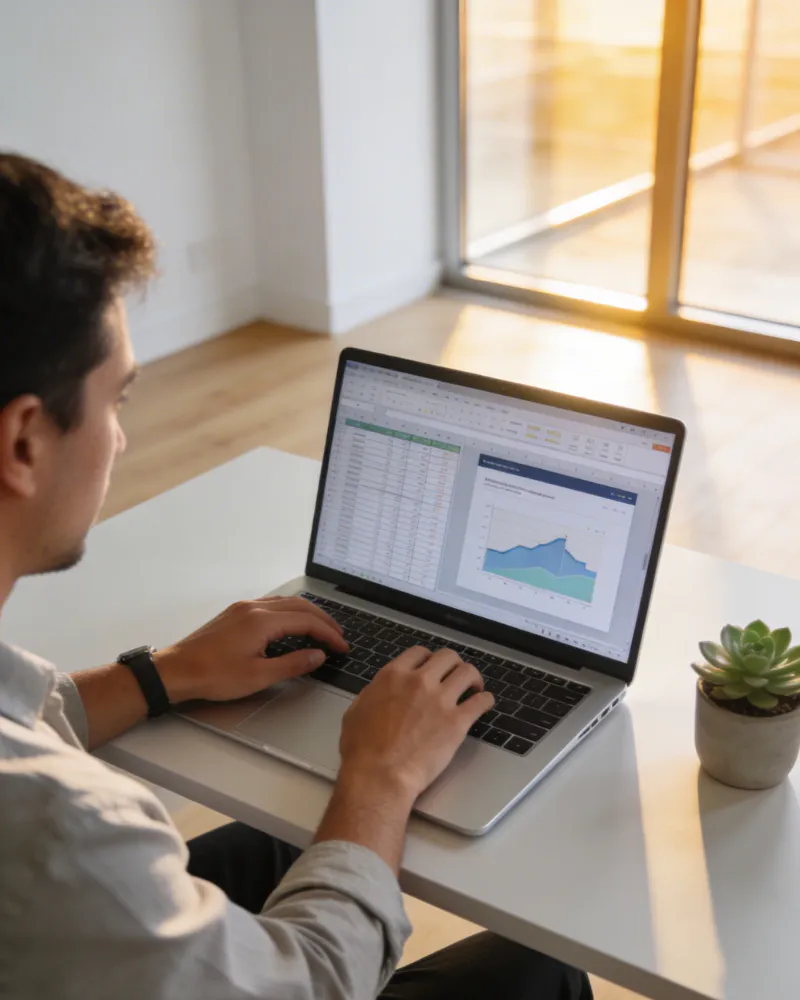
Internal photography frequently suffers from untidy rooms or inconsistent backdrops that are unsuitable for e-commerce platforms. Whether you need to fix a resume headshot or standardize product images for an online store, this cleaner removes household clutter and non-compliant details. AI Photo Cleaner helps you maintain a formal, organized look that meets strict marketplace standards.

PhotoGPT's AI Photo Cleaner: Optimize Indoor Shots and Professional Profiles

Erase Intruders and Urban Clutter from Travel Captions

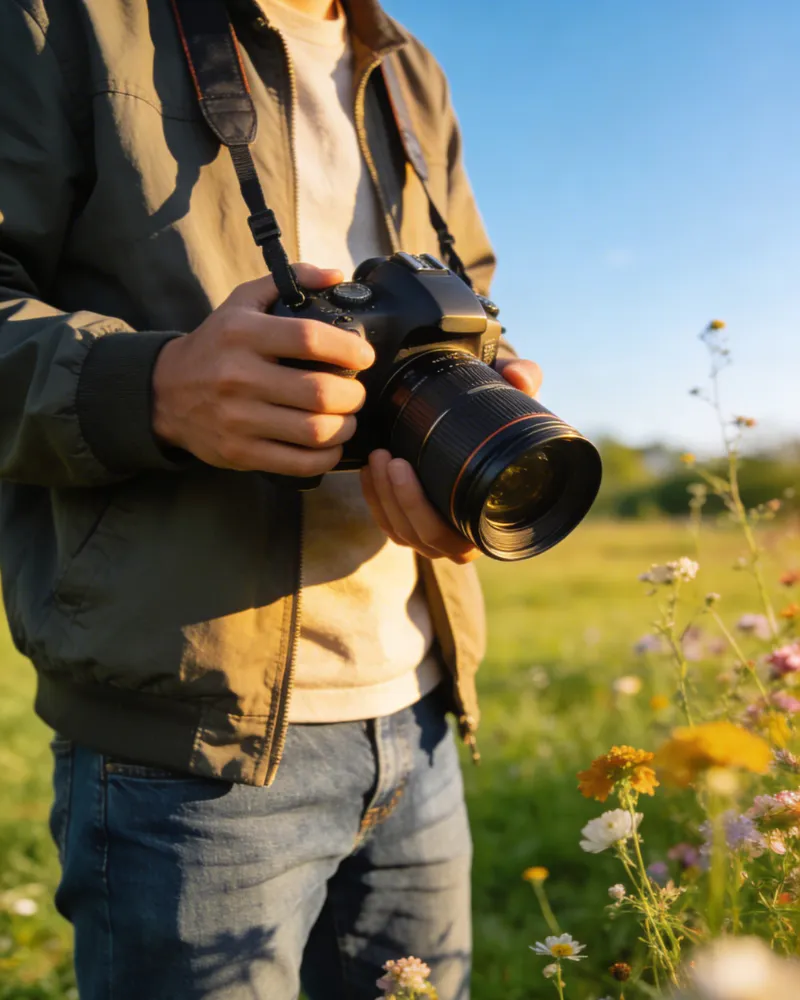
Nothing ruins a perfect vacation memory like a stranger walking into the frame or an ugly trash can in the corner. You can easily delete power lines, labels, and random objects from the edges of your social media posts. The AI Photo Cleaner effectively purifies the scene, leaving you with a beautiful, clean landscape that looks exactly as you remember it.

PhotoGPT's AI Photo Cleaner: Erase Intruders and Urban Clutter from Travel Captions

Ready to Perfect Your Photos?

Stop letting small distractions ruin your favorite memories. Use our PhotoGPT's AI Photo Cleaner now to remove unwanted objects and restore the natural beauty of your shots with just a single click.

Start Cleaning Now

What Our Users Say About AI Photo Cleaner

J.L. Background
J.L.Travel Blogger
"I was amazed at how easily this PhotoGPT's AI Photo Cleaner handled the messy background in my vacation shots. I had a perfect sunset photo, but a group of tourists was standing right in the middle. Within seconds, the tool erased them completely, leaving the beach looking pristine and untouched. It is definitely the most effective way to save a ruined memory without spending hours on professional software."
M.K. Background
M.K.E-commerce Seller
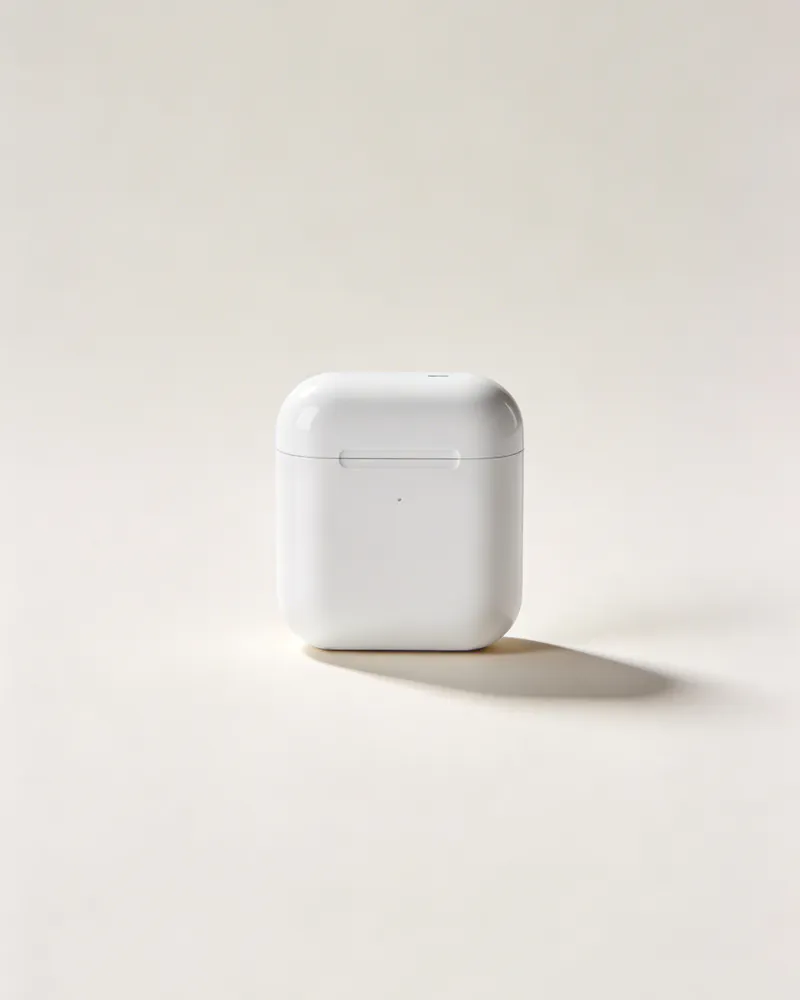
"Creating clean product listings is essential for my online shop, and this AI Photo Cleaner is a lifesaver. It quickly removes distracting labels and shadows that make my items look unprofessional. The final images are crisp and consistent, which has really helped improve my store's conversion rates. I highly recommend it to any entrepreneur looking for a fast, high-quality editing solution."
S.R. Background
S.R.Marketing
"Updating my professional profile used to be a hassle because I couldn't find a plain background. This AI Photo Cleaner allowed me to strip away the cluttered office environment behind me, creating a polished look suitable for my resume. The edges are smooth, and the result is so natural that nobody can tell the image was ever modified."
D.H. Background
D.H.Photography Enthusiast
"As an amateur photographer, I often capture great moments that have minor flaws like power lines or lens flares. This AI Photo Cleaner identifies those distractions instantly and blends the pixels perfectly. It keeps the original texture of the sky and buildings intact, which is something most other apps fail to do. It has become an essential part of my daily creative workflow."
A.V. Background
A.V.Family Historian
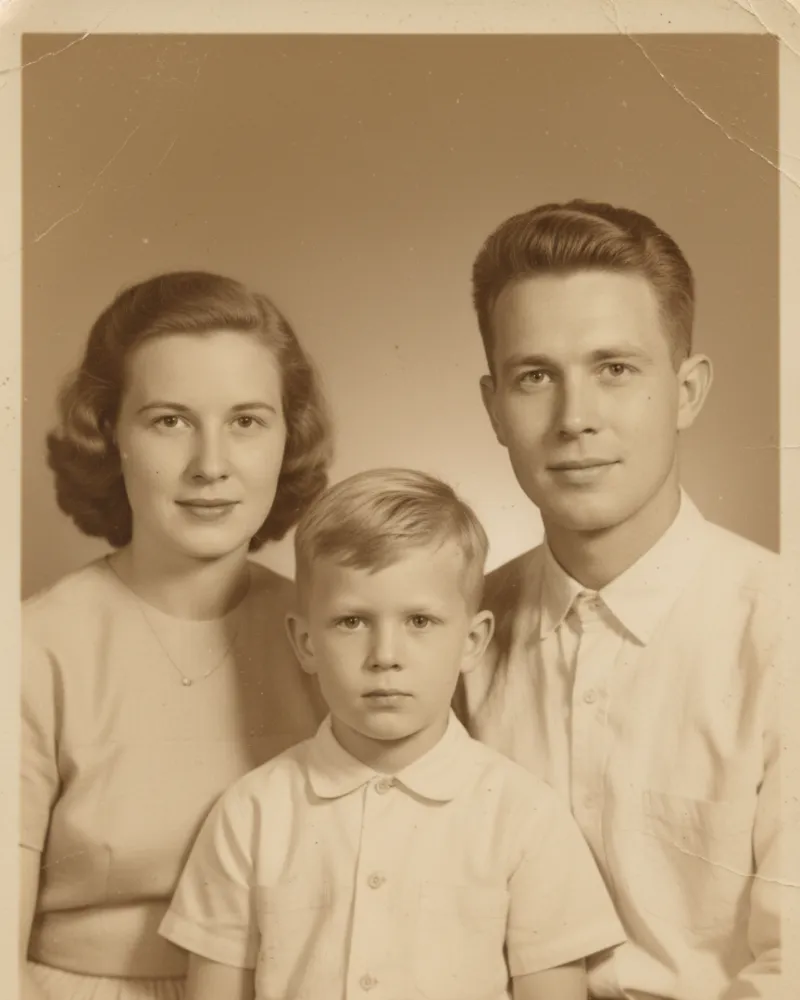
"I used this PhotoGPT's AI Photo Cleaner to fix some old family photos that had ugly date stamps and scratches on them. I was worried the faces might get distorted, but the tool was incredibly precise. It only touched the damaged parts and kept the rest of the picture sharp. It is a fantastic resource for anyone wanting to preserve their history in high definition."
K.W. Background
K.W.Content Creator
"Social media requires constant posting, and I don't always have time for deep edits. This AI Photo Cleaner is perfect for quick fixes on the go. Whether it is a trash can in a street snap or an unwanted reflection in a window, I can just tap and watch the mess vanish. It’s simple, effective, and delivers gallery-ready results every single time."

AI Photo Cleaner FAQs

No. The PhotoGPT's AI Photo Cleaner maintains the original quality of your file. It only modifies the specific area you select, ensuring the rest of the picture remains sharp and clear. You can download your high-definition results immediately without worrying about blurriness or pixel loss.
Yes. Our PhotoGPT's AI Photo Cleaner uses smart context-aware technology to fill in the gaps. It doesn't just erase; it recreates textures like sand, sky, or trees to match the surrounding area. This makes the removal look completely natural, even in complex outdoor or urban environments.
Definitely. The PhotoGPT's AI Photo Cleaner is perfect for stripping away date stamps, distracting captions, or unwanted watermarks. It identifies the overlay and restores the hidden details beneath it, giving you a clean and professional image for personal or commercial use.
Not at all. The PhotoGPT's AI Photo Cleaner is designed for total beginners. There are no complicated sliders or layers to learn. If you can move a mouse or use a touch screen to highlight an object, you can achieve professional-grade results in just a few seconds.
Yes, you can. You are free to mark several distractions across the frame in one go. The AI Photo Cleaner will process all selected areas simultaneously, saving you time and effort when fixing busy photos with lots of clutter or multiple strangers.
Your privacy is guaranteed. Every file you process with the AI Photo Cleaner is handled through a secure encrypted connection. We do not store your images permanently or share them with third parties. Your data is automatically cleared after your session ends for your peace of mind.