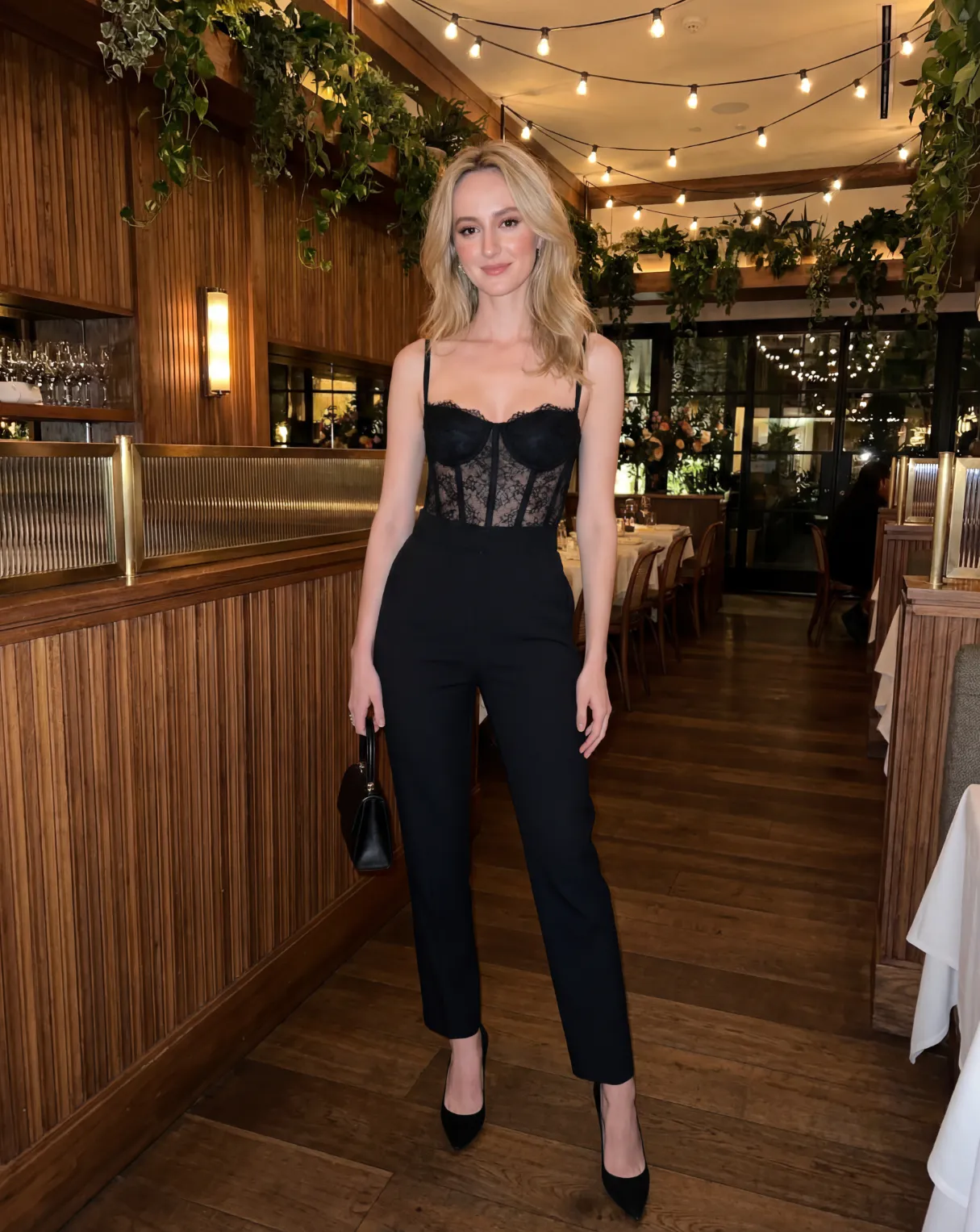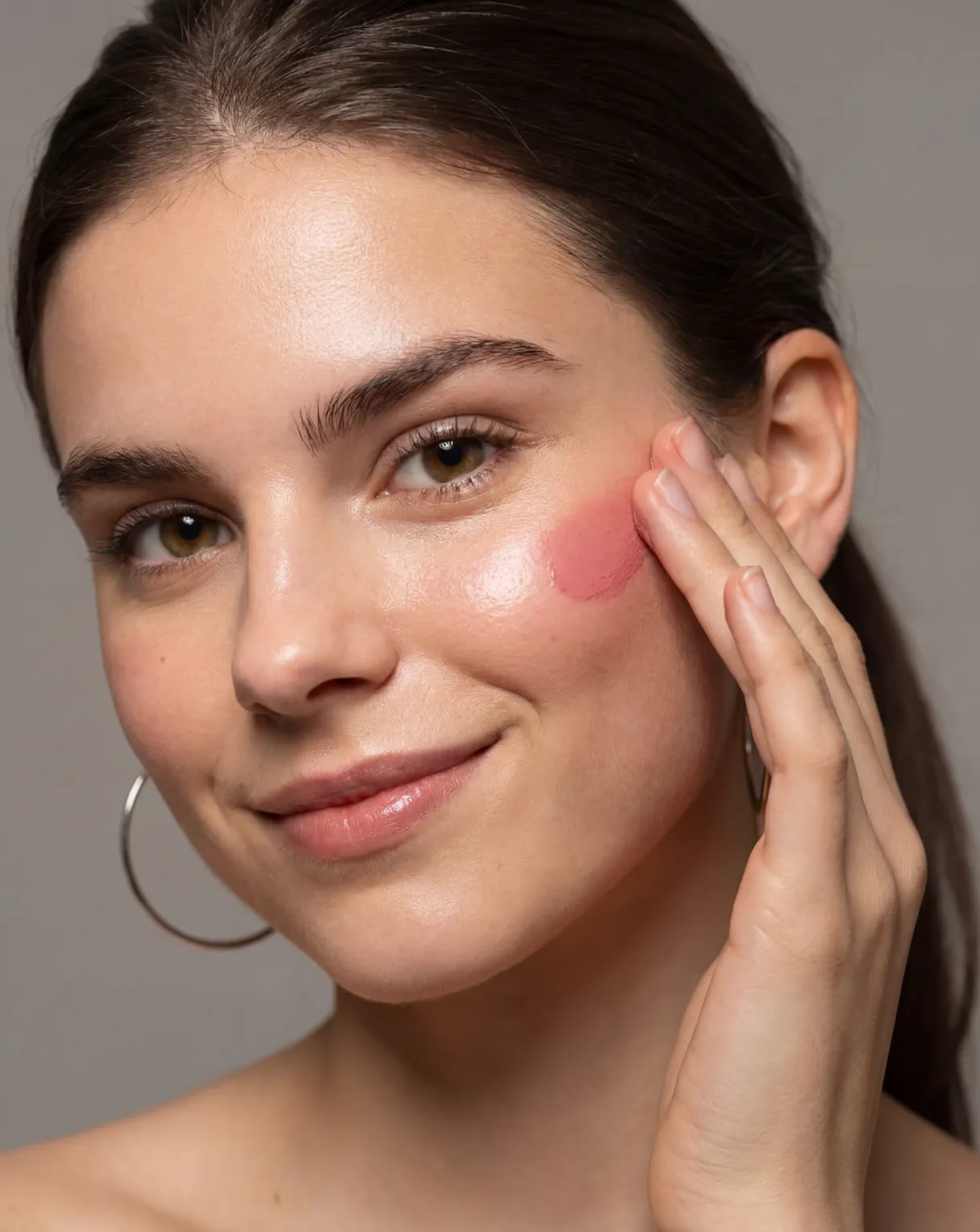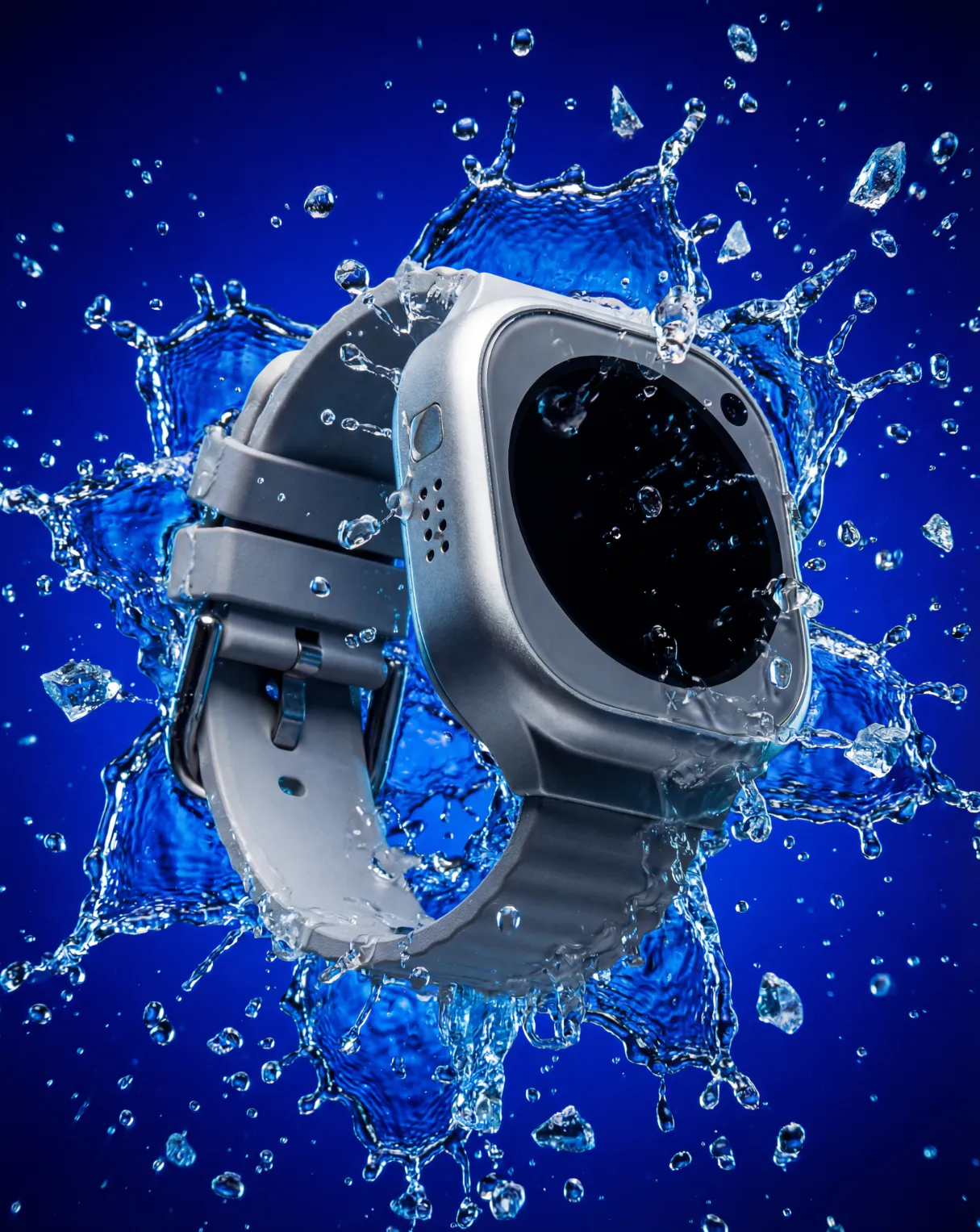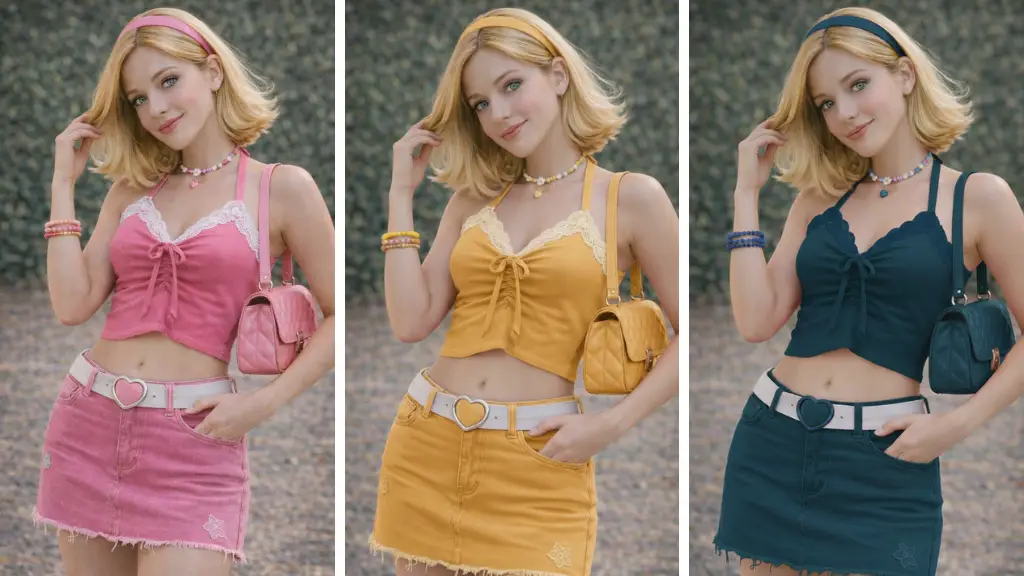








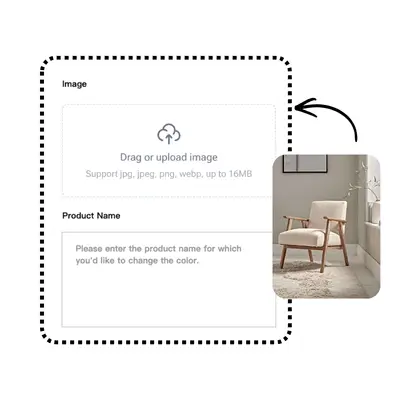



Image

Drag or upload image

Support jpg/jpeg/png/webp, up to 16MB

Product Name

Settings

Free AI Color Changer

Experience the ultimate AI recolor tool. Change photo colors precisely by PhotoGPT online completely for free.

AI Color Changer Background: Classic Black
PhotoGPT - ★★★★★
★★★★★
Rated
PhotoGPT - ★★★★★
PhotoGPT - 50K+
50K+
Pictures Created
PhotoGPT - 50K+
PhotoGPT - 100+
100+
Organizations
PhotoGPT - 100+

Helping creators & businesses everywhere work easier

HARVARD
UNSPLASH
500PX
LINKEDIN
INDEED
GLASSDOOR

AI Color Changer - Free Recolor Product Photos Online

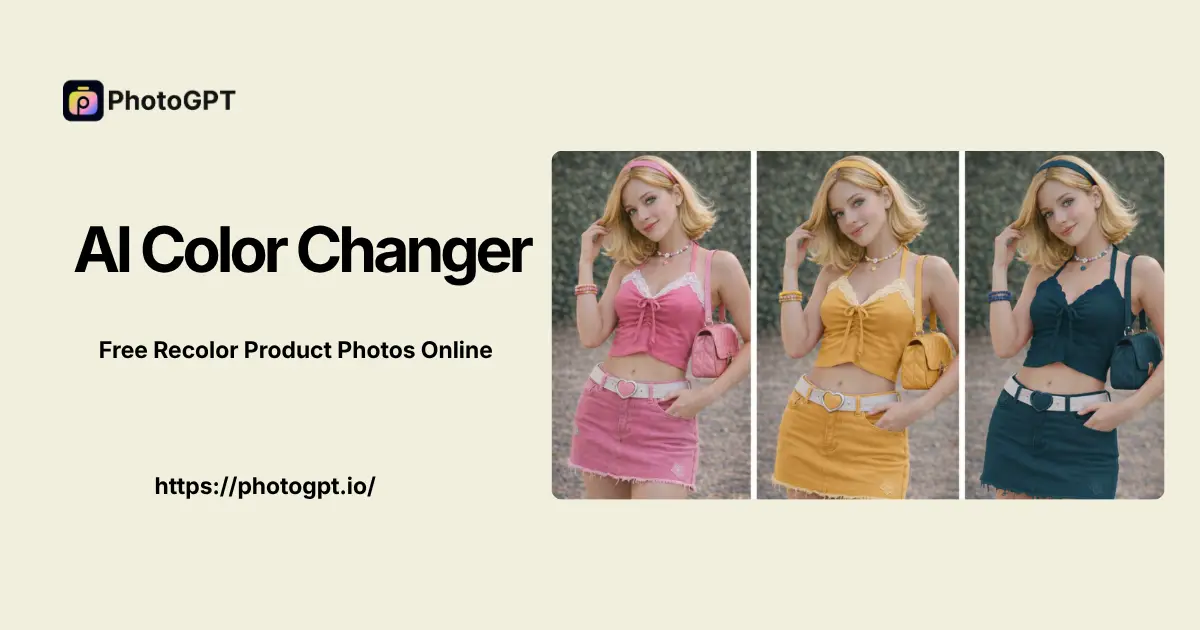
PhotoGPT's AI Color Changer is the ultimate AI tool to change color of image details seamlessly online. Try it completely free with no sign up required.

Start now
AI Color Changer Sample: Product Recolor

What is AI Color Changer?

AI Color Changer is a revolutionary visual utility designed for seamless color replacement. Emerging as the premier model in global editing tests, PhotoGPT brings you an unprecedented generative experience. This top-tier system allows you to change color of image elements with striking photorealism and absolute ease. Test it today via a free trial with no sign up required to start exploring the stunning visual capabilities online for your product photos. Looking to explore even more powerful features? Try our advanced tools like AI Background Changer and AI Clothes Changer.

What is AI Color Changer

Why Choose AI Color Changer?

Stop fighting with disjointed creative workflows and messy manual masking. This top-ranked recolor tool from PhotoGPT provides unprecedented rendering capabilities for modern designers. Users can finally generate professional ultra-high definition graphics seamlessly using AI Color Changer, saving hours of tedious post-production editing. It offers versatile visual creation, supporting diverse commercial projects perfectly without downloading any heavy software.

Why Choose AI Color Changer

Tired of Manual Masking? Let AI Color Changer Fix Color Bleeding

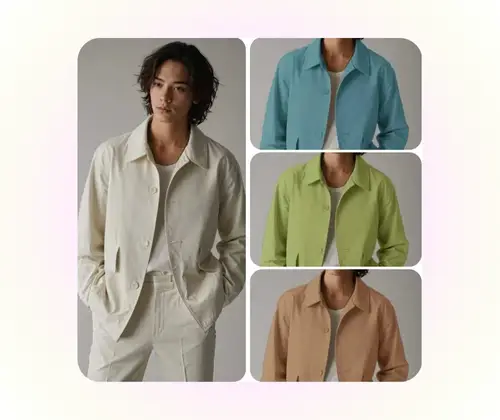
Traditional photo editing methods rely on clumsy magic wand tools and tedious manual lassoing. This outdated process almost always results in jagged edges, spilled hues on the background, and a completely flat "paint bucket" look that destroys the original fabric grains or metallic gloss. AI Color Changer completely revolutionizes this workflow. It intelligently isolates target objects flawlessly, replacing the precise hues while perfectly preserving original shadows, dramatic reflections, and natural lighting gradients without requiring hours of manual brushing.

AI Color Changer Pain Point: Manual Masking

Key Features of AI Color Changer

Discover the breakthrough visual capabilities that made this recolor tool the undisputed champion of global blind tests.

Flawless Edge Detection

Translate your wildest commercial imaginations into stunning visual realities. The system ensures perfect masking for products, replacing colors seamlessly without bleeding into backgrounds.

Hyperrealistic Texture Preservation

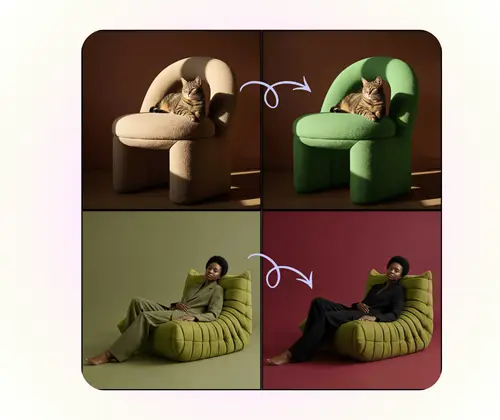
Bring your creative prompts to life with perfect material accuracy. The visual engine generates ultra-high resolution AI art, restoring fabric textures and light reflections with physical rendering quality.

One-Click Color Replacement

Break free from limitations and complex manual selections. Enjoy lightning-fast image editing and versatile visual generation in one unified platform designed for all your e-commerce creative needs.

How to Use AI Color Changer

Mastering the world's leading visual model is incredibly straightforward. Harness the power of this revolutionary platform today without any steep learning curve.

AI Color Changer Step 1: Upload Photo

Step 1: Upload Photo & Name the Object

Upload your reference image into the intuitive interface. Simply type the exact name of the specific item you want to edit (like "shirt", "sofa", or "car") to easily change color of image details without drawing manual masks.

AI Color Changer Step 2: Select Color

Step 2: Select or Customize Your Color

Once the target object is identified by the system, pick your desired new shade from our beautifully curated color palette, or input a custom hex code to match your specific brand guidelines perfectly.

AI Color Changer Step 3: Generate & Export

Step 3: Generate & Export the Final Image

The engine applies the precise hue instantly while perfectly preserving original shadows and material textures. Review your stunning creation and download the finalized picture directly from PhotoGPT for your commercial portfolio.

Try AI Color Changer Today

Are you ready to revolutionize your digital content production? Try AI Color Changer online free now and experience unprecedented hyperrealistic color replacement powered by PhotoGPT.

Start Recoloring Now

What Creators Say About AI Color Changer

B.M. Background
B.M.Creative Agency Director
"We used to spend thousands of dollars organizing new commercial photo shoots just to capture our latest seasonal apparel colors. PhotoGPT completely destroyed that outdated and expensive workflow. Using AI Color Changer handles everything perfectly. The photorealistic capabilities and flawless texture preservation are absolutely perfect. It allows our creative agency to launch high-conversion global ad campaigns at a fraction of the cost."
J.L. Background
J.L.Product Designer
"Finding a reliable AI tool for generating images with precise color swapping used to be impossible until we discovered this platform. The visual accuracy of this incredible engine does not lie at all. AI Color Changer absolutely crushes the competition in terms of precise edge detection and striking photorealism. I can input incredibly complex design requests, and the system perfectly changes the specific item hue without ruining the background."
M.K. Background
M.K.Freelance Graphic Designer
"As an independent graphic designer, creating multiple color variations for client products was always my biggest bottleneck. This incredible visual model generates stunning pictures with perfectly aligned physical dynamics right out of the box. Utilizing AI Color Changer represents a massive leap for my workflow. It effectively handles complex material reflections smoothly, saving me weeks of manual photo manipulation and layer masking."
S.D. Background
S.D.Digital Marketing Specialist
"I honestly thought the rumors of a new model beating the industry giants were exaggerated until I tested this tool myself online. The physical consistency in reflections, fabric textures, and realistic shading is staggering. AI Color Changer handles complex lighting beautifully, making it the ultimate solution for producing high-quality hyperrealistic visual outputs to seamlessly change color of image details without awkward distortions."
M.E. Background
M.E.Startup Founder
"The fact that this tier of artificial intelligence is available for free without any sign up barrier is industry-shaking. Our startup integrated this engine into our daily content pipeline instantly. It acts as the perfect creative assistant. Getting access through PhotoGPT is fantastic. Leveraging AI Color Changer slashes our monthly design bills while significantly improving our final visual quality. It has empowered our team to innovate much faster."
D.V. Background
D.V.Brand Content Strategist
"The pure visual quality and ease of use found in this tool are unprecedented. We generate highly creative content for various global markets, and this versatile visual creation tool supports realistic studio rendering styles perfectly. Whether testing different automotive paint jobs or adjusting fashion accessories, AI Color Changer saves us countless hours of tedious post-production and expensive designer outsourcing for every campaign."

FAQs About AI Color Changer