















Images

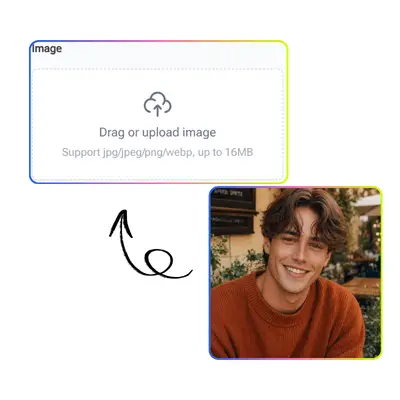
Drag or upload images(0/1)

AI Background Remover

Remove backgrounds from any image with PhotoGPT's AI Background Remover. Upload your photo and get a clean transparent cutout in seconds.

AI Background Remover Sample Background
PhotoGPT - ★★★★★
★★★★★
Rated
PhotoGPT - ★★★★★
PhotoGPT - 50K+
50K+
Pictures Created
PhotoGPT - 50K+
PhotoGPT - 100+
100+
Organizations
PhotoGPT - 100+

Helping creators & businesses everywhere work easier

HARVARD
UNSPLASH
500PX
LINKEDIN
INDEED
GLASSDOOR

AI Background Remover - Free Remove Image Background Online

PhotoGPT's AI Background Remover removes image backgrounds instantly with AI. Try this free online tool to erase backgrounds and get clean product images.

Remove Background Now
AI Background Remover Sample

What is AI Background Remover?

AI Background Remover is an AI-powered feature that automatically detects and removes backgrounds from images. PhotoGPT uses advanced computer vision to separate subjects from backgrounds with precision, producing clean transparent PNGs ready for e-commerce, presentations, and graphic design. Whether you need white-background product photos for Amazon, transparent logos, or cutouts for creative projects, AI Background Remover delivers accurate results in seconds. No manual tracing, no Photoshop skills, just upload and let the AI handle the rest.For more tools, try AI Background Changer and AI Photo Editor.

AI Background Remover What Is

How to Use AI Background Remover?

Using AI Background Remover on PhotoGPT is fast. Upload your image and the AI automatically removes the background. Download your subject with a clean transparent or white background in seconds.

Upload image to AI Background Remover

Step 1 - Upload Your Image

Upload your image to PhotoGPT's AI Background Remover. The AI instantly scans the entire image, identifying the main subject and separating it from the background with edge-precise detection.

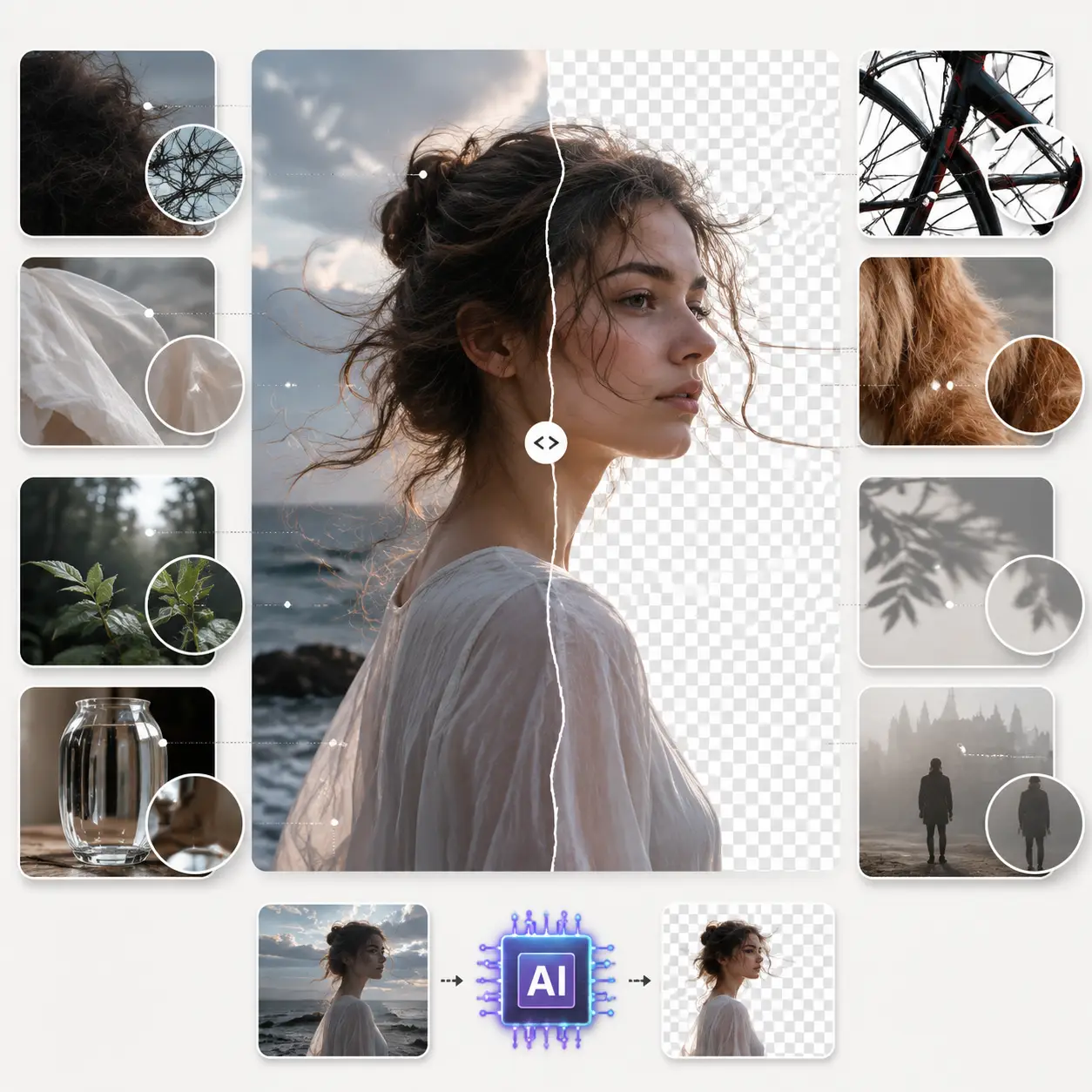
AI removes background automatically

Step 2 - AI Removes Background Automatically

Watch as AI Background Remover automatically erases the background. The AI handles complex edges like hair, fur, and transparent objects with advanced segmentation, producing a clean cutout.

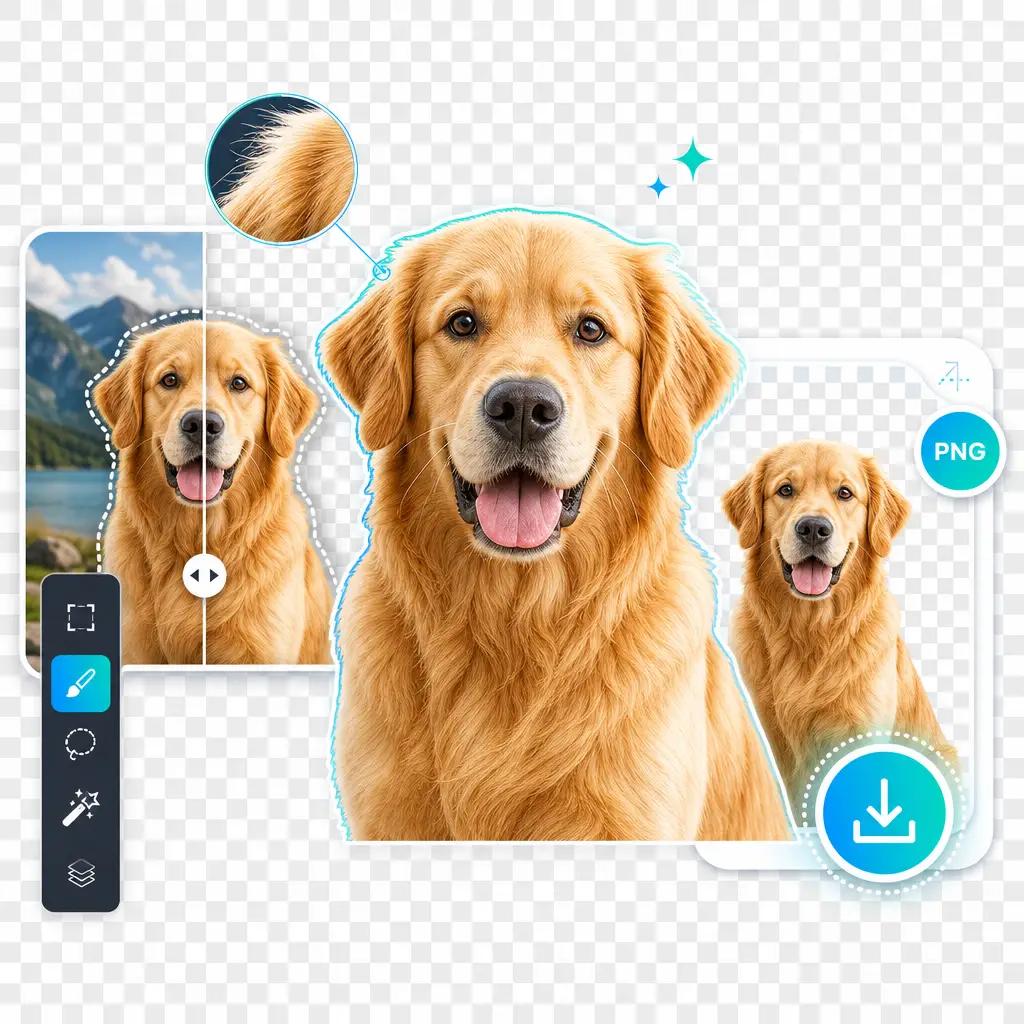
Download transparent PNG from AI Background Remover

Step 3 - Preview and Download Transparent PNG

Preview your result with a transparent background, then download your clean PNG. PhotoGPT's AI Background Remover delivers your subject with background removed, ready to use in any project.

Why is Removing Backgrounds Still So Hard?

Removing backgrounds manually is tedious and time-consuming. Photoshop masking has a steep learning curve, and free tools leave messy edges. E-commerce sellers need consistent white-background images but lack design skills. PhotoGPT's AI Background Remover removes these barriers by detecting subjects and erasing backgrounds with clean edges automatically.

AI Background Remover Pain Points

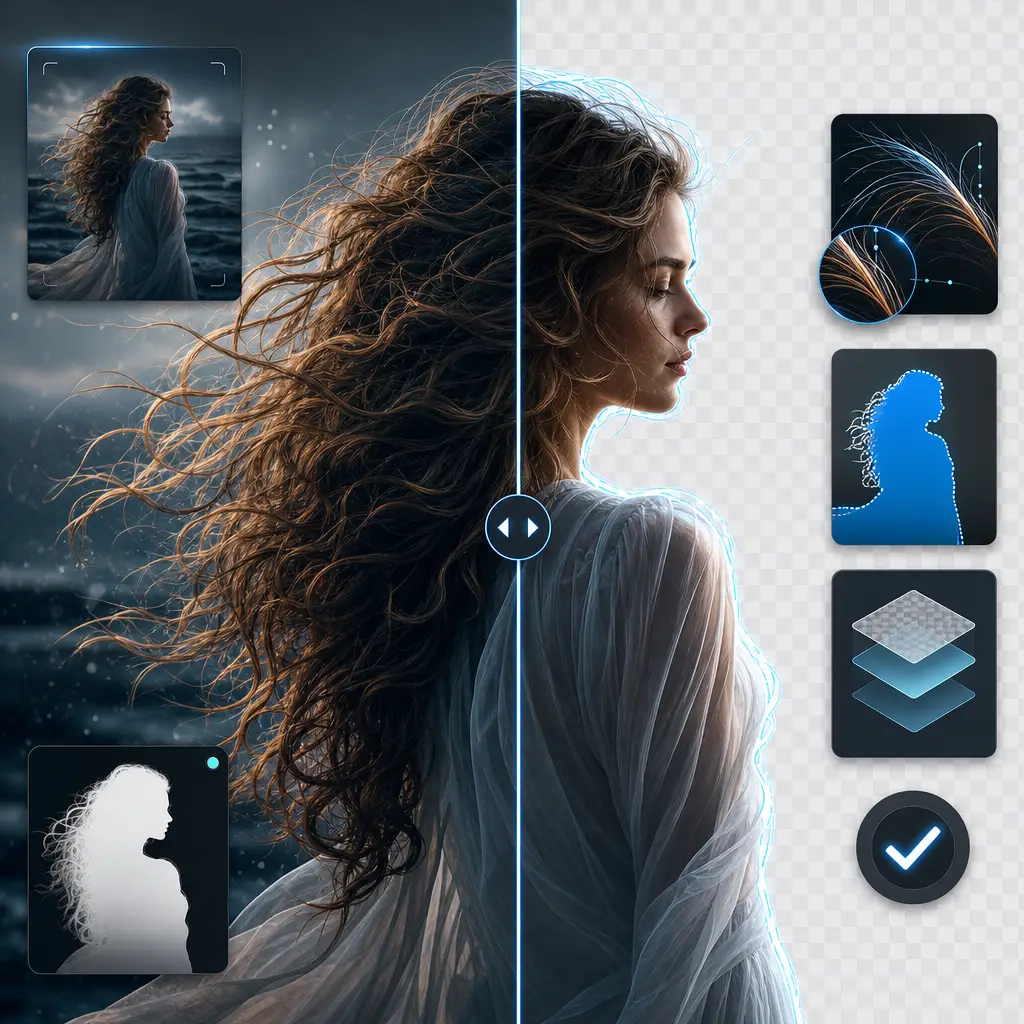
Precision AI Edge Detection for Complex Subjects

PhotoGPT's AI Background Remover uses advanced AI segmentation to separate subjects from backgrounds with precision. The AI handles complex edges like hair, fur, and translucent objects that trip up basic tools. You get clean, professional cutouts for product listings and creative projects, all free online.

Precision AI Edge Detection for Complex Subjects

Fully Automatic with Zero Manual Editing

AI Background Remover processes images with zero manual input. Upload your photo and the AI removes the background in seconds, delivering a transparent PNG ready to use. No tracing or lasso tools needed. You can process dozens of product images for free in the time it takes to manually edit just one.

Fully Automatic with Zero Manual Editing

High-Resolution Transparent PNG Output

Download clean transparent PNGs ready for any project. AI Background Remover outputs high-resolution cutouts that drop perfectly into e-commerce listings, design projects, presentations, and social media graphics. No watermarks, no quality loss, just professional results ready wherever you need them.

High-Resolution Transparent PNG Output

Remove Backgrounds from Your Images Now

Ready to remove backgrounds from your images? Upload your photo to PhotoGPT's AI Background Remover and get a clean, transparent cutout created by AI in seconds.

Try AI Background Remover Free

What Users Say About AI Background Remover

L.K. Background
L.K.Etsy Seller
"I sell handmade crafts on Etsy and used to spend hours removing backgrounds from product photos one by one. PhotoGPT's AI Background Remover changed my entire workflow. I batch upload my craft photos and the AI handles everything, perfectly cutting around delicate yarn textures and intricate bead work that I could never do cleanly by hand. The transparent PNGs look professional on any background, and my product listings finally have the clean, consistent look that customers trust. This tool alone has saved me countless hours each month."

M.K. Background
M.K.Amazon Seller
"As an Amazon seller managing hundreds of SKUs, consistent white-background product images are mandatory. Before PhotoGPT's AI Background Remover, I was paying a freelancer to manually mask each photo. Now I upload supplier images directly and the AI delivers perfect cutouts with clean edges in seconds. The AI even handles reflective surfaces and complex outlines that traditional tools struggle with. My product listings look more professional than ever, and I have cut my image editing costs to zero while improving turnaround time."
J.T. Background
J.T.Content Creator
"I am a social media content creator who constantly needs to cut subjects from photos for thumbnails and graphics. PhotoGPT's AI Background Remover handles everything I throw at it, from full body shots with flyaway hair to product close-ups with shadows. The edge detection is remarkably accurate, and the transparent PNGs drop perfectly into my design projects. No more wrestling with Photoshop selection tools or dealing with jagged edges from free online removers. This has become my go-to tool for all image cutouts."

FAQs About AI Background Remover