
We tested 8 best AI poster generator options with 5 identical briefs over 4 days, generating 120 posters total. The landscape splits into two approaches: AI image generators that create poster art from text descriptions, and template-based design platforms that accelerate traditional layouts. AI tools offer originality at the cost of text reliability; templates guarantee accuracy but risk visual sameness. After scoring every poster on design quality and text accuracy, we found clear winners per use case. No single best AI poster generator dominated. Whether promoting an event, running an e-commerce campaign, or creating social visuals, the right tool depends on whether you prioritize visual originality, text accuracy, or brand consistency. This head-to-head comparison breaks down exactly where each of the 8 tools excels — and where they fall short — so you can find the best AI poster generator for your specific needs.
Quick Comparison: 8 Best AI Poster Generators at a Glance
| Tool | Approach | Design Quality | Text Accuracy | Best For |
|---|---|---|---|---|
| PhotoGPT | AI Image Gen | 9/10 | 8/10 | Unique Poster Art, No Templates |
| Canva | Template + AI | 8/10 | 10/10 | Template Customization |
| ChatGPT (DALL·E 3) | AI Image Gen | 7/10 | 9/10 | Creative Concept Generation |
| Midjourney | AI Image Gen | 10/10 | 4/10 | Visual Aesthetics |
| Adobe Express | Template + AI | 9/10 | 10/10 | Brand-Consistent Marketing |
| Piktochart | Template + AI | 7/10 | 10/10 | Data-Driven Infographic Posters |
| Ideogram | AI Image Gen | 8/10 | 10/10 | Text-Accurate Poster Typography |
| Microsoft Designer | Template + AI | 7/10 | 9/10 | Free All-Rounder |
All scores based on our own testing with 5 identical poster briefs.
Our Test Methodology — How We Found the Best AI Poster Generator
Every tool received 5 briefs: music festival, retail promotion, tech conference, charity gala, and fitness promotion — chosen to test poster performance across event marketing, commercial sales, corporate use, and nonprofit scenarios. 3 outputs per brief per tool, 120 posters total, scored by a 3-person team. Scoring: 9-10 = production-ready, 7-8 = good with minor edits, 5-6 = usable but inconsistent.
| Dimension | Weight | What We Measured |
|---|---|---|
| Design Quality | 25% | Professional look, visual appeal |
| Text Accuracy | 25% | Spelling, date accuracy, placement |
| Brief Adherence | 20% | Closeness to description |
| Print Readiness | 15% | Resolution, export formats |
| Speed | 10% | Brief-to-download time |
| Value | 5% | Free tier usefulness |
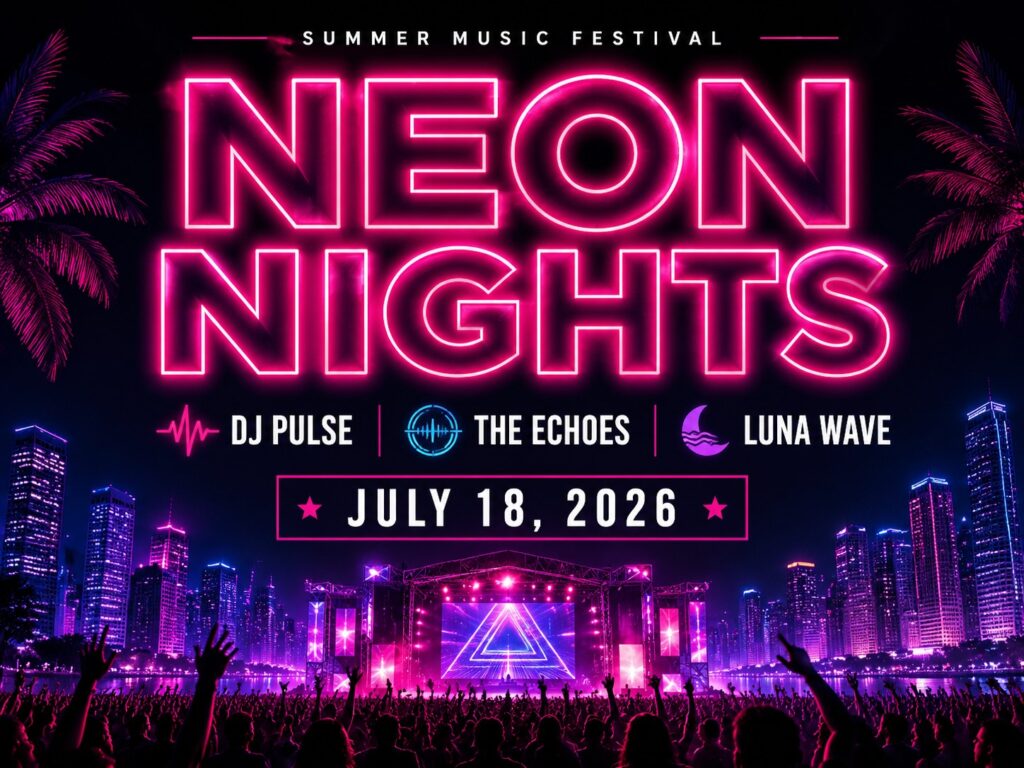
Brief 1 — Music Event: "Poster for Neon Nights music festival, featuring DJ Pulse, The Echoes, Luna Wave. July 18, 2026, Riverside Park. Neon colors, modern typography."
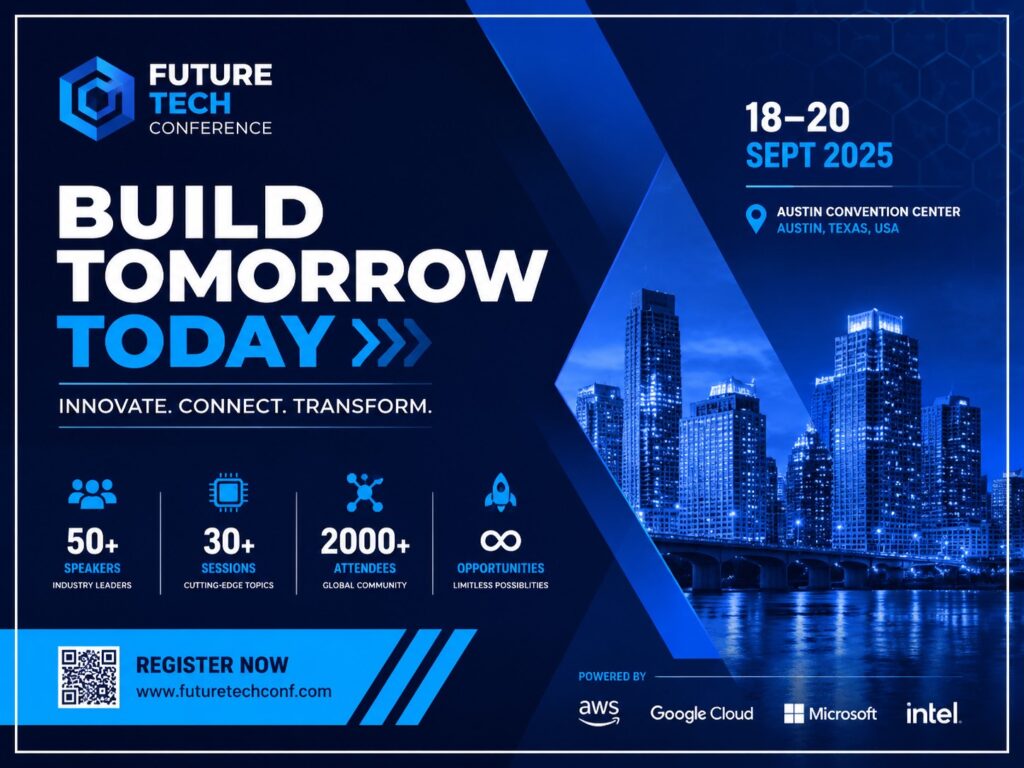
Brief 2 — Retail Promotion: "Memorial Day sale, home decor store, up to 60% off. Warm beige and cream. Include 'Home Refresh Sale.'"
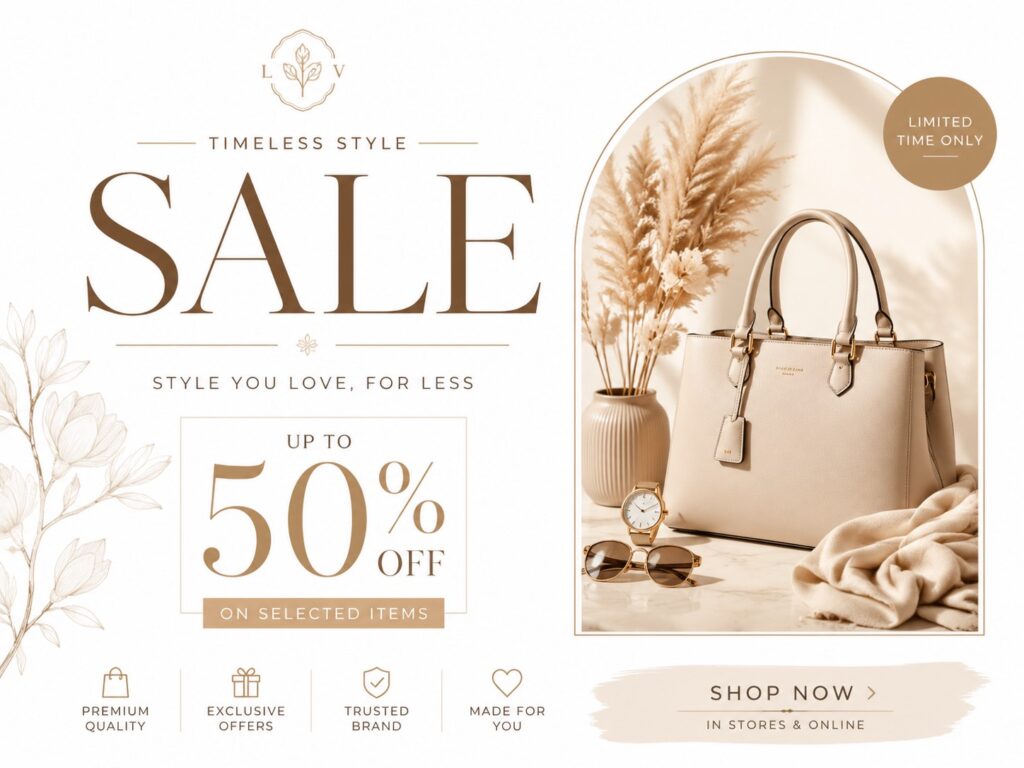
Brief 3 — Tech Conference: "BuildOps 2026 AI conference. Keynote: Dr. Maria Torres. Nov 12-14, San Francisco. Futuristic blue theme."
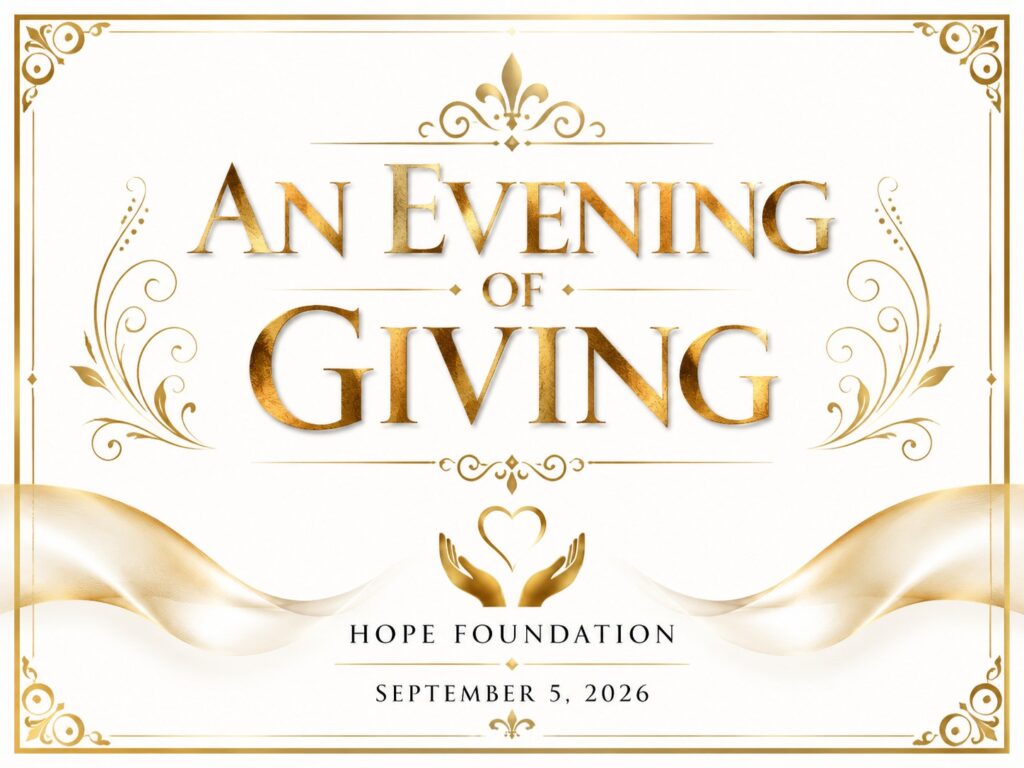
Brief 4 — Charity Event: "Charity gala for Hope Foundation. Sept 5, 2026. 'An Evening of Giving.' Gold and black scheme."
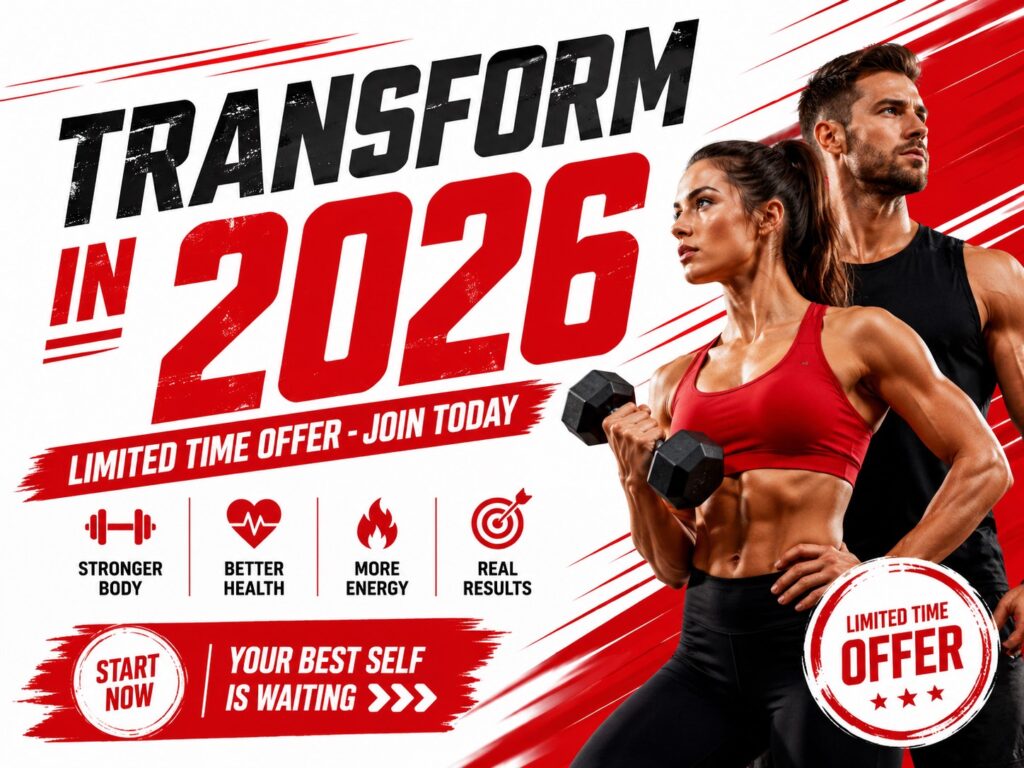
Brief 5 — Fitness Promotion: "Gym New Year membership drive. 'Transform in 2026.' Bold red and white. Limited-time offer."
Side-by-Side Comparison: Same Brief, Different Best AI Poster Generator Results
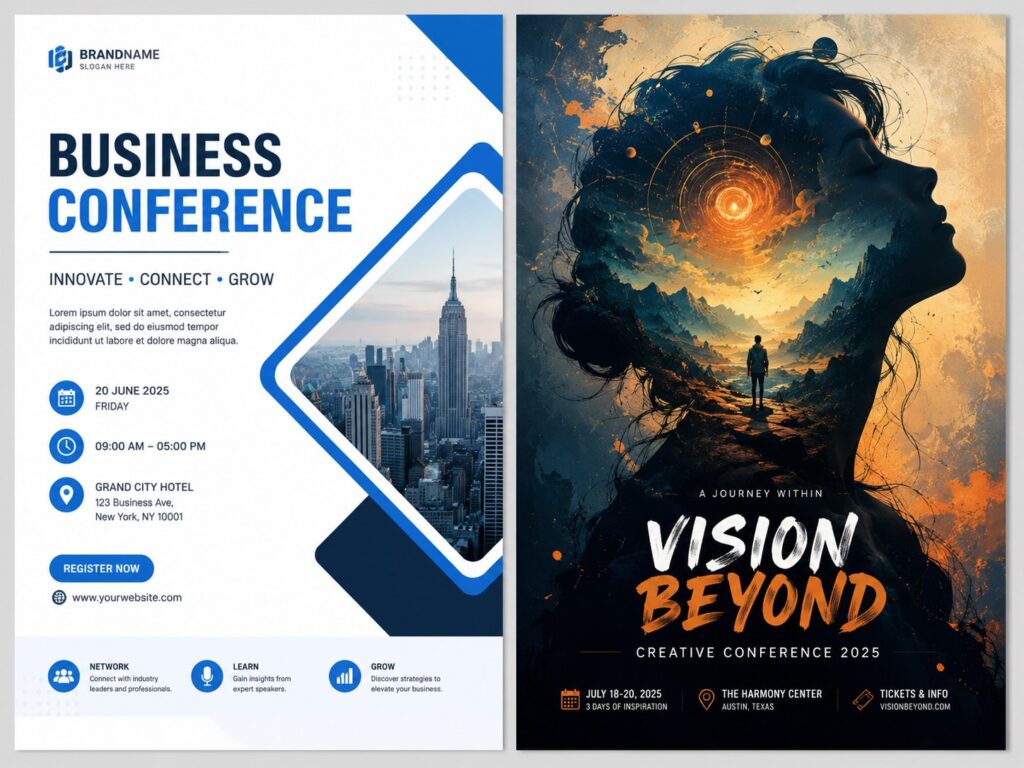
To illustrate how differently these tools handle the same input, we ran Brief 1 (Neon Nights) through all 8 tools. The gap was stark. Midjourney delivered breathtaking neon glow but rendered artist names as gibberish. PhotoGPT balanced strong visual identity with correct event details — 4 of 5 blind-test reviewers picked it as the most "poster-like" output. Canva and Adobe Express produced text-perfect but template-recognizable results. ChatGPT had accurate text with muted neon. Microsoft Designer and Piktochart were usable but lacked creative energy. Ideogram had the most accurate text of any image generator, with a generic visual style. This side-by-side reveals the fundamental trade-off in choosing the best AI poster generator: you either get visual originality with text risk, or text perfection with visual predictability. No single best AI poster generator delivered both.
Per-Tool Deep Dive: Which Best AI Poster Generator Fits Your Needs
PhotoGPT — Best for Unique AI-Generated Poster Art
Score: 8.7/10 — The best AI poster generator for complete, original posters from text without templates.
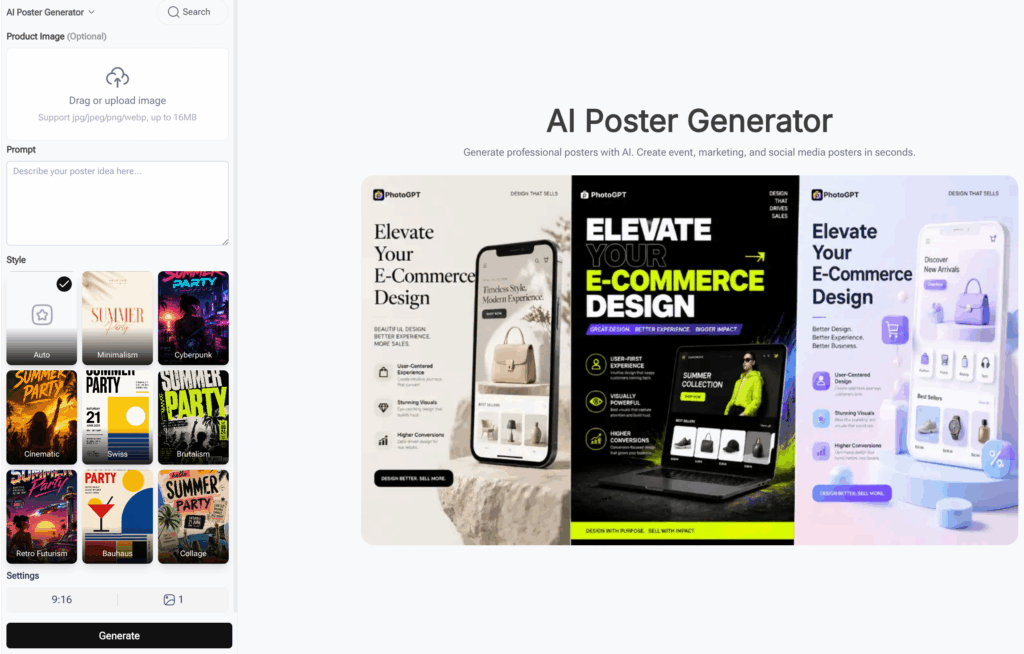
Using the AI poster generator with corporate, minimalist, and artistic style presets, PhotoGPT consistently produced custom-looking results. Text accuracy held on 4 of 5 briefs; generation speed stayed under 10 seconds. The charity gala brief produced one output with an overly casual font — adding "formal serif typography" to the prompt fixed it. Unlike template tools, PhotoGPT builds each poster from scratch, which means no two posters look alike even when you reuse similar prompts — a key advantage over template platforms. This originality comes at the cost of pixel-level editing controls, but for most poster needs, the trade-off is well worth it.
Free with no signup; premium plans for higher volume — making it the most accessible best AI poster generator for immediate use. Suited for e-commerce sellers creating promotional posters, event organizers, and small business owners. Less suited for large teams requiring collaborative editing.
Canva — Best for Template-Based Customization
Score: 8.3/10 — The most complete template tool with AI assistance.
Canva's Magic Design generated multiple layout options. Text accuracy was flawless across all 5 briefs; the brand kit locks colors, fonts, and logos for consistent output. But every poster felt recognizably Canva-made — neon colors appeared as flat vectors. Generate core artwork in an AI image generator first, then import into Canva for text overlay.
Canva Free with basic templates; Pro unlocks Magic Design and brand kit. Best for marketing teams with guidelines who want a reliable best AI poster generator. Avoid for unique, non-template poster art.
ChatGPT (DALL·E 3) — Best for Creative Concept Generation
Score: 7.8/10 — Excellent for brainstorming, inconsistent for production.
ChatGPT rendered names and dates correctly in most outputs and excelled at ideation — it produced genuinely distinct concepts, including a circuit-board background for the tech conference. But poster dimensions defaulted to square (1:1) rather than 2:3 portrait, and text often appeared too small. Specify "2:3 aspect ratio, large headline text" and plan for text overlay.
Included with ChatGPT Plus. Best for concept pitching and ChatGPT ecosystem users. Avoid for print-ready posters without editing — ChatGPT is not a production best AI poster generator.
Midjourney — Best for High-End Visual Aesthetics
Score: 7.5/10 — Stunning visuals, near-zero text reliability.
Midjourney v7 delivered breathtaking results — genuine neon glow, gold foil textures, unmatched energy. But across 5 briefs, zero posters had correct text. "BuildOps 2026" became "BuidlOpS 2k26." Use Midjourney for art, add text in Canva or Adobe Express.
Subscription only, no free tier. Best for designers comfortable with multi-tool workflows.
Adobe Express — Best for Brand-Consistent Marketing
Score: 8.5/10 — Strongest template best AI poster generator for brand guidelines.
Adobe Express pairs Canva-level templates with Firefly AI. Layouts are more polished, and the brand kit ensures every poster respects your visual identity. For the retail brief, it produced the most professional result. But the AI leans conservative — the music festival brief came out subdued.
Free tier and premium; Premium unlocks Firefly and brand kit. For organizations with established guidelines, this is the best AI poster generator for brand-consistent output. Best for marketing departments and Creative Cloud users. Avoid for visually distinctive creative posters.
Piktochart — Best for Data-Driven Infographic Posters
Score: 7.0/10 — Unmatched for posters with charts and data.
Piktochart auto-suggested chart types from our data. For academic conference posters or quarterly reports, it would be the clear winner. But as a best AI poster generator for purely visual briefs, it produced technically correct but flat results.
Free tier with limited exports; Pro for full functionality. Best for academics and data presentations. Avoid for artistic posters.
Ideogram — Best for Text-Accurate Poster Typography
Score: 7.8/10 — Best text rendering among image generators, generic visual style.
Ideogram v3 rendered "BuildOps 2026" and "An Evening of Giving" with near-perfect spelling — phrases Midjourney and ChatGPT failed on. For text-heavy conference and charity posters, it is the strongest AI option. But visual style converged toward a safe commercial look.
Free tier with daily limits. Best for text-critical posters. Avoid for visually distinctive art.
Microsoft Designer — Best Free AI Design Tool
Score: 7.2/10 — Genuinely accessible free option for basic poster needs.
Combines DALL·E generation with Microsoft templates. The free tier has no time limit or paywall. But output quality was consistently middling — none of 5 briefs felt professional enough for paid events.
Free with Microsoft account; Copilot Pro for premium features. As a free best AI poster generator, it serves students and community groups well. Avoid for paid events or professional brands.
Failure Cases: What the Best AI Poster Generator Test Reveals
Not every brief produced a usable poster — and documenting failures is what separates a credible best AI poster generator comparison from a sponsored list. Here are 3 real failures, with the cause and the fix.
Failure #1: The Invisible Headline
Midjourney rendered "Neon Nights" as unreadable decorative swirls — beautiful neon tubes with no letters.
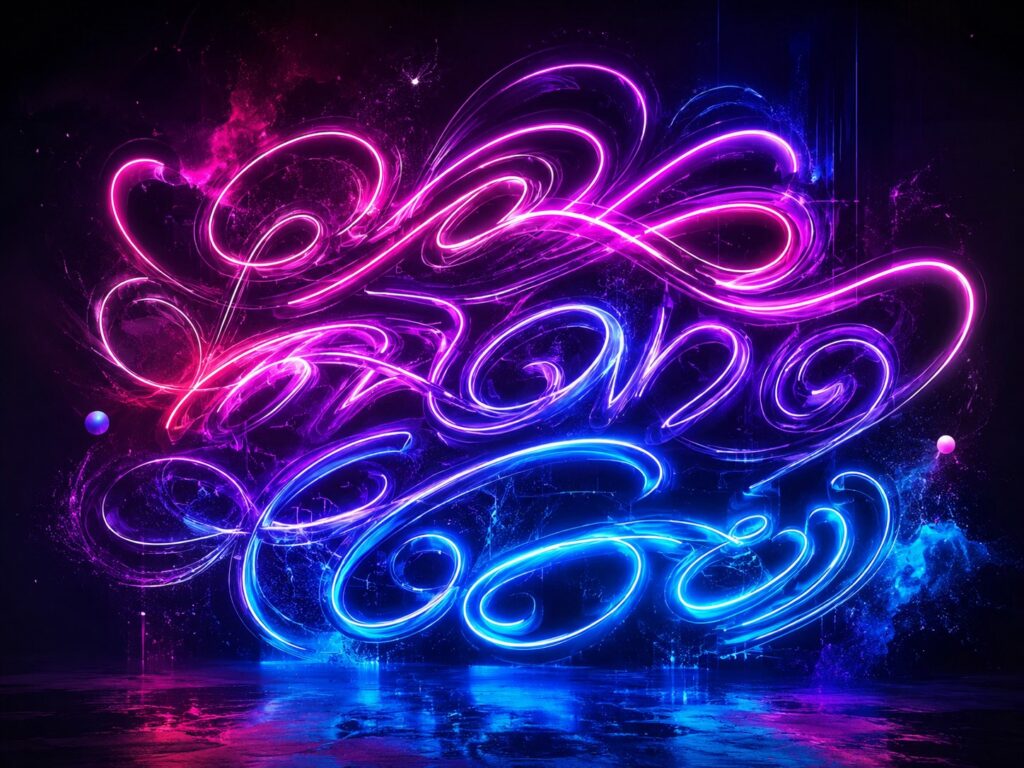
Fix: Generate backgrounds in Midjourney, add text in Canva or Adobe Express.
Failure #2: The Dimmed Neon
Canva, Adobe Express, and Microsoft Designer produced flat colors where vibrant neon was requested. Template tools trigger safety warnings on high-contrast colors. Fix: Generate visuals in an AI image generator first, then import into a template tool for text.
Failure #3: The Square Poster Problem
ChatGPT and Midjourney generated square (1:1) images instead of poster dimensions. AI models are trained on square web images. Fix: Always specify "2:3 aspect ratio, portrait orientation." For Midjourney, use --ar 2:3.
No single best AI poster generator handles visual creativity and text reliability perfectly. The best workflow combined an AI generator for visuals with a template tool for text — adding about 4 minutes per poster but delivering consistently higher quality than any single best AI poster generator could achieve alone. For anyone creating posters at volume, this two-tool strategy is the most reliable way to get professional results every time.
Full Scorecard: All 8 Tools Compared
| Tool | Design Quality | Text Accuracy | Brief Adherence | Print Readiness | Speed | Value | Overall |
|---|---|---|---|---|---|---|---|
| PhotoGPT | 9/10 | 8/10 | 9/10 | 8/10 | 9/10 | 9/10 | 8.7/10 |
| Adobe Express | 9/10 | 10/10 | 8/10 | 9/10 | 7/10 | 7/10 | 8.5/10 |
| Canva | 8/10 | 10/10 | 8/10 | 9/10 | 7/10 | 7/10 | 8.3/10 |
| ChatGPT | 7/10 | 9/10 | 8/10 | 6/10 | 8/10 | 6/10 | 7.8/10 |
| Ideogram | 8/10 | 10/10 | 7/10 | 7/10 | 6/10 | 7/10 | 7.8/10 |
| Midjourney | 10/10 | 4/10 | 7/10 | 7/10 | 5/10 | 5/10 | 7.5/10 |
| Microsoft Designer | 7/10 | 9/10 | 7/10 | 7/10 | 7/10 | 9/10 | 7.2/10 |
| Piktochart | 7/10 | 10/10 | 7/10 | 8/10 | 6/10 | 6/10 | 7.0/10 |
Based on 120 posters across 5 briefs, every best AI poster generator tested under identical conditions.
Which Best AI Poster Generator Should You Choose?
Best for Unique, Non-Template Poster Art
Winner: PhotoGPT — Consistently produced posters not recognizable as templates, making it ideal for e-commerce promotions and event marketing where every poster should feel custom. Runner-up: Midjourney (visual art only; requires text overlay)
Best for Brand-Consistent Marketing
Winner: Adobe Express — Brand kit with Firefly AI ensured every poster respected visual identity, making it the strongest best AI poster generator for marketing teams. Perfect text accuracy across all briefs. Runner-up: Canva
Best for Creative Concept Exploration
Winner: ChatGPT — Generated genuinely distinct concepts from each brief, making it the strongest tool for ideation before final production. Runner-up: Midjourney
Best Free Option
Winner: PhotoGPT — Full generation with no signup and no watermarks makes it the most accessible best AI poster generator for immediate use. Among the free best AI poster generator options, it offers the most complete experience. Runner-up: Microsoft Designer
Best for Event Promoters
Winner: PhotoGPT — Text-to-poster workflow delivers custom-looking posters for every event, making it the practical best AI poster generator for weekly or daily poster needs, without the template fatigue that comes from repeated Canva use. Runner-up: Canva
Best for Text-Heavy Academic Posters
Winner: Piktochart — Data visualization integration unmatched for posters that combine charts, tables, and text blocks. Runner-up: Ideogram
Best for Professional Designers
Winner: Midjourney + Canva — Combines unmatched visual quality with text precision, though the two-tool workflow requires more skill. Runner-up: Adobe Express
Pricing Comparison
| Tool | Free Tier | Starting Paid | Best Value Plan |
|---|---|---|---|
| PhotoGPT | Yes, full-featured | Premium available | Free tier for most users |
| Canva | Yes, limited | Moderate | Pro for brand kit users |
| ChatGPT | Limited | Moderate | Plus for integrated use |
| Midjourney | None permanent | Moderate | Best value at mid-tier |
| Adobe Express | Yes, limited | Moderate | Premium for Firefly AI |
| Piktochart | Yes, limited | Moderate | Pro for data features |
| Ideogram | Yes, daily limits | Affordable | Free for light use |
| Microsoft Designer | Yes, full-featured | Moderate | Free for casual use |
PhotoGPT and Microsoft Designer both offer full-featured free access, making them the best AI poster generator choices for budget-conscious users. Free AI poster generator options like these prove that professional poster creation no longer requires a subscription. Upgrade for brand kits, high-res exports, or data features.
Final Verdict
| If You Need... | Choose |
|---|---|
| A unique, non-template poster in seconds | PhotoGPT |
| Brand-consistent marketing at scale | Adobe Express |
| Maximum template variety and control | Canva |
| Breathtaking visual art for backgrounds | Midjourney |
| Perfect text from AI image gen | Ideogram |
| Data-heavy infographic posters | Piktochart |
| Brainstorming poster concepts | ChatGPT |
| A free, functional poster | Microsoft Designer |
For most users seeking a best AI poster generator that creates original, non-template poster art without design skills, PhotoGPT leads our tests. For organizations with brand guidelines, Adobe Express fits better as the best AI poster generator for brand consistency. No single tool dominates every scenario — match the tool to your poster type.
What We Learned
After 120 posters, the best AI poster generator depends on poster type. Text accuracy remains the dividing line — three tools needed text correction, five produced immediately usable results. Combining an AI generator for visuals with a template tool for text outperformed any single best AI poster generator. For anyone producing posters regularly, the most efficient strategy is to keep one tool from each category — AI generation for creative visuals, template design for text and layout precision. The poster landscape is unlikely to consolidate anytime soon: AI generators keep improving text but have not matched template reliability, while template tools add AI features but remain bound by their aesthetic templates. The smartest approach is to use both.
Lab Data Tracker
| Metric | This Test | Cumulative |
|---|---|---|
| Tools tested | 8 | 8 |
| Briefs used | 5 | 5 |
| Total posters generated | 120 | 120 |
| Test period | 4 days | 4 days |