









Product

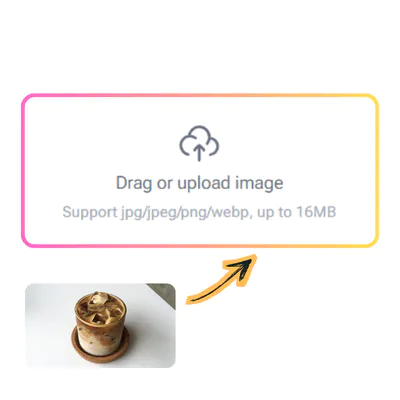
Drag or upload image

Support jpg/jpeg/png/webp, up to 16MB

Free AI Background Changer

Upload your photo now and instantly replace any background with stunning realism.

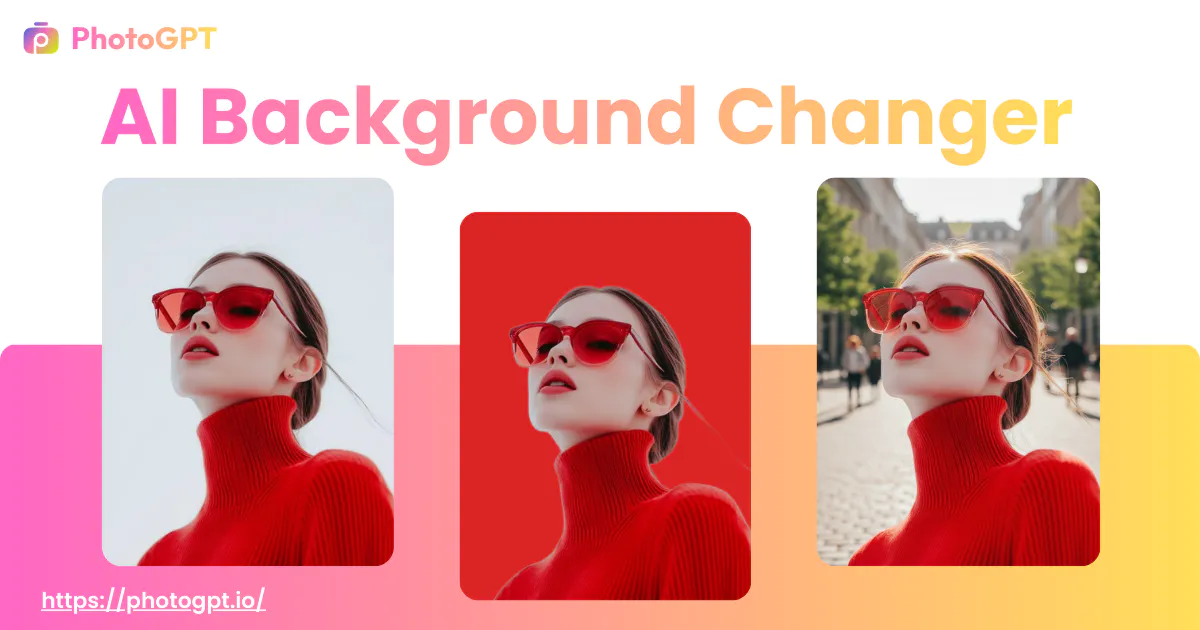
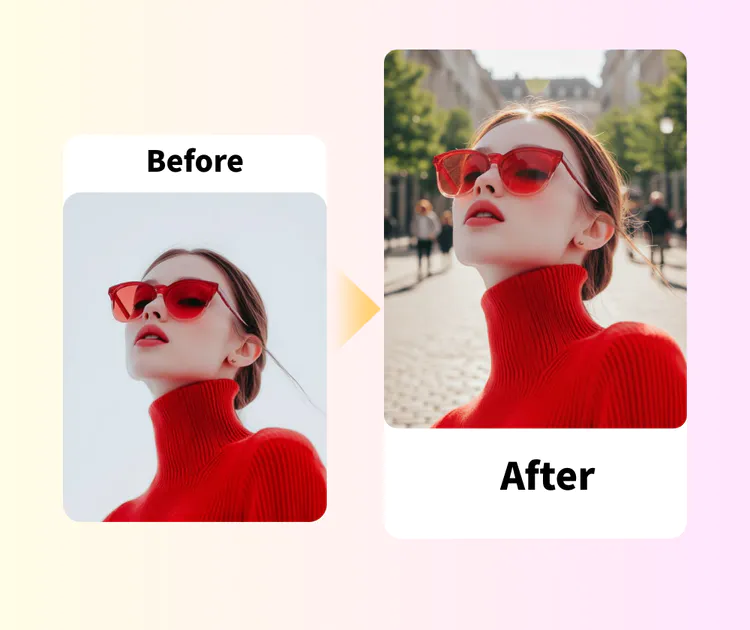
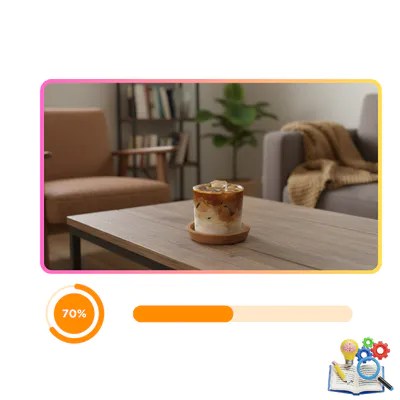
AI Background Changer Sample: Model result
PhotoGPT - ★★★★★
★★★★★
Rated
PhotoGPT - ★★★★★
PhotoGPT - 50K+
50K+
Pictures Created
PhotoGPT - 50K+
PhotoGPT - 100+
100+
Organizations
PhotoGPT - 100+

Helping creators & businesses everywhere work easier

HARVARD
UNSPLASH
500PX
LINKEDIN
INDEED
GLASSDOOR

AI Background Changer - Free Change Photo Background Online

AI background changer replace photo backgrounds with realistic fusion, perfect lighting match & natural edges. No sign-up, no watermark, HD export. Try now.

Change Background Free Now
AI Background Changer - Free Change Photo Background Online

What is AI Background Changer?

AI Background Changer is a simple online tool that lets you replace the background of any photo in just a few seconds. Upload your picture, and the smart system automatically detects the main subject, removes the old scene, and swaps in a new one — whether it's a clean white studio look, a beautiful nature view, or a custom setting you describe. No complicated steps, no software to install, and no account needed to start. Our AI background changer works great for product images, portraits, social media posts, or personal photos, helping you create clean, professional results quickly and easily.

AI Background Changer - What is AI Background Changer?

Why Choose PhotoGPT AI Background Changer?

AI Background Changer delivers clean, dependable results that fix the usual issues seen in similar options. It handles tough details well, meets real ecommerce demands, and puts your data safety first. These features make it a solid pick for sellers, creators, and anyone needing fast, quality photo edits.

Perfect Edge Detection for Hair, Fur, and Fine Details

Many similar tools struggle with rough borders or lost strands on complicated subjects. This one applies sharp detection to capture every fine hair, soft fur edge, or thin thread perfectly. The AI background changer remains clear and smooth, even with flowing hair, fluffy animals, or detailed items. You end up with images that appear naturally clean and ready for use, without needing touch-ups.

Tailored for Product Photography and Ecommerce Standards

Online sellers require images that follow platform rules and still look sharp and authentic. This AI background changer is designed especially for product photos, providing pure white backdrops, everyday settings, and realistic shadows that suit Amazon, Shopify, or Etsy listings. It keeps objects crisp, preserves accurate proportions, and helps maintain a uniform style across your entire catalog with very little work.

Strong Privacy Protection with Immediate Deletion

Your photos are important, and you should never have to worry about their future. AI Background Changer follows a clear rule: every uploaded image is handled right away and completely removed from servers once your edit is done. No files are kept long-term, and nothing is used to train models. This gives real confidence, particularly when working with personal pictures or private business content.

What Can You Do with AI Background Changer?

AI Background Changer opens up practical ways to improve photos quickly. It suits people who need clean visuals for selling items, sharing online, or creating personal content. Below are three everyday situations where it shines, helping you achieve better-looking results without advanced skills.

Swap Cluttered Backgrounds to Clean White for Product Photos

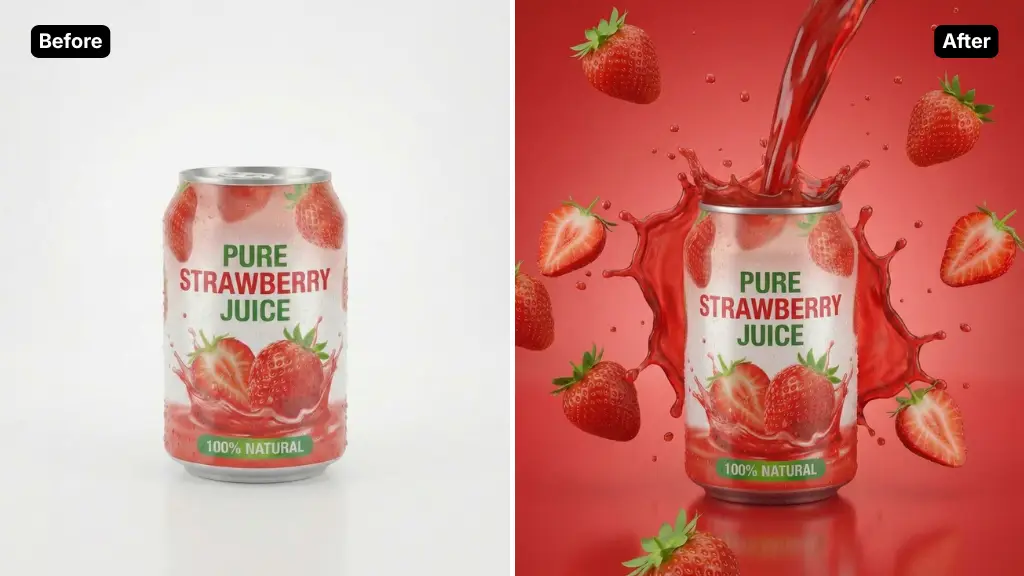
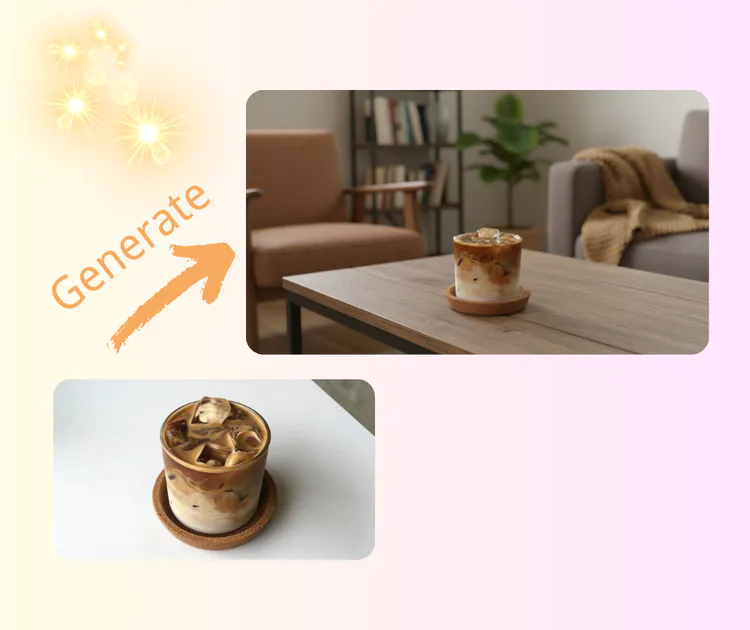
Ecommerce sellers often take product shots in everyday spaces that look messy or distracting. With this AI background changer, you upload the item photo, and it removes the old setting while placing a pure white studio backdrop behind it. The process keeps shadows natural and edges sharp, so the product stands out clearly.

AI Background Changer: Swap Cluttered Backgrounds to Clean White

Refine Self-Portraits for a Polished Personal Look

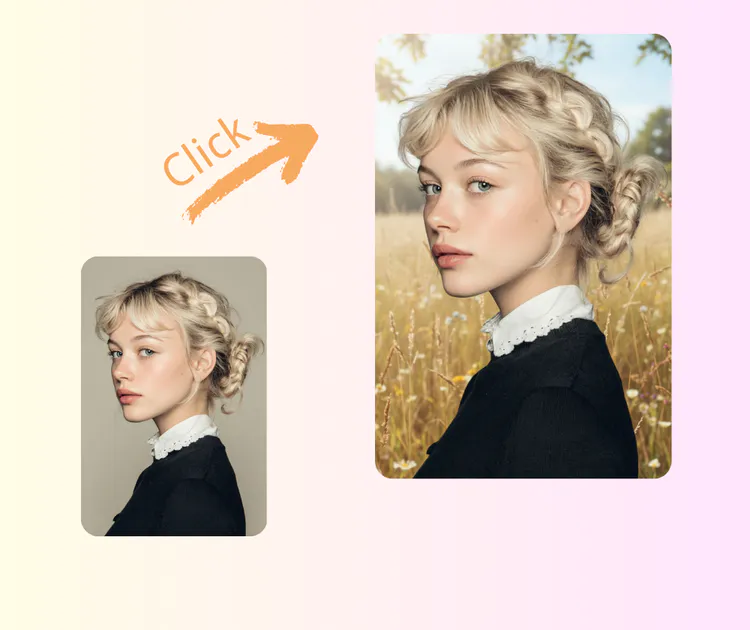
Many people take casual selfies but want them to appear more put-together for profiles or posts. Upload your self-portrait, and AI Background Changer can replace the plain or busy background with something simple and flattering, like a soft gradient or neutral wall. It handles hair edges and skin tones carefully to avoid unnatural effects.

AI Background Changer: Refine Self-Portraits for a Polished Personal Look

Create Custom Scenes Like Tropical Beach Sunset for Creative Shots

Sometimes a photo needs a completely different mood or setting to tell a story. Describe what you want—such as a warm tropical beach at sunset—and upload your picture. AI Background Changer generates that exact environment, blending the subject naturally with waves, golden light, and palm trees.

AI Background Changer: Create Custom Scenes Like Tropical Beach Sunset

How to Use AI Background Changer – Quick Guide

Follow these three easy steps to replace any photo background in moments. The process stays simple whether you're fixing a product shot, refreshing a portrait, or creating something fun. No complicated menus or extra software needed—just upload, choose, and save your improved image.

AI Background Changer: Step 1: Upload Your Photo

Step 1: Upload Your Photo

Click the large upload area on the page or drag your picture directly into it. AI Background Changer accepts common formats like JPG, PNG, or WEBP and works with files up to several megabytes. Once uploaded, the system quickly scans the image to find the main subject. You will see a preview appear almost right away, ready for the next change.

AI Background Changer: Step 2: Pick a Background Color or Describe Your Scene

Step 2: Pick a Background Color or Describe Your Scene

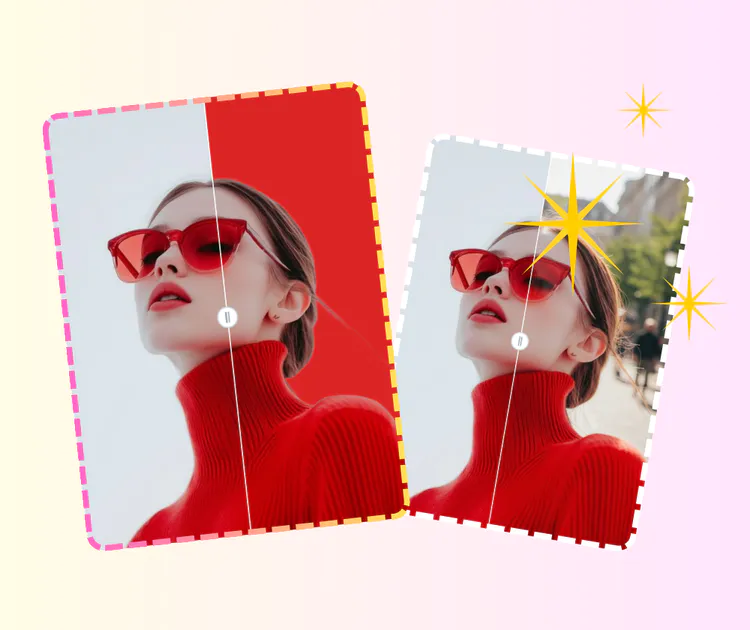
After the subject is isolated, choose from ready options like solid white, light gray, or soft gradients for a clean look. For something more creative, type a short description such as “sunny beach at sunset” or “modern office interior.” AI Background Changer understands simple phrases and generates matching scenery.

AI Background Changer: Step 3: Preview and Download the Final Image

Step 3: Preview and Download the Final Image

View the updated photo instantly in the preview window to check how everything blends. If the lighting or edges need slight tweaks, adjust quickly before saving. When satisfied, click the download button to get a high-quality version without any watermark in most cases.

Ready to Change Your Photo Background?

Upload any picture and see the magic happen in seconds. Our simple AI background changer removes the old scene and replaces it with a clean, realistic one—no sign-up, no hassle, completely free to start. Perfect for product shots, portraits, or fun edits.

Upload & Start Now

What Real Users Say About AI Background Changer

Sarah K. Background
Sarah K.Online Jewelry Seller
"I run a small online shop selling handmade jewelry. Before, my product photos looked messy because of the room background. Now I upload each piece, choose white studio style, and get clean Amazon-ready images in seconds. The edges around chains and stones stay sharp—no fuzzy lines at all. It saves me hours every week and makes listings look much more professional. Highly recommend for any ecommerce seller."

Mike L. Background
Mike L.Social Media Creator
"As a content creator on Instagram, I take lots of selfies but hate plain walls behind me. This AI background changer lets me swap in soft gradients or beach scenes without looking fake. Hair and face edges blend perfectly, and the lighting adjusts naturally. No sign-up needed, no watermark on free downloads. It’s become my go-to for quick profile updates and story posts."
Emma T. Background
Emma T.Marketing Specialist
"I needed headshots for my LinkedIn profile but didn’t want to pay a photographer. Uploaded a casual photo, removed the kitchen background, and replaced it with a simple gray office look. The result feels real and polished—edges around my hair are clean, shadows match. Took less than a minute. Great AI background changer for job seekers or professionals on a budget."
David R. Background
David R.Pet Owner & Blogger
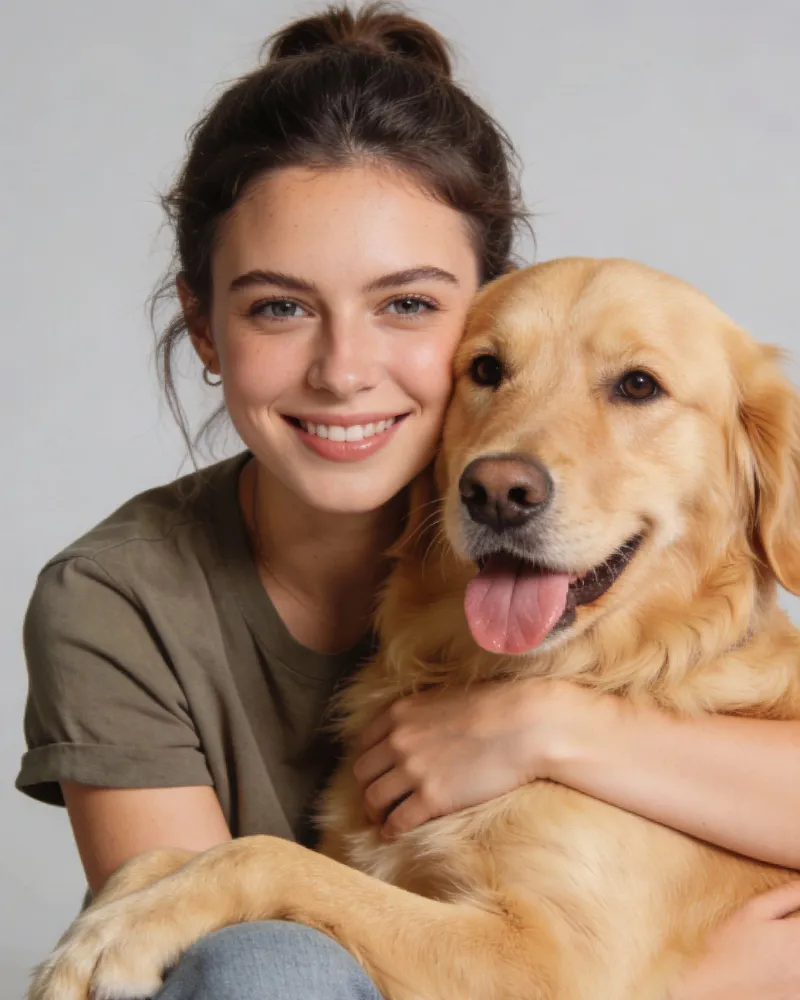
"My pet photos always had toys and furniture everywhere. Now I can put my dog against a clean park scene or solid color. The fur details stay crisp even when he’s moving. It’s simple to use on mobile too. Perfect for pet bloggers or anyone who wants nicer animal pictures without editing skills."
Lisa M. Background
Lisa M.Fashion Reseller
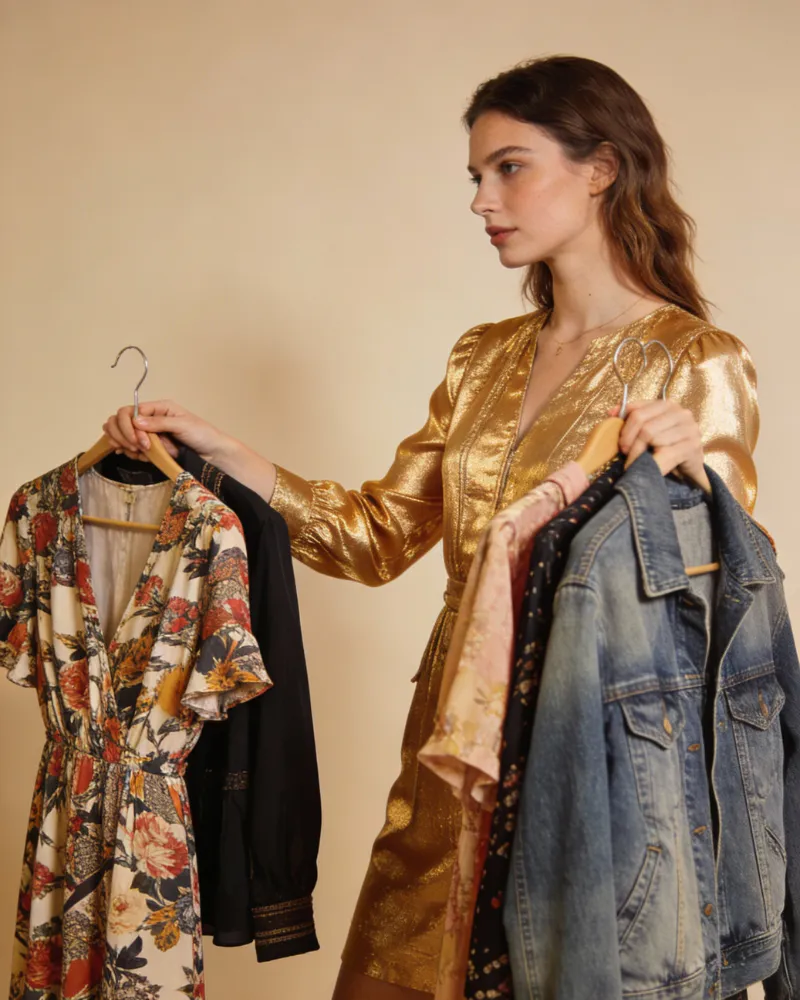
"Selling clothes on Etsy means I need lifestyle shots that show the outfits well. I describe “cozy living room with plants” and the AI background changer generates it while keeping fabric texture and colors accurate. No weird distortions or color shifts. Batch processing helps when I have many items. This has improved my shop’s conversion rate noticeably."
Alex C. Background
Alex C.Travel Enthusiast
"I just wanted to make old vacation photos look better by changing dull hotel rooms to tropical beaches. Typed the description, and the AI background changer created a sunset scene that fits the lighting on my face. The whole process is fast and free to try. Edges around people are handled well—no green glow or cut-off parts. Fun and useful for personal memories."

Frequently Asked Questions

Yes, you can use the AI background changer for free with no credit card needed. Upload your photo, change the background, and download HD results without watermarks in most cases. There may be a small daily limit on free high-res exports, but the core tool stays accessible at no cost.
The AI background changer handles fine details like hair, fur, and thin edges very well. It keeps outlines sharp and blends the new background naturally with correct lighting and shadows. Clear photos give the best results—most users get clean, realistic swaps right away.
No, no sign-up is required. Just upload your picture, pick or describe a background, and download. Everything works without creating an account for basic use.
The AI background changer works great on portraits, product shots, pets, fashion items, and selfies. Well-lit photos with good contrast give the cleanest edges and most natural results. Low-quality or blurry images may need a retry.
Yes, your privacy is protected. Uploaded photos are processed quickly and deleted from servers right after you finish. We never store them or use them for training.
Yes, choose solid colors, gradients, or type a description like “sunset beach” or “modern office.” The AI generates and blends it realistically to fit your subject.