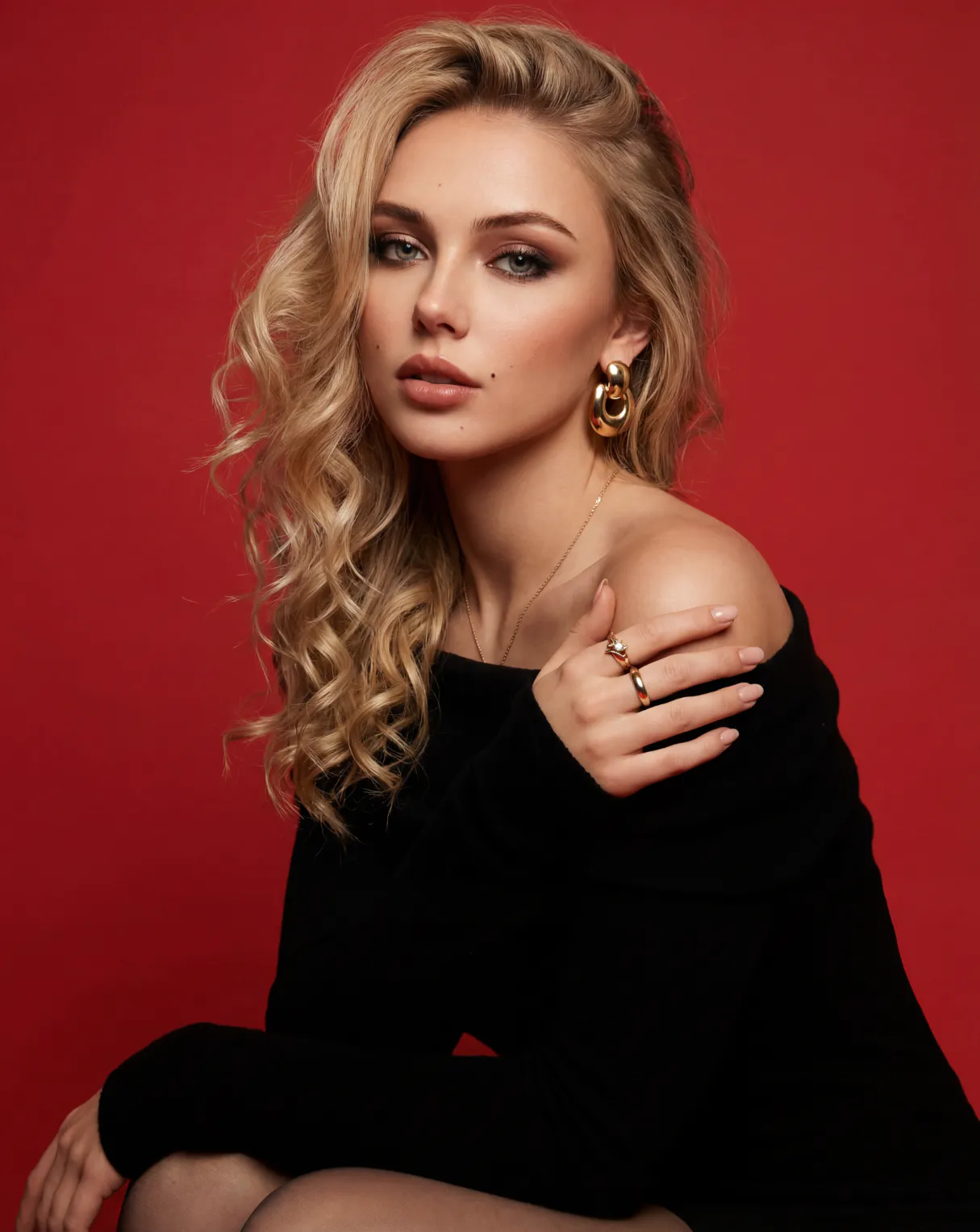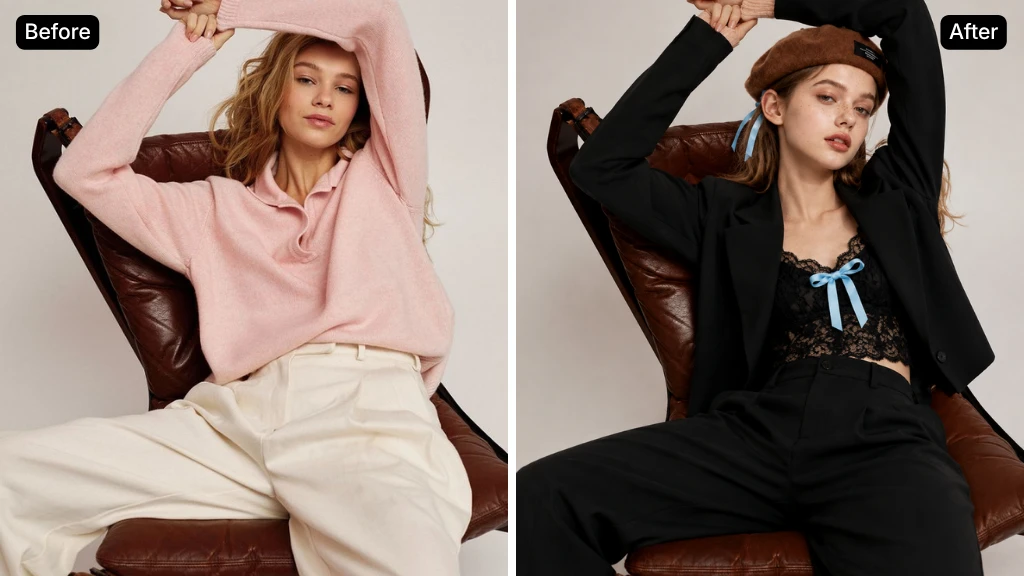








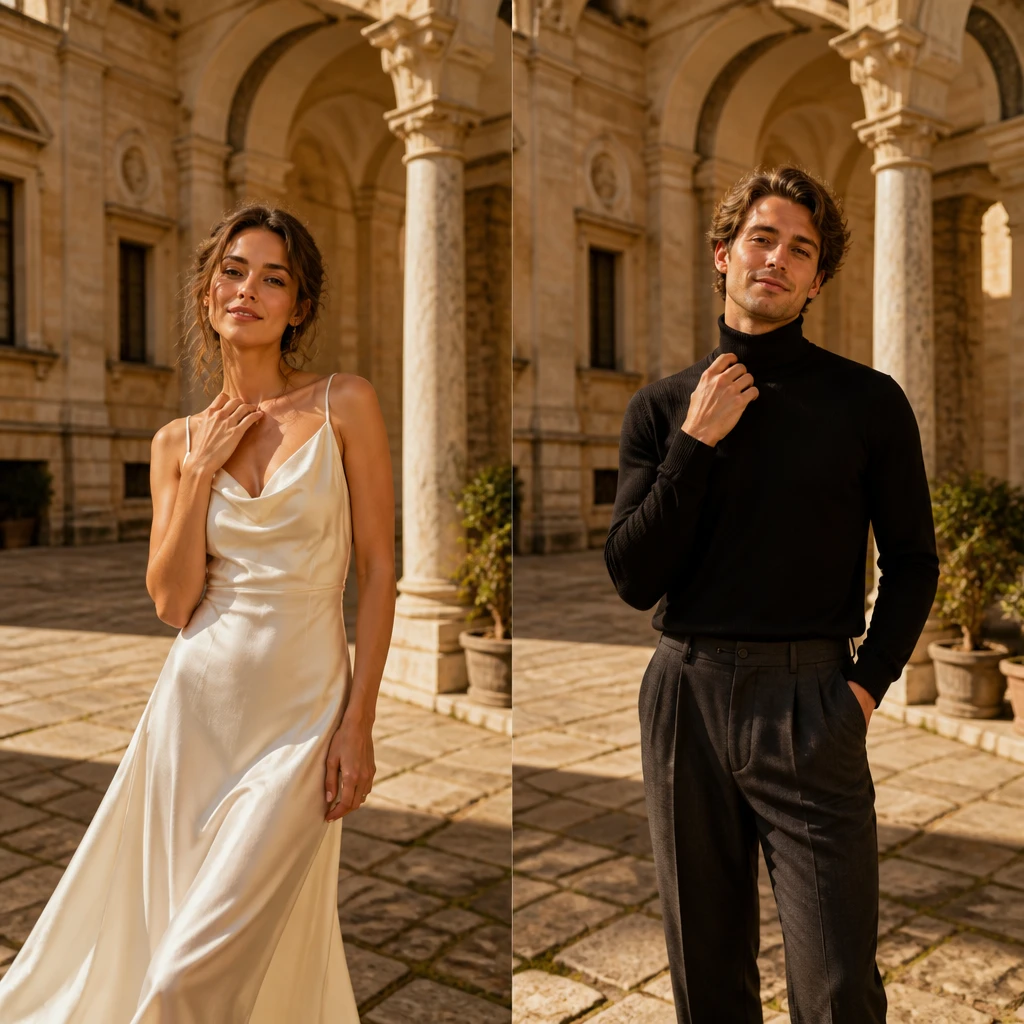
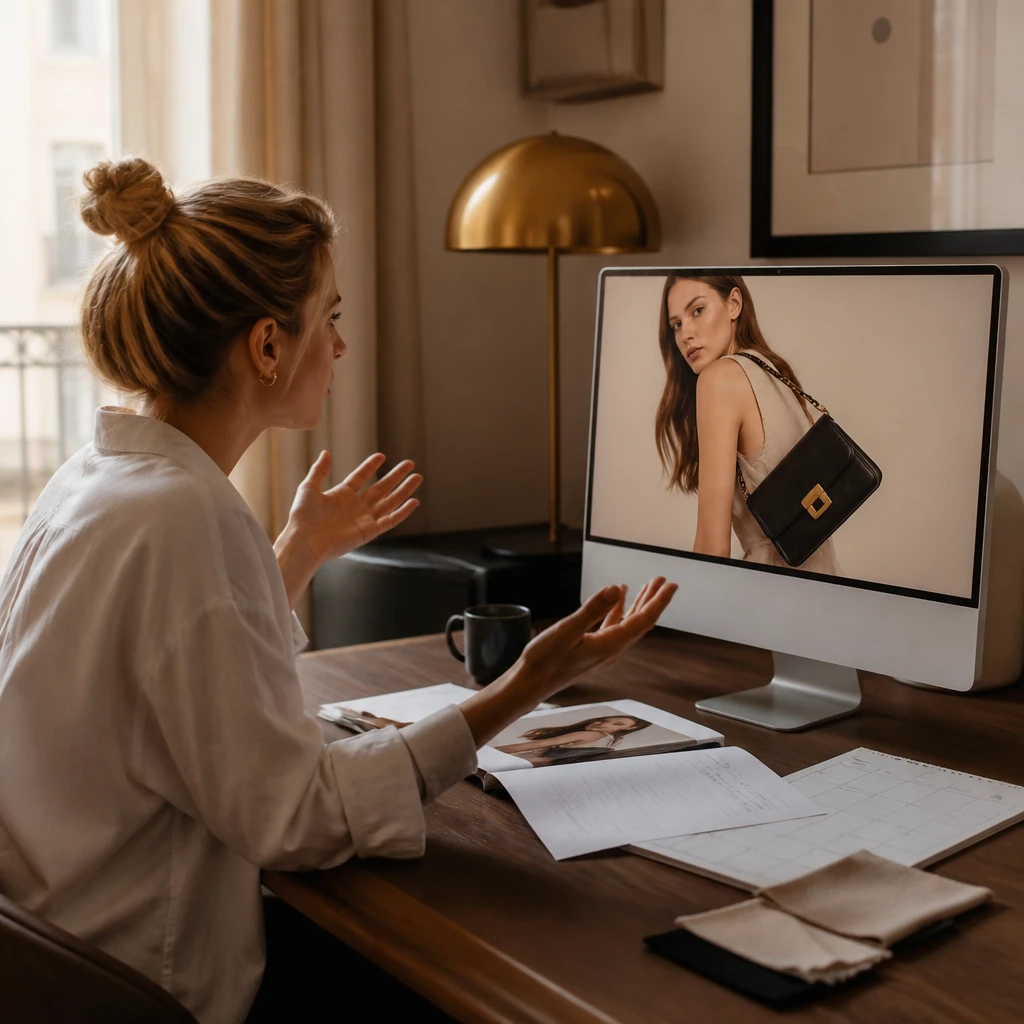
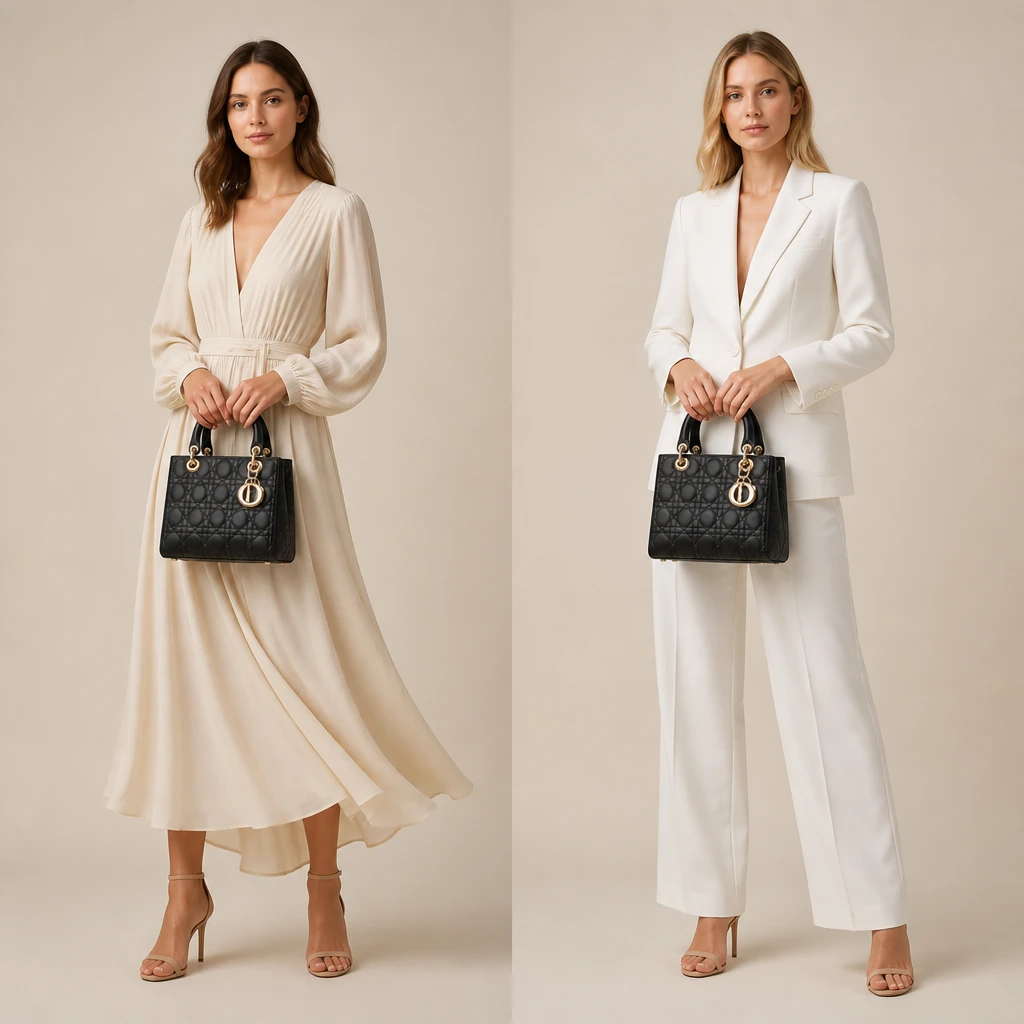
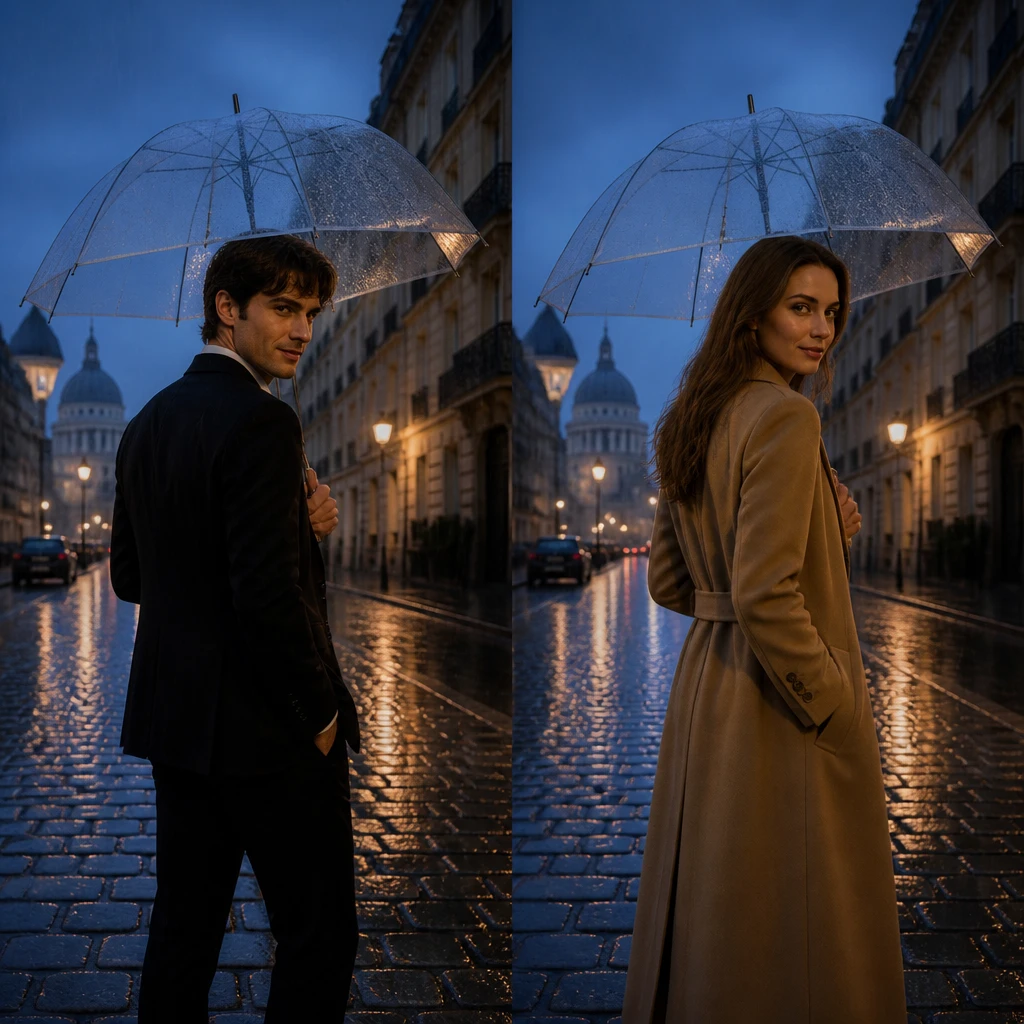
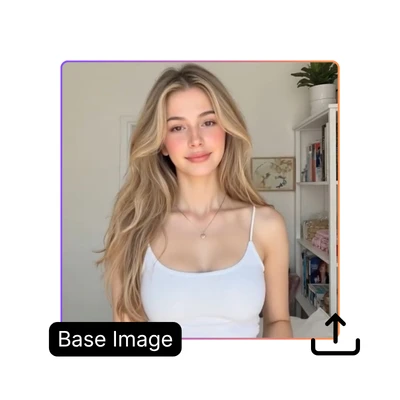
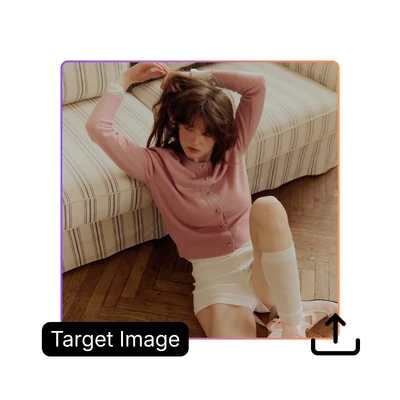
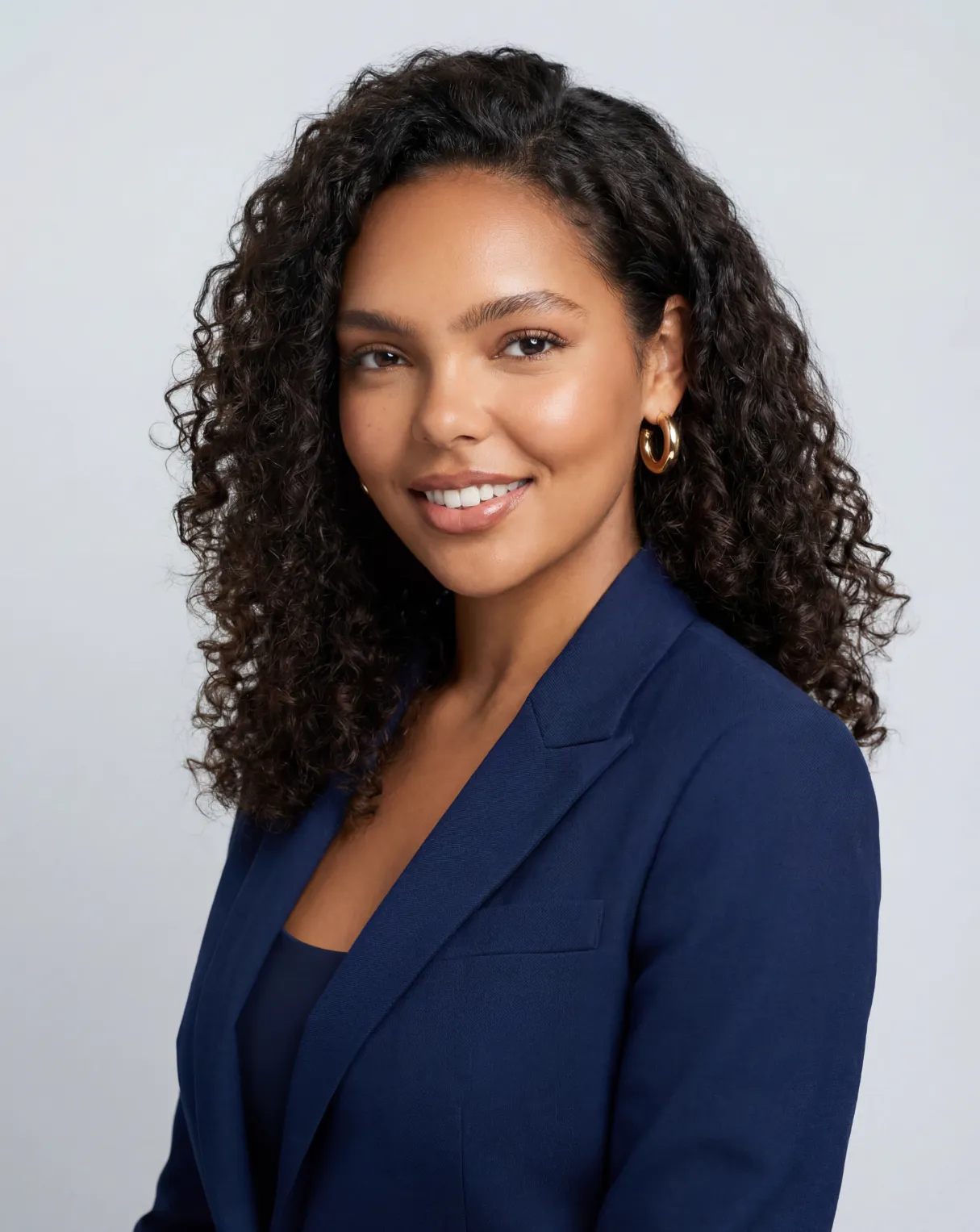
Base Image

Upload base image
Support jpg, jpeg, png, webp, up to 16MB

Target Character Image

Upload target character image
Support jpg, jpeg, png, webp, up to 16MB

Settings

AI Character Swap

Replace anyone in your photo with PhotoGPT's free Character Swap. Upload, pick a character, download instantly.

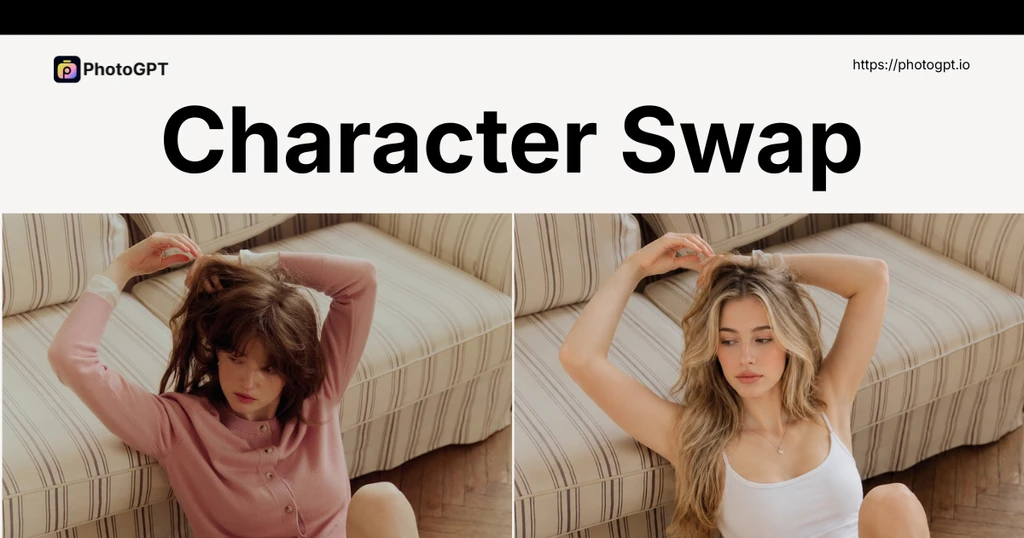
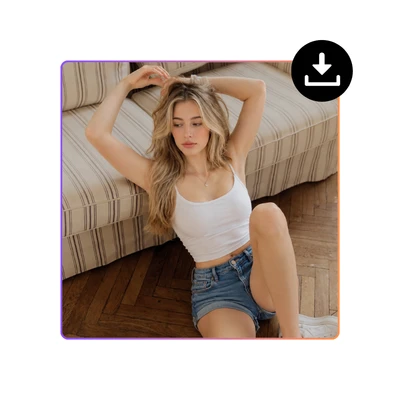
Character Swap sample

Trusted by 1M+ Businesses Worldwide

Explore all tools
Shopify
Etsy
Printful
Mercari
Society6
Uber Eats
Amazon
eBay
Walmart
Sephora

Character Swap With AI - Free Replace People in Photo Online

PhotoGPT's Character Swap lets e-commerce sellers swap models on product photos and creators drop characters into group shots — no reshoot, no sign-up.

Swap Character Now
Character Swap With AI - Free Replace People in Photo Online

What is Character Swap?

Character Swap lets you replace a person in one photo with someone from another image — while the background, lighting, and scene stay completely unchanged. It is built for scenarios where you need the pose and setting from one shot but the person from another: e-commerce sellers swap models on product photos without reshoots, content creators drop themselves or characters into group shots, and anyone can replace a subject in a scene photo with a different person. The AI matches lighting, angle, and perspective so the result looks photographed, not edited. For more tools, try AI Product Photography and AI Pose Generator.

What is Character Swap

Replacing a Person Shouldn't Cost Another Photoshoot

For e-commerce sellers, swapping a model on product photos means booking another shoot — photographer, studio, edits. For content creators adding a character to a photo, it is hours of masking in Photoshop. PhotoGPT's Character Swap handles both in seconds — upload your base and target images and download a natural result with the original lighting and background untouched.

Character Swap Pain Point

Natural Character Replacement

PhotoGPT's Character Swap replaces people in photos with stunning realism. The new character matches the original lighting, pose, and facial angle so the swap looks natural, not pasted-on. Backgrounds stay untouched, shadows align properly, and skin tones blend. Upload once, get a believable result every time.

Natural Character Replacement

Whole-Body Swap, Not Just a Face

PhotoGPT's Character Swap replaces the whole person — not just the face. While other tools swap facial features, PhotoGPT transforms the entire character including pose, clothing, and body type. Light, shadows, and perspective match the original scene. A seamless full-body replacement from head to toe.

Whole-Body Swap, Not Just a Face

Works on Any Photo Type

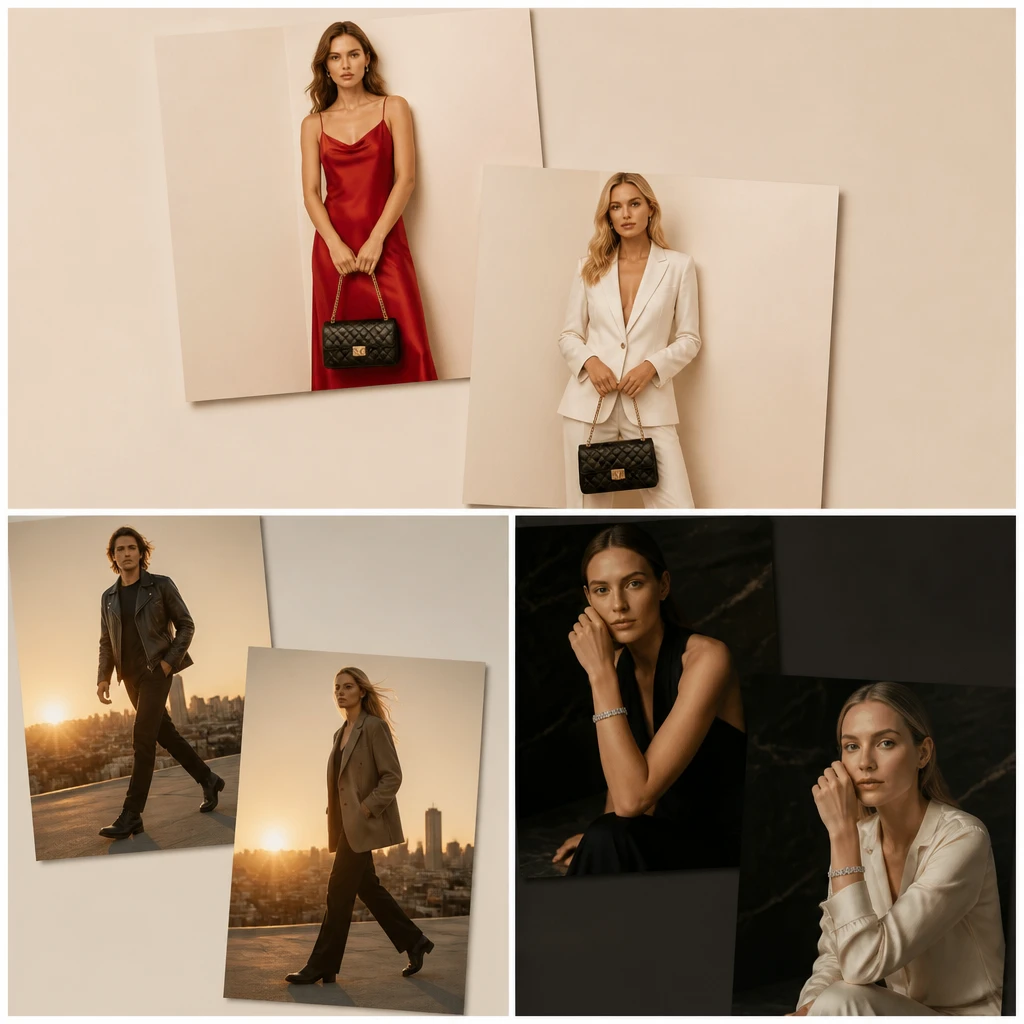
Character Swap handles more than just selfies. Replace a model in a product shot, swap a friend into a group photo, or change the protagonist in a scene image. The AI adapts to different angles, lighting conditions, and compositions. One tool covers portraits, group shots, product photography, and creative edits.

Works on Any Photo Type

How to Use Character Swap?

Need a different model on your product photos without a reshoot? Or want to swap yourself with a character in a group shot? PhotoGPT's Character Swap does it in three steps — no sign-up required.

Character Swap Step 1: Upload Your Base Image

Step 1: Upload Your Base Image

Upload your base image — the photo with the person or scene you want to change. This is the image whose background, lighting, and composition will stay the same.

Character Swap Step 2: Upload Your Target Image

Step 2: Upload Your Target Image

Upload your target image — the photo of the person you want to swap in. PhotoGPT's AI analyzes their face, pose, and features to match them naturally into the base image's lighting and angle.

Character Swap Step 3: Generate and Download

Step 3: Generate and Download

Click generate and download. PhotoGPT's Character Swap replaces the person in your base image with the one from your target image — background, lighting, and composition stay exactly the same.

Ready to Swap Characters in Your Photos?

Try PhotoGPT's free Character Swap tool now. Upload any photo and see the AI replace the person naturally — no sign-up, no cost.

Swap Character Now

What Users Say About PhotoGPT's Character Swap

David P. Background
David P.E-commerce Seller
"I needed to swap the model in my product photos for a different look and did not want to reshoot everything. PhotoGPT's Character Swap did it in seconds with a perfect lighting match that looked completely natural. The background stayed clean and untouched, and the new character looked like they were actually there when the photo was taken. This saved me hours of manual editing and the cost of another photoshoot."
Lisa M. Background
Lisa M.Content Creator
"I wanted to replace myself with a fantasy character in a group photo for a social media post. PhotoGPT made it look completely real — the same angle, same lighting, and no weird edges around the swap. I downloaded the result instantly without signing up or creating any account. The whole process took under a minute and the quality was better than paid tools I had tried before. Best free character swap tool I have found."
Elena R. Background
Elena R.Small Business Owner
"I run a small e-commerce store and needed to change the person wearing my clothes in product photos for a new seasonal campaign. PhotoGPT's Character Swap handled it perfectly — the replacement matched the fabric folds, shadows, and lighting so well that the images looked professionally shot. Completely free with no account hassle or hidden fees. Now I update my product images in minutes instead of booking another photoshoot."

FAQs About Character Swap

Character Swap lets you replace a person in your photo with someone from another image while keeping the background, lighting, and composition exactly as they were. On PhotoGPT, you just upload your base image, upload your target image, and the AI generates a natural-looking swap in seconds. There is no design skill or software installation required — anyone can do it.
PhotoGPT's Character Swap uses AI to analyze both your uploaded images — your base photo and your target reference. It detects the person in the base image, understands the pose, lighting, and background, then generates a replacement using the target image that matches those conditions perfectly. The result blends naturally into the original scene. You just upload both images — the AI handles all the technical work.
Yes, PhotoGPT's Character Swap is completely free to use. You do not need to create an account, enter payment information, or sign up for anything. Just upload your base image and target image, and download the result immediately. PhotoGPT processes your images securely and does not store them permanently, so your privacy is protected. There are no usage limits, no watermarks, and no hidden costs.
Currently, PhotoGPT's Character Swap works best when replacing one person at a time. For group photos with multiple people, you can upload the image multiple times and replace each person individually. PhotoGPT's AI maintains consistency across all swaps so the final group photo looks natural and cohesive. Each swap preserves the original background, lighting, and composition, so when you combine the results, everyone looks like they belong in the same scene.
Yes, the background stays completely unchanged. PhotoGPT's Character Swap only replaces the person in the photo. The original background, objects, lighting, and environment remain intact. The new character is generated to blend naturally with the existing scene, so the swap looks like the character was actually there when the photo was taken.
Character Swap works on portraits, group shots, product photos with models, and scene images. For best results, use clear, well-lit photos where the person is visible. PhotoGPT's AI handles different angles, lighting conditions, and compositions. Blurry or very dark photos may produce less accurate results.